YouTube Highlights to Shorts: The Automated Workflow That Saves Hours Per VOD
Updated
The Gap Between YouTube Long-Form and Shorts
A creator who publishes thirty-minute YouTube videos at two per week generates sixty minutes of content that contains material for fifteen to twenty Shorts. Most do not publish fifteen to twenty Shorts per week — because producing each Short from the long-form source requires re-watching, deciding on a clip, trimming, adding captions, reformatting to 9:16, and uploading separately to Shorts.
The gap exists not because the material is not there. It exists because the production step between YouTube highlight and published Short is too expensive in time and attention to close manually at scale.
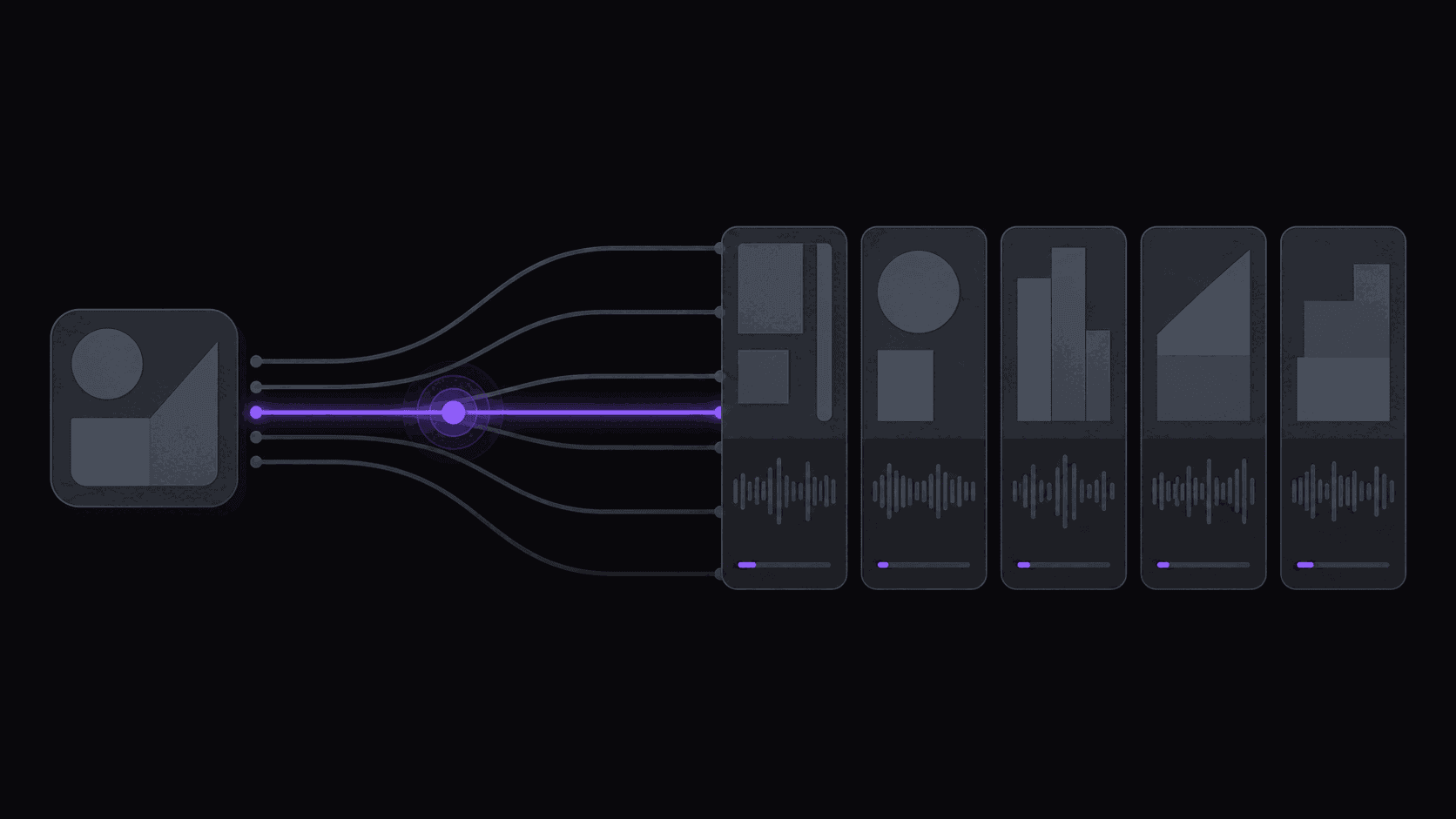
Automated workflows close this gap by handling every step between identifying a highlight and posting a Short without requiring manual production work. The creator's role compresses to: notice the clips arrived, scan them, approve the good ones. Everything else is handled by the pipeline.
Step One: How YouTube Highlights Are Identified
The first challenge in converting YouTube highlights to Shorts is finding the highlights in the first place. In a thirty-minute video, there might be one hundred and twenty potential thirty-second segments, and five to twelve of them are genuinely strong Shorts candidates.
AI moment scoring analyzes the full video to rank those segments. The signals it uses:
Semantic content analysis: Which thirty seconds contain a complete, self-contained idea — something that can be understood without seeing the surrounding twenty-nine minutes? An AI that only detects audio energy misses moments where the insight is delivered quietly but memorably. An AI that understands speech content finds these moments.
Hook quality at the first three seconds: The opening of a Short determines whether a viewer swipes or stays. Segments that start with a strong hook — an intriguing claim, a visual demonstration, an unresolved question — rank higher than segments that start mid-explanation.
Visual composition: For face-cam content, the speaker should be visible, well-lit, and in a clean composition throughout the clip. Segments with camera adjustments, poor lighting, or partial face visibility score lower.
The output of this step is a ranked list of clip candidates with timestamps. This replaces the re-watch step that normally takes the majority of production time.
Step Two: Converting 16:9 YouTube Footage to 9:16 Shorts
YouTube's standard aspect ratio is 16:9 horizontal. Shorts require 9:16 vertical. This conversion is not just a crop — a naive center crop of a 16:9 frame loses the speaker's face whenever they move off-center, which happens constantly in natural on-camera delivery.
Good reframing tracks the active speaker through the clip, dynamically adjusting the crop rectangle to keep the speaker's face in the vertical frame as they move. This requires a different process than static cropping — the frame position updates as the speaker moves, maintaining composition throughout the clip duration.
The reframed output should have the speaker's face approximately in the upper half of the 9:16 frame, with space below for captions in the mobile safe zone (above the comment interface). Tools that apply a fixed crop regardless of speaker position produce clips where speakers frequently exit the frame — which creates a jarring viewing experience that drives up swipe rates.
Step Three: Captions Built for Shorts
Captions on YouTube Shorts are not optional — they are a primary engagement mechanism. A significant portion of Shorts viewers watch on silent autoplay, particularly in social contexts. Clips without captions lose this audience entirely.
Caption requirements for Shorts differ from those for long-form YouTube:
Size: Large enough to read at the distance a phone is held at arm's length. Short captions formatted for desktop viewing are too small for Shorts.
Timing: Word-level synchronization so text appears in sync with the spoken words. Sentence-level captions — a full sentence appearing at once — feel slower than native Shorts captioning patterns.
Positioning: Within the safe zone, above the comment and share interface. Captions that overlap the interaction elements are partially hidden and feel unprofessional.
Style: Varied styling (highlighted words, alternating colors) increases engagement on Shorts over plain white text, though this should not sacrifice readability for style.
Automated caption generation handles word-level timing and safe-zone positioning. Manual caption work on each clip adds fifteen to twenty minutes per clip to the workflow — eliminating most of the time savings from automated moment selection.
Step Four: From Approved Short to Posted Short
The final step is distribution — getting approved Shorts from the production pipeline to the YouTube Shorts interface, posted with appropriate metadata.
Manual distribution for each Short: download the file, navigate to YouTube Studio, upload, add title and description, confirm the Shorts format is detected, set visibility, publish or schedule. For ten Shorts from one video, this is forty to sixty minutes.
Automated distribution: the clip is in the posting queue. You approve it. It posts on schedule. You check the analytics the next day.
The automation here requires a connected YouTube account with posting permissions. The connection is set up once; from then on, clips in the queue post automatically on the configured schedule — at the hours and cadence you set.
One consideration for Shorts specifically: YouTube auto-detects videos under 60 seconds as Shorts when uploaded through the API if the aspect ratio is 9:16. Ensure your automated pipeline is outputting correctly formatted vertical clips — some tools produce 9:16 files that are slightly off the correct resolution (1080×1920) and this can prevent Shorts detection.
What This Looks Like in Practice
You publish a new YouTube video at 6pm on a Wednesday. By 7pm, the automated workflow has processed it and your approval queue shows ten clip candidates. On Thursday morning, you spend eight minutes reviewing the candidates — approving seven, discarding three. By Thursday afternoon, the first two approved Shorts have posted. The remaining five post over the next three days according to your posting schedule.
Total time investment on the creator's side: eight minutes of approval time. The production, formatting, captioning, and scheduling steps were fully automated.
The same week your channel publishes three videos (say, two regular uploads and one community post). Without automation: roughly six hours of production work to maintain daily Shorts output. With automation: roughly twenty-five minutes of approval time across three review sessions.
At scale — five to ten source channels, not just your own — the math compounds. Monitoring other creators' channels for content that overlaps your niche adds a supply source that does not depend on your own publishing cadence.
Frequently Asked Questions
Processing time — from video upload to clips appearing in the approval queue — is typically 30 to 90 minutes for a standard 30-to-60-minute YouTube video. Longer videos take proportionally more time. The human time investment after processing is 30 seconds to two minutes per clip in the approval queue, depending on how carefully you review each candidate.
YouTube treats Shorts by their content and engagement signals, not by how they were produced. A Short created by automated conversion from a long-form video gets the same distribution treatment as one edited manually, as long as it meets the format requirements: 9:16 aspect ratio, 60 seconds or under, and the short is detected through the YouTube API. There is no algorithmic penalty for automated production.
From a single YouTube channel publishing two to three long-form videos per week, automated moment selection typically produces eight to twenty publishable Shorts per week, before any approval filtering. After review, most creators publish six to twelve per week per platform — which is roughly two per day, a cadence well within platform comfort zones for Shorts distribution.
AutoClip supports monitoring YouTube channels you do not own, for the purpose of creating clips to post on your own short-form accounts. This is the standard clipping model — finding content from channels you follow and repurposing highlights with appropriate attribution. You own and post to your own accounts; the source channel provides the long-form material.
Two-speaker content is handled differently by different tools. AutoClip uses dynamic speaker tracking that follows the active speaker — whoever is speaking at a given moment gets reframed into the center of the 9:16 frame. For formats where both speakers are always visible (split-screen podcast style), the system selects the crop that includes both faces at a readable size, adjusting as speakers become more or less active.
Related Articles
See also
Convert Your YouTube Library Into a Shorts Backlog Automatically
AutoClip monitors your YouTube channel, extracts the best moments, reframes to 9:16, generates captions, and queues clips for Shorts — all automatically, with you spending minutes reviewing, not hours producing.
Get started for free