What Is an AI Clip Maker? A Straight Answer
Updated
Short answer: what an AI clip maker is
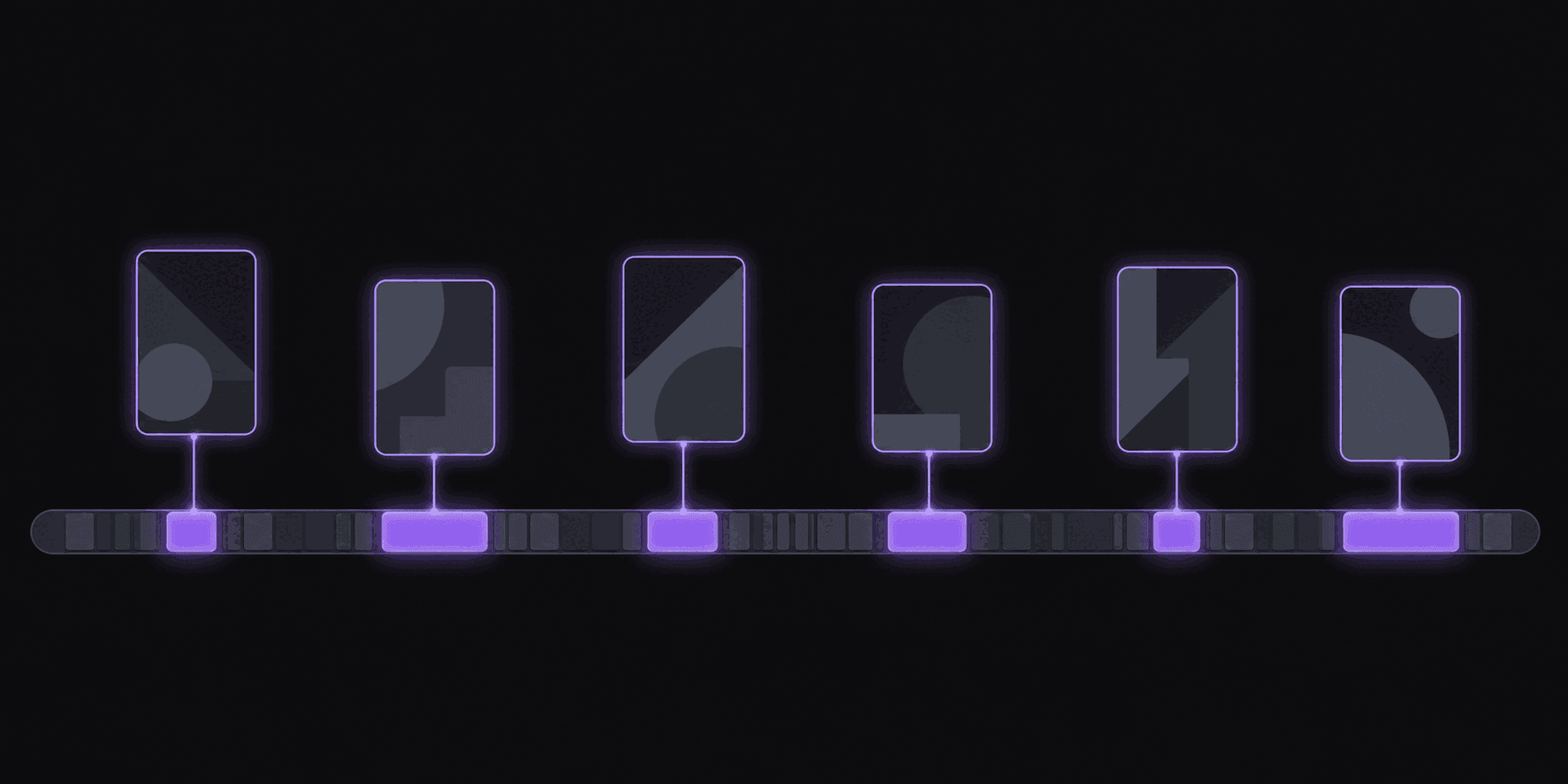
An AI clip maker is software that reads a long video's transcript, picks moments that stand alone, and renders them as captioned vertical clips — usually posting them for you as well.
It is not an editor with a robot attached. The difference shows up at volume: an editor makes your tenth clip cost the same as your first, while a clip maker makes it cost almost nothing extra. The trade is that you accept selections you would not have made and correct them afterwards.
Key takeaways
How the options compare
| Dimension | AI clip maker | Video editor |
|---|---|---|
| Chooses the moments | Yes, from the transcript | No, you do |
| Cost of the tenth clip | Near zero | Same as the first |
| Handles purely visual beats | Poorly | Well |
| Vertical reframe and captions | Automatic | Manual |
| Publishing | Built in on some tools | A separate step |
The Cost Of Your Tenth Clip
Cutting one clip by hand runs about 35 minutes. Twenty to find the moment inside a two-hour recording, ten to trim and reframe it, five to caption, plus whatever it takes to get the file onto every platform. Ten clips is most of a working day, and tomorrow the recording is different but the day is identical.
An AI clip maker collapses that. It takes long video — a podcast, a stream, a webinar, an interview — decides which parts hold up on their own, and hands back short vertical clips with captions, ready to post.
The number worth watching is what your tenth clip costs. By hand it costs the same as the first, forever. With a clip maker it costs a few seconds of judgment in an approval queue, which is why the ceiling on your output stops being your calendar and starts being how much source material you have.
Be precise about the claim, though. A machine does not cut better than you; on any single clip it usually cuts worse. What it does is cut at a volume you cannot reach and at a speed that keeps you early, so your hours go into judgment and titles rather than scrubbing a timeline.
How It Differs From An Editor
CapCut, Premiere, and DaVinci Resolve are editors. They do exactly what you tell them, extremely well, and nothing you have not told them.
An AI clip maker makes decisions on your behalf. It picks which forty seconds out of two hours are worth anyone's attention, chooses where the cut lands, keeps the speaker in frame as the shot moves, and writes the captions. You review the result rather than construct it.
The practical consequence is how each one scales — what a clip pipeline buys you. Editing time grows in direct proportion to how much source material you have — a fifth source channel means a fifth more work, forever. Automated clipping barely notices. A fifth channel adds items to a review queue, not hours to your day.
The tradeoff is control. If you want a specific joke cut on a specific frame with a specific transition, an editor is the right tool and always will be. Most clip channels do not need that level of control on most clips. They need volume with a quality floor, and then hand-finishing on the two or three per batch that look like they could travel.
Where It Is Wrong, And What That Costs You
No clip maker gets every call right, and anyone claiming otherwise is selling something.
The misses are predictable. A moment that needs context from twenty minutes earlier gets cut anyway and lands confusingly. A cut runs a beat past the punchline. Occasionally something genuinely good gets skipped because the interesting part was visual and quiet.
What this costs you is a review pass, not a disaster — you see the miss in the queue, reject it, and move on. The failure mode to actually avoid is publishing everything unreviewed, because a feed of mediocre clips teaches both your audience and the platform to expect mediocre clips.
It is also worth being honest about the comparison. A skilled human reviewing a three-hour VOD picks better moments than any automated system. They also take two hours to do it, once, and cannot do it for five streams the same night. The argument for automation is throughput and speed, not taste. Judge tools on how much of the output you can post without touching it — run a real source video through and count.
What To Check Before You Pay
In rough order of how much each one will affect you.
Does it cover your sources? YouTube, Twitch, and Kick are all different problems. If your channel runs on Kick VODs and the tool only takes YouTube links, nothing else on the list matters.
Does it watch channels, or wait for uploads? Pasting a URL for every video is a hard ceiling on scale and on speed. Automatic monitoring of public channels is what separates tools built for ongoing operations from tools built for occasional use.
Does the framing hold up on your content? Test it on a real video. Gaming layouts, moving speakers, and multi-guest podcasts each break naive cropping in different ways.
Does it post? The end-to-end walkthrough shows what that removes. If you still upload manually to four platforms, you automated the fun part and kept the tedious one.
What does the plan actually allow? Credits, monitored channels, connected accounts, clips per video, and maximum source length. A 3-day Pro trial gives you 100 credits and two social accounts to test with, unwatermarked. Starter is $19.99/month, Pro $39.99, Scale $79.99, with annual pricing bringing those to $12.49, $24.99, and $49.99 effective. The limit that bites first is usually source length or monitored channels, not credits.
Frequently Asked Questions
No, they solve opposite problems. An editor executes decisions you have already made. A clip maker makes the first round of decisions — which moments, where to cut, how to frame — and hands you the result to approve. Most operations end up using both.
By judging whether a segment works for someone who did not watch the rest: does it grab attention immediately, does it pay that off, and does it make sense without surrounding context. Moments that fail that test are the ones you will be rejecting in your queue.
Yes, and you should want to. Review is where you catch the misses, rewrite the title on anything with breakout potential, and keep your quality floor where you want it. It is seconds per clip once you know your audience.
Approved clips can post automatically to 9 short-form destinations on a schedule you set, with your own spacing and active hours. Reddit, Snapchat, and Twitch are not supported as destinations.
Those create a linked excerpt that lives inside the platform and points back at the original. A clip maker produces an independent vertical video file with its own captions and framing that you publish to your own accounts.
A 3-day Pro trial with 100 credits — about 100 minutes of source video — and two connected social accounts, with clean, unwatermarked exports, enough to see whether the output quality is good enough for your channel. After the trial, plans with scheduling and channel monitoring start at $19.99/month.
Related Articles
See also
Try it on something you already made
Run one real video through and count how many clips you would post untouched. That number tells you more than any comparison table.
Get started for free