How AI Clip Generators Work (In Plain English)
Updated
Short answer: how do AI clip generators work?
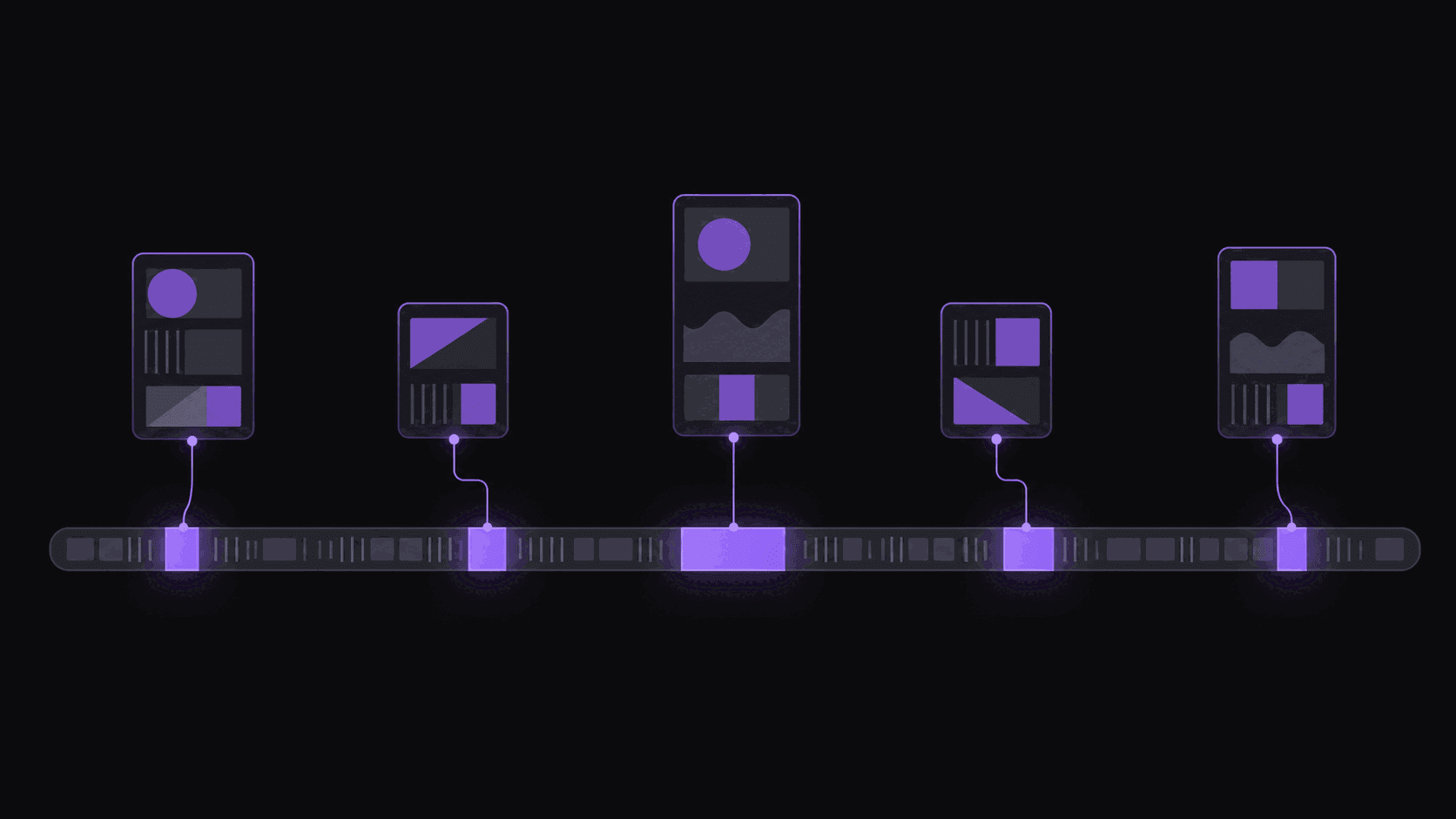
An AI clip generator transcribes the source video, reads the transcript and audio for self-contained moments with a clear beginning and payoff, cuts those segments, reframes them to 9:16 by tracking the speaker, and burns in word-synced captions. The clips come back ranked so the strongest are surfaced first.
What it is genuinely good at is finding moments that stand alone. What it cannot do is judge your specific audience, or recognise a payoff that only lands because of something said ten minutes earlier. That is why every workflow still ends with a human rejecting clips.
Key takeaways
The four stages, and what goes wrong in each
Knowing which stage failed tells you whether a bad clip is fixable in the editor or should just be rejected.
| Stage | What it does | Typical failure | Fixable after export? |
|---|---|---|---|
| Transcription | Turns speech into timed text | Crosstalk, music, heavy accents garble words | Yes, edit caption text |
| Moment selection | Picks self-contained segments | Misses payoffs that need earlier setup | No, reject the clip |
| Reframe | Crops to 9:16 tracking the speaker | Loses a second speaker or a facecam | Sometimes, with a different layout |
| Captions | Burns in word-synced text | Wrong words carried from a bad transcript | Yes, in the web editor |
The pattern is that text problems are cheap to fix and selection problems are not. If a clip was chosen badly, no amount of editing rescues it.
The job you are handing over
Scrubbing a two-hour podcast for the good parts takes most people ninety minutes to two hours. You skim, you back up, you mark eight timestamps, you second-guess three of them, and then you still have to cut, reframe, and caption each one.
An AI clip generator takes that whole loop. You give it a link; it gives you back finished vertical clips, usually around nine from a typical video, each one already framed for a phone and captioned.
What people usually want explained is the middle part: on what basis did it decide that ninety seconds mattered? That is a fair question, and you can answer it without a computer science lecture. Here is what a clip generator is actually judging, and - more usefully - where its judgment is weak.
What it is actually looking for
Three things, roughly, and they map onto what a good human editors looks for too.
A complete thought. The single biggest difference between a clip that works and one that dies is whether it starts and ends somewhere sensible. A clip that opens mid-sentence loses people in the first second. So the first job is finding boundaries - a question being asked, a story starting, a point landing - rather than slicing at fixed intervals.
A reason to keep watching. Some moments carry tension: a disagreement, a confession, a number that sounds wrong, a setup that promises a payoff. Others are just competent talking. The scoring side of a clip generator is trying to separate the two, which is why the same tool will pull three clips out of a dull hour and twelve out of a good one. AutoClip shows this as a virality score with a transparent five-criterion breakdown, so you can see why a clip ranked where it did instead of trusting a number. There is a fuller walkthrough in what is a clip score.
Signals from the room. Laughter, a sudden change in volume or pace, a reaction shot, a stretch where everyone talks over each other. These are unreliable on their own - people laugh at nothing - but combined with the transcript they are a decent proxy for "something happened here." How AI detects viral moments goes deeper on this.
Picking is only a third of the work
A perfect selection presented badly still fails.
The clip has to survive being cropped from a wide 16:9 frame down to a 9:16 phone screen without decapitating anyone. That means the crop has to follow whoever is talking rather than sitting still in the middle of the frame - and in a two-person podcast it has to move when the conversation moves. For gaming footage, the useful answer is usually a split layout with the facecam stacked above the gameplay rather than choosing between them. The reframe glossary entry covers the vocabulary.
Then captions. Most people watch muted, so captions are not an accessibility nicety, they are the audio. Word-synced captions that highlight each word as it is spoken hold attention measurably better than a static block of text that changes every few seconds.
And the cut points matter more than they sound. On a multi-speaker podcast, a cut that lands on a speaker change reads as intentional editing. A cut that lands mid-sentence reads as a mistake, and viewers bounce.
Where it still gets it wrong
Anyone telling you automatic clipping is a solved problem is selling something.
It over-values loud. Volume spikes and laughter are easy signals, so tools lean on them, which means you will occasionally get a clip of genuinely nothing where four people happened to laugh at once.
It under-values slow builds. The best three minutes of an interview is sometimes a quiet answer with no reaction at all. Machines are bad at that, humans are good at it, and this is exactly why you should skim the ranked list rather than auto-posting the top three.
Dense, technical, or heavily accented source audio degrades everything downstream - if the words come out wrong, the picks and the captions come out wrong with them.
And it has no idea what your channel is about. It optimizes for a generic viewer, not your niche. A tool cannot know your audience only cares about the finance segments.
The workable posture: let it do the ninety minutes of scrubbing, then spend ten minutes as an editor rejecting the two clips that miss. That is still a 6x time saving, which is the actual pitch. AI clipping vs manual clipping has the side-by-side.
What you should expect to get back
For a typical one-hour video: around nine clips, each vertical, captioned, ranked, and ready to review, in around 5 minutes. A five-hour stream takes proportionally longer - the work scales with the source.
Of those nine, expect three or four you would post without touching, three you would trim, and one or two that missed. That ratio moves with the source material more than with the tool; a well-structured interview yields far better than an unstructured hangout stream.
You can see the whole flow on how it works, or read what is an AI clip maker for the category overview.
Frequently Asked Questions
No, and treat any tool claiming otherwise with suspicion. What it can do is rank moments by the traits that correlate with performance - a clean opening, a complete thought, tension, a payoff - so the good candidates rise to the top of the list. That is a meaningful head start over scrubbing blind, but the platform, the timing, your audience, and the thumbnail all decide the actual outcome.
Well enough to be useful, worse than on a clean studio podcast. Overlapping voices, game audio, and slang or in-jokes all reduce accuracy, so expect to fix a few captions on gaming sources. It is worth checking the caption pass before posting rather than trusting it blind.
Any public video, yes. Private, members-only, and region-blocked videos are not accessible. Source length is capped by plan - up to 2 hours on Starter, 5 hours on Pro, and 10 hours on Scale - which mainly matters if you are clipping long streams.
About five minutes from link to finished clips. Longer sources take proportionally longer, so a four-hour stream is a coffee break, not a few minutes. You do not have to watch it happen - the clips are there when you come back.
Time and consistency, not ceiling. A skilled human editor working slowly will beat automatic output on the best single clip. But they will not produce nine reviewed clips per video, five days a week, without burning out. Most working clippers use automation for the first pass and their own judgment for the final call.
Usually a little. Trimming a second off the front, swapping a caption word the tool misheard, or reordering which clip goes out first. AutoClip includes a timeline editor for exactly that, so the fixes take a minute rather than a rebuild.
Related Articles
See also
See what it pulls from your source
Paste a link and get around 9 ranked, captioned, vertical clips back in about 5 minutes - then keep the ones you agree with.
Get started for free