AI Clip Extraction, Explained Without the Hype
Updated
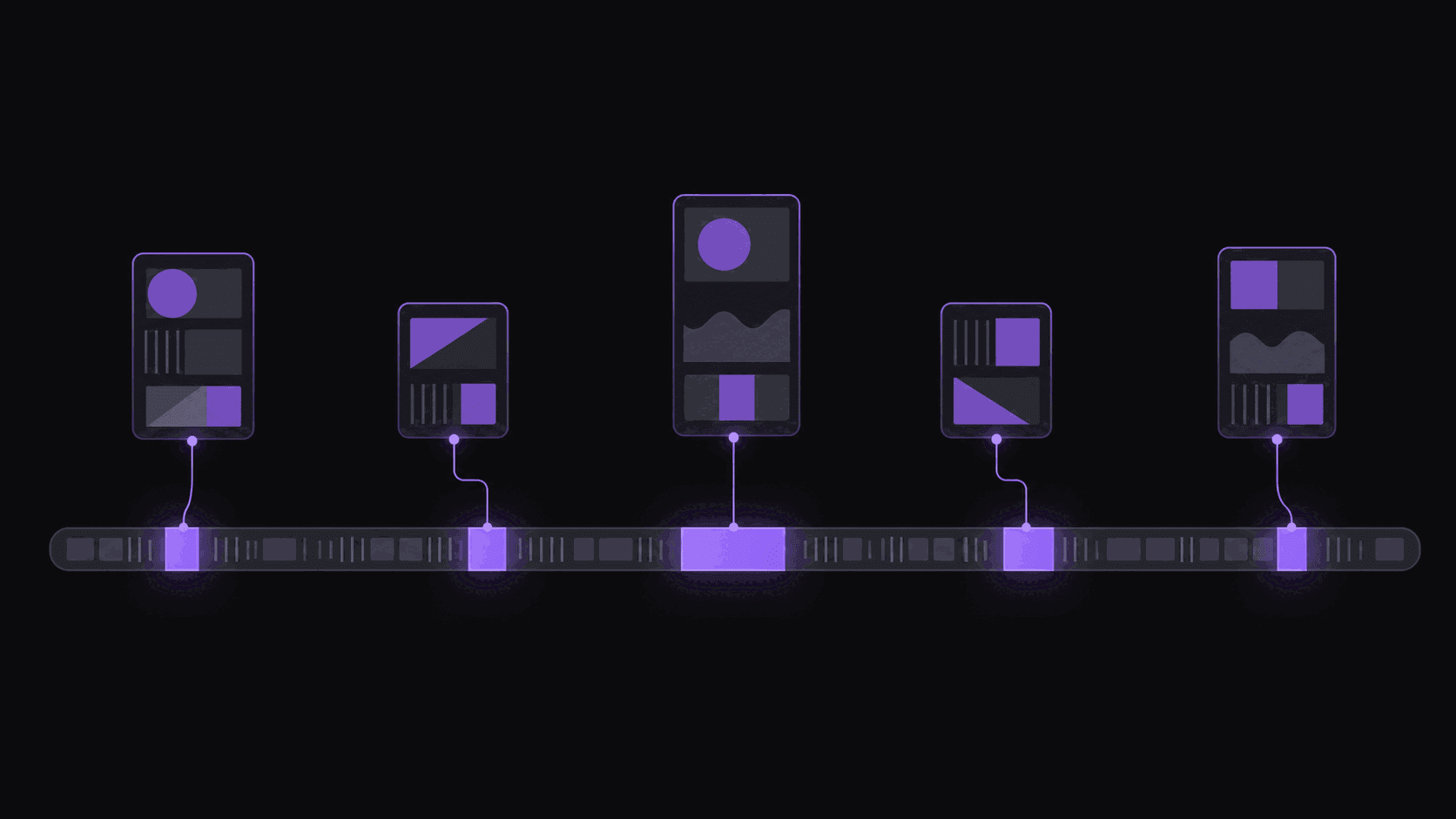
The gap between a link and a postable clip
You paste a 90-minute podcast URL. About five minutes later you have roughly 9 vertical clips with captions burned in, each one scored, ready to post.
A lot happens in that gap, and most explanations of it are either marketing copy or a diagram nobody needed. Here is the useful version: what gets decided, in what order, and which of those decisions you should second-guess.
Four decisions that produce a clip
1. What was said. The whole source gets transcribed with word-level timing. That timing is what everything downstream depends on — cut points, caption sync, translation. If the timing is loose, every clip inherits the problem, which is why noisy audio degrades output more than bad video ever does.
2. Which spans are worth cutting. This is the judgment call. Candidate moments come from a mix of what is being said, how it is being said, and where the moment sits in the surrounding conversation. A self-contained story that starts and ends cleanly beats a more interesting point buried inside a tangent, because the first one can actually become a clip.
3. Where to start and stop. A moment is not a clip. The cut has to include enough setup that a stranger understands it, and it has to end on a beat rather than trailing into "anyway, so —". On multi-speaker sources, landing cuts on speaker changes rather than mid-sentence is what makes an 18-second exchange feel complete.
4. How it looks in 9:16. A landscape frame loses most of its width going vertical. Reframing keeps the person who is talking centered as the shot changes, rather than locking a static crop on the middle of the frame and cutting off half the face when someone leans. Gaming and reaction sources can use split layouts that keep facecam and gameplay both visible. Reframing landscape to portrait covers when each layout wins.
Then captions get burned in word-by-word, and each clip gets a score with a five-criterion breakdown so you can see why it ranked where it did.
What it does well, and where you still matter
Reliably good: finding the twenty candidate moments in a two-hour source that deserve attention. Keeping the speaker framed. Caption sync. Not cutting mid-word. Handling multi-speaker conversation without producing clips that start in the middle of somebody's sentence.
Genuinely mediocre: ranking the top three among good candidates. Sarcasm with no vocal tell. Sustained tension with no peak. Anything requiring knowledge of a running joke, a previous episode, or who the audience already cares about.
Not attempted: deciding what belongs on your channel. A clip can be technically excellent and completely wrong for your audience.
The practical split is that extraction removes the four hours of scrubbing and gives you a shortlist. You spend twenty minutes on judgment instead of an afternoon on labour. That is a real change in what one person can run — AI clipping versus manual editing, timed puts numbers on it — but it is not the same as the tool having taste.
Where people get burned is posting the full output unreviewed. Around 9 clips per video, posted blind, means your channel's average quality is the tool's average quality. Post the four you actually believe in and your channel's average is your taste.
What it costs to run
Pricing is per source minute: 1 credit = 1 minute of source video. A 90-minute podcast costs 90 credits. That is worth internalising, because it changes which sources are worth submitting.
- Starter, $19.99/mo — 200 credits, one monitored channel, watermark-free exports, sources up to 2 hours.
- Pro, $39.99/mo — 500 credits, three monitored channels, plus B-roll, background music, spoken hooks, caption translation in 31 languages and dubbing in 25 of them, and multi-aspect export. Sources up to 5 hours.
- Scale, $79.99/mo — 1200 credits, ten monitored channels, 4K export, priority processing, and 15 clips per video. Sources up to 10 hours.
Live streams are the exception to the per-minute math. On Twitch and Kick only the top highlight segments bill, so a four-hour stream typically costs 35-90 credits rather than 240. If your sources are mostly streams, credits go a lot further than the headline numbers suggest.
A 3-day Pro trial with 100 credits lets you see the output quality on your own source, exported clean, before paying. Full breakdown on the pricing page, and how it works has the short visual version.
Getting a usable first run
Three things decide whether your first submission is impressive or disappointing:
Source audio. Clean, separated audio produces clean cut points. A recording where two people share one bad mic will produce clips that feel slightly off, and no amount of scoring fixes that.
Source length versus density. A 20-minute interview with six real moments beats a three-hour stream with the same six, because you burn 20 credits instead of 180 for the same yield. Dense sources are cheap sources.
Format. Unscripted conversation is the strong case. Heavily scripted narration is the weak one, because the interesting parts are evenly distributed and there are no peaks to find.
Start with one source you know well — one where you can already name the two best moments. Run it, and check whether both of them are in the output. If they are, you can trust the shortlist on sources you have not watched. If they are not, look at whether the audio or the format is the problem before you conclude the picks are bad. The step-by-step version lives in how to use auto clip extraction.
Frequently Asked Questions
Around 9 from a typical video, though it varies with length and how much usable material is actually in there. A dense 30-minute interview can produce more good clips than a rambling two-hour stream. Per-video caps are 6 on Starter, 12 on Pro, and 15 on Scale.
About five minutes for a typical video. Longer sources take proportionally longer — a five-hour stream is not going to finish in fifteen minutes. You do not have to sit and watch it; clips land in your dashboard when they are done.
Yes. Every clip opens in a timeline editor where you can shift start and end points, fix caption text, change caption styling, and adjust the framing. Most clips need nothing; the ones worth posting usually benefit from a two-second trim at the front.
Yes, and on Pro and above you can translate captions into 31 languages or generate AI dubbing in 25 of them, which is the cheapest way to double the reach of a clip you already know performs.
Heavily scripted narration with even pacing, music-led content with little speech, and anything with poor or heavily overlapped audio. If a human editor would struggle to find a self-contained 30-second moment in it, extraction will too.
No. You can monitor public YouTube, Twitch, and Kick channels so new uploads and stream VODs get clipped automatically — one channel on Starter, three on Pro, ten on Scale.
Related Articles
See also
Run one video and judge the output yourself
Paste a link, get back around 9 scored vertical clips with captions in around 5 minutes. A 3-day Pro trial is there if you want to check quality first.
Get started for free