TikTok Has No Auto-Clip Feature. Here's What People Mean.
Updated
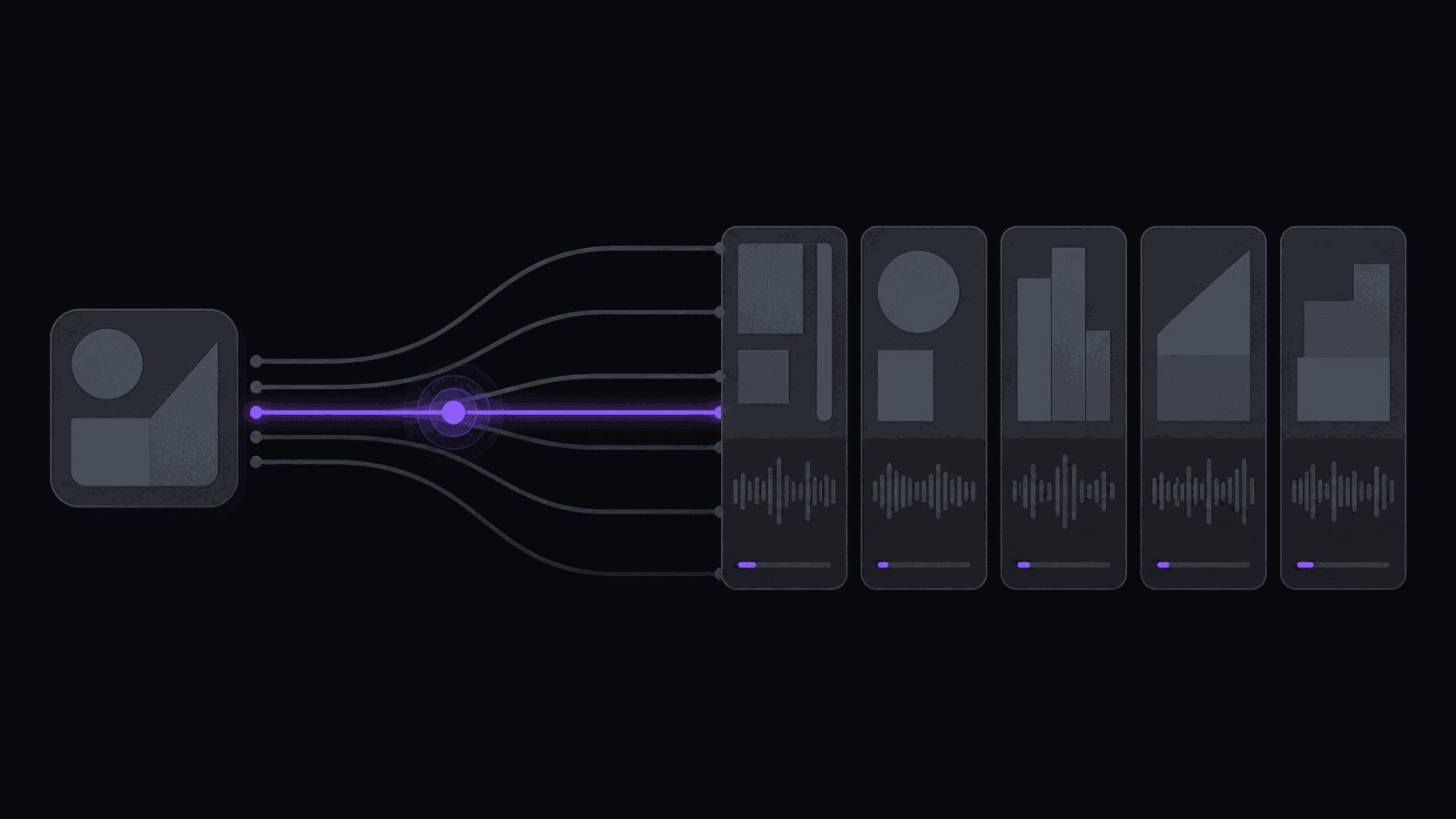
The search volume is real. The feature is not.
Every month, people go looking for a way to hand TikTok a long video and get shorts back. They've seen a creator's fifteen podcast clips, assumed the app produced them, and gone looking for the button.
There is no button. TikTok is a distribution app with an editor attached. Nothing inside it watches an hour of footage and decides which forty seconds deserve a post. The clips you saw were made somewhere else and uploaded.
What TikTok's actual editing tools do
TikTok ships genuinely capable editing — auto-generated captions on your uploads, templates that cut footage to a beat, effects, sound sync, and assembly features that stitch selected media into a finished short.
All of it assumes you already chose the footage. The templates arrange clips you selected. The auto-captions transcribe the video you uploaded. That is editing, not selection, and selection is the part that eats your afternoon.
TikTok's AI branding sits mostly on the advertising side — tooling for brands generating ad creative, scripts, and avatars. Useful if you're buying media. Irrelevant if you're trying to mine a three-hour stream for shorts.
Why the misconception is so sticky
Three things keep it alive.
Caption generation feels like magic, so people assume the same magic extends to finding moments. Clip channels never say where their clips come from, because the workflow is the moat. And the phrase "auto clip" reads like a native feature name, so it gets typed into search as if it were one.
There's a fourth, quieter reason: nobody wants the answer to be "use a second tool." One app is tidier. But the app that distributes video has no incentive to help you mass-produce it — engagement per post is its business, and your production pipeline isn't.
What the workflow actually looks like
The creators posting three clips a day from one weekly upload run something like this:
- Long-form lands — a stream VOD, a podcast episode, a YouTube upload.
- A clip tool reads the whole thing and returns the moments worth posting, already vertical and captioned.
- They glance at the shortlist, drop the weak ones, tweak a hook line.
- Posts go out on a spaced schedule across TikTok, Shorts, and Reels.
With AutoClip, step 1 and 2 collapse: connect a channel and new uploads get clipped without you submitting anything. A typical video comes back in about 5 minutes with around nine clips; a multi-hour stream takes longer, in proportion to its length. If you want the mechanics start to finish, the YouTube-to-TikTok walkthrough covers it, and automating TikTok clips from YouTube covers the hands-off version.
The honest caveat: a tool picking moments will hand you some duds. Plan to reject two or three out of nine. That review still costs a fraction of scrubbing the source yourself.
Where TikTok's own tools still belong in your stack
Don't throw them out. Once a clip exists, TikTok's editor is the right place for platform-native polish — trending sounds, a text overlay in the app's own font, an effect that only exists there. Native elements tend to sit better with the audience than anything imported.
A workable split: generate and caption outside the app, garnish inside it. Just don't wait for TikTok to ship the part that finds your moments. That has never been the product it's building. Pair that with a read on how the algorithm treats clip content and you'll get more out of the posts you do make.
Frequently Asked Questions
No. Its editing features arrange and caption footage you've already selected. Choosing which moments from a long source are worth posting happens outside the app.
Those sit on the advertising side — creative generation for brands running paid campaigns. They aren't built to mine a podcast or stream VOD for clips.
For a talking-head upload, often yes. For clip channels they're limiting: you get one look, applied after upload, with no way to keep styling consistent across accounts or fix names and jargon in bulk before posting.
That's the normal setup. Generate the vertical, captioned clip elsewhere, then add trending sounds or native text in the app before you publish.
Around nine from a typical video, though it depends on length and how much of the source is actually usable. Plans cap clips per video at 6 on Starter, 12 on Pro, and 15 on Scale.
Related Articles
See also
The feature TikTok doesn't have
Connect a channel and new uploads turn into vertical, captioned clips on their own — around nine per video, ready in about 5 minutes.
Get started for free