Best AI Clipping Tools for Short-Form in 2026
Updated
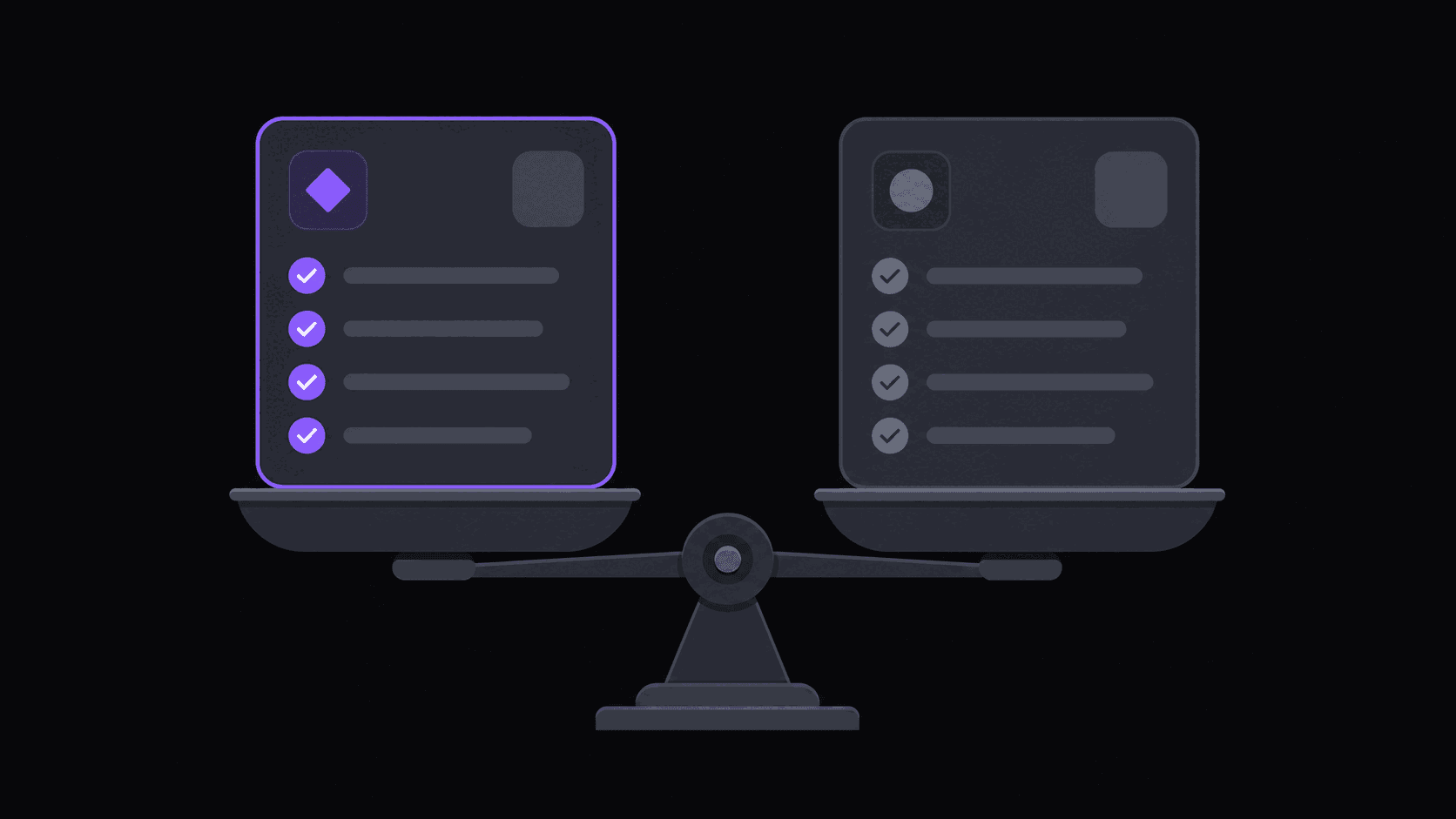
Short answer: what are the best AI clipping tools in 2026?
Opus Clip is the category default for creators repurposing their own uploads, and AutoClip is the pick for volume operators who need channel monitoring, Twitch and Kick VOD ingestion, and auto-posting to nine destinations. Two names that still show up on stale lists should be dropped: Munch's clipper no longer exists, and vidyo.ai was renamed Quso.ai.
Every serious tool now finds moments, reframes to 9:16, and adds word-synced captions competently, so the ranking question is really a fit question. Decide whether you press a button per video or want a standing system, then compare on billing unit, source-length ceiling, and destination count.
Key takeaways
Every tool does the same three things — so compare something else
Find moments, reframe to 9:16, add captions. In 2026 every serious tool in this category does all three, and does them well enough that side-by-side output differences are smaller than the marketing suggests. If you're choosing on "which one finds better clips," you're comparing on the axis where the tools have converged.
The real differences are structural: whether you have to submit each video by hand, how you're billed, how many destinations it posts to, and whether it handles your specific source type. Those gaps are large and they don't close.
This guide is published by AutoClip, so read the AutoClip sections with the appropriate skepticism. The competitor assessments below are ones we'd stand behind in a room with those teams.
The four questions that actually decide it
Do you have to press the button? Most tools are submit-a-URL. You paste a link, wait, download clips. That's fine at two videos a week and it's the entire bottleneck at twenty. Automatic channel monitoring — where new uploads and stream VODs get clipped without you submitting anything — is the single biggest workflow difference in the category, and most tools don't have it.
How are you billed? Per-minute-of-source credits, per-clip, or flat unlimited. Per-minute pricing is brutal on long streams unless streams are billed differently. Worth checking against your actual sources before you subscribe.
Does it post, or just export? Downloading nine files and uploading them by hand to three platforms is 15 minutes per clip. Auto-posting on a spaced schedule removes a step you'll otherwise do 90 times a month.
Does it handle your source? Podcast tools are built for two people at a table. Gaming needs facecam split layouts. A tool that's excellent at one is often mediocre at the other.
The 2026 shortlist at a glance
Verified as of September 2026. Free tiers are the honest way to compare these, because the paid tiers differ in what they include rather than only in price.
| Tool | Free tier | Best for |
|---|---|---|
| AutoClip | No free clipping tier; 3-day Pro trial with 100 credits | Volume, channel monitoring, auto-posting to 9 destinations |
| Opus Clip | 60 credits/month (1 credit = 1 minute of source) | The documented default; per-video submission |
| Vizard | 60 credits/month | Same shape as Opus Clip; decide on the paid tier |
| Quso.ai (formerly Vidyo.ai) | Limited free usage | Broader content platform; v2 model centers the active speaker |
| Submagic | Limited free usage | Caption styling as the channel's identity |
| Descript | Limited free usage | Rewriting the edit, not extracting clips |
| CapCut | Free | Low volume with full manual control |
On the AutoClip row specifically: there is no free clipping tier. A free account connects 2 social accounts and produces no clips. Evaluation is the 3-day Pro trial with 100 credits and clean unwatermarked exports.
If you want the decision framed as a set of questions rather than a ranked list, how to choose an AI clipping tool is the companion piece — this post is what exists and what it costs, that one is how to pick between them.
Two names to stop shortlisting
Both of these still appear on roundup lists that have not been rechecked.
Munch. Its clipper is gone. getmunch.com now 301-redirects to munchstudio.com, and Munch Studio is a different product: a self-serve tool that auto-generates and schedules on-brand social posts for local small businesses. It is not a clipping tool, and it is not a human agency. If a comparison article still lists Munch as an Opus Clip comparison, that article predates the change.
[Sora](/blog/sora-shutdown-what-creators-use-instead). It is a video generation model, not a clipping tool. Generating video and extracting clips from existing video are unrelated jobs, and a list that contains both is a list assembled from search results rather than use.
Where competitors are genuinely the better pick
[Opus Clip](/compare/autoclip-vs-opus-clip) is the category default and has the deepest brand recognition. Its free tier is 60 credits a month, where 1 credit equals 1 minute of source video — so a free month is one hour of source, which tests the tool and does not run a channel. If you clip a handful of YouTube uploads a month and want the most-documented option with the biggest community, it's a reasonable choice. Its per-video submission model is the constraint.
[Vizard](/compare/autoclip-vs-vizard) sits in the same shape with the same free allowance: 60 credits a month, also metered in minutes of source. Between it and Opus Clip the free tiers are a wash, so pick on the paid tier you would actually end up on.
Quso.ai is the tool that used to be Vidyo.ai — it was renamed in December 2024 / January 2025 and accounts carried over, so if you had a Vidyo login it still works. It has broadened well past clipping into an all-in-one content platform, which is either the appeal or the objection depending on what you want. Its v2 clipping model does automatic active-speaker centering, which is the specific thing that goes wrong most often when a reframe is done badly on multi-person footage.
[Descript](/compare/autoclip-vs-descript) isn't really a clipping tool — it's a full editor with text-based editing. If your work involves rewriting the edit, removing filler words across a long piece, or producing a polished final cut, it does things no clipping tool does. It's overkill if you just want nine verticals from a stream.
[Submagic](/compare/autoclip-vs-submagic) is genuinely excellent at caption styling and animated text. If your channel's identity is a specific caption look and that's your entire differentiator, it deserves a serious look.
[CapCut](/compare/autoclip-vs-capcut) is free, and it's still the right answer for anyone doing low volume with lots of manual control. Free beats $19.99/mo when your volume is four clips a week.
Streamers clipping their own Twitch VODs should look at stream-native tools first if all they need is quick highlight export without cross-platform posting.
Our head-to-head pages (AutoClip vs Opus Clip, AutoClip vs Submagic, AutoClip vs CapCut) go into specifics.
Where AutoClip is the better pick
Volume and hands-off operation. Monitoring public YouTube, Twitch, and Kick channels means new uploads get clipped automatically — 1 monitored channel on Starter, 3 on Pro, 10 on Scale. If you're running a clip channel rather than repurposing your own occasional uploads, this is the difference between a job and a system.
Streams specifically. Twitch and Kick VODs are billed on top highlight segments rather than minute-for-minute, so a multi-hour stream typically costs 35-90 credits instead of hundreds. Most per-minute tools make long-stream clipping economically silly.
Distribution. Auto-posting to 9 short-form destinations on a spaced schedule, with 3 connected accounts on Starter, 8 on Pro, 25 on Scale.
International reach. Caption translation in 31 languages and AI dubbing in 25 of them on Pro and up, which is a genuinely underused growth lever — the same clip in Spanish and Portuguese is often the cheapest incremental views available.
Pricing: a 3-day Pro trial with 100 credits to evaluate, then Starter $19.99/mo, Pro $39.99/mo, Scale $79.99/mo. Annual billing drops those to about $12.49, $24.99, and $49.99 effective.
How to test without wasting a month
Take one video you know well — a source where you can name the three best moments off the top of your head. Run it through two or three tools' free tiers on the same day.
Then score them on things you can actually check: Did it find your three moments? How many of the clips would you genuinely post? Is the vertical framing correct, or is someone's head cropped? Are the captions right on names and jargon, which is where transcription always breaks first? How long did the whole round trip take?
The last one matters more than people expect. A tool that produces a slightly better clip in 40 minutes loses to one that produces a good clip in about 10-15, because you're doing this 90 times a month.
Don't pick based on a demo how long a Short or Reel can be in 2026. Every tool's demo reel is its best clip from its best source.
Frequently Asked Questions
Not clip quality — that's converged. The differences are whether it monitors channels automatically or requires per-video submission, how it bills long sources, how many posting destinations it supports, and whether it handles gaming and stream content or just talking-head video.
For testing, yes. For running, no. AutoClip's trial is 3 days on Pro with 100 credits — about 100 minutes of source video, which is a few videos rather than a posting schedule. Competitors' free tiers are watermarked and capped instead, and a watermark costs you views on every platform, which makes the first paid tier pay for itself fast if you're posting daily.
Look for multi-speaker handling — whether cuts land on speaker changes rather than mid-sentence, which is the thing that makes a podcast clip feel edited instead of chopped. Tools built for gaming often fumble this, and tools built for podcasts often fumble gameplay.
Serious tools in this category cluster at $20-80/mo. Here that's Starter $19.99, Pro $39.99, Scale $79.99, with annual billing bringing them to roughly $12.49, $24.99, and $49.99 effective. Anything advertising unlimited at $10 is capping you somewhere you haven't found yet.
Almost certainly not at the start. Buy the tier that matches your bottleneck: Starter if one source channel and 3 social accounts covers you, Pro when you need multiple monitored channels or B-roll, dubbing, and brand kits, Scale when you're managing 25 accounts or need 4K and priority processing.
Yes, and the switching cost is low — your clips live on your social accounts, not in the tool. The only real friction is rebuilding saved caption styles, so don't over-invest in one tool's brand kit until you've decided to stay.
No. getmunch.com 301-redirects to munchstudio.com, and Munch Studio is now a self-serve tool that auto-generates and schedules on-brand social posts for local small businesses. It is neither a clipping tool nor a human agency, so roundups that still list it as an Opus Clip alternative are out of date.
It was renamed to Quso.ai in December 2024 / January 2025 and existing accounts carried over. The product has broadened from clipping into an all-in-one content platform, and its v2 clipping model performs automatic active-speaker centering when reframing multi-person footage.
Clips render at 720p by default on Starter and Pro. 1080p is available on any paid plan through the export-quality picker, which re-renders the clip. 4K is Scale-only and requires a source of at least 2160px.
Related Articles
See also
Test it on a video you already know
Pick a source where you can name the three best moments, run it through, and see how many come back. The 3-day Pro trial covers it — around 9 clips from a typical video, ready in around 5 minutes.
Get started for free