How to Turn YouTube Videos Into TikTok Clips Automatically
Updated
The 90-minute problem
A 90-minute podcast episode holds maybe eight or nine TikTok-worthy moments. Finding them by hand means scrubbing the whole thing, marking timestamps, cutting, reframing to vertical, keying in captions, and exporting nine files. Two to four hours, realistically, if you are quick in a timeline editor.
That work is the entire reason most people never repurpose their back catalog. The clips are sitting there. The labor is the wall.
Automation moves that wall. You hand over a YouTube URL, come back in about 5 minutes for a typical video, and get a set of finished vertical clips with captions burned in. Longer sources take proportionally longer — a four-hour stream is not a 12-minute job. What you spend your time on shifts from cutting to choosing: which clips are worth posting, what the titles say, and when they go out.
What actually happens between paste and download
Paste a YouTube link into Generate Clips and four things happen without you touching a timeline.
The video gets read end to end for moments that stand a chance on TikTok — a sharp answer, a reversal, a reaction, a line that lands. Around nine clips come out of a typical video, though that number moves with length and how much usable material there is. A dense interview yields more than a rambling vlog of the same length.
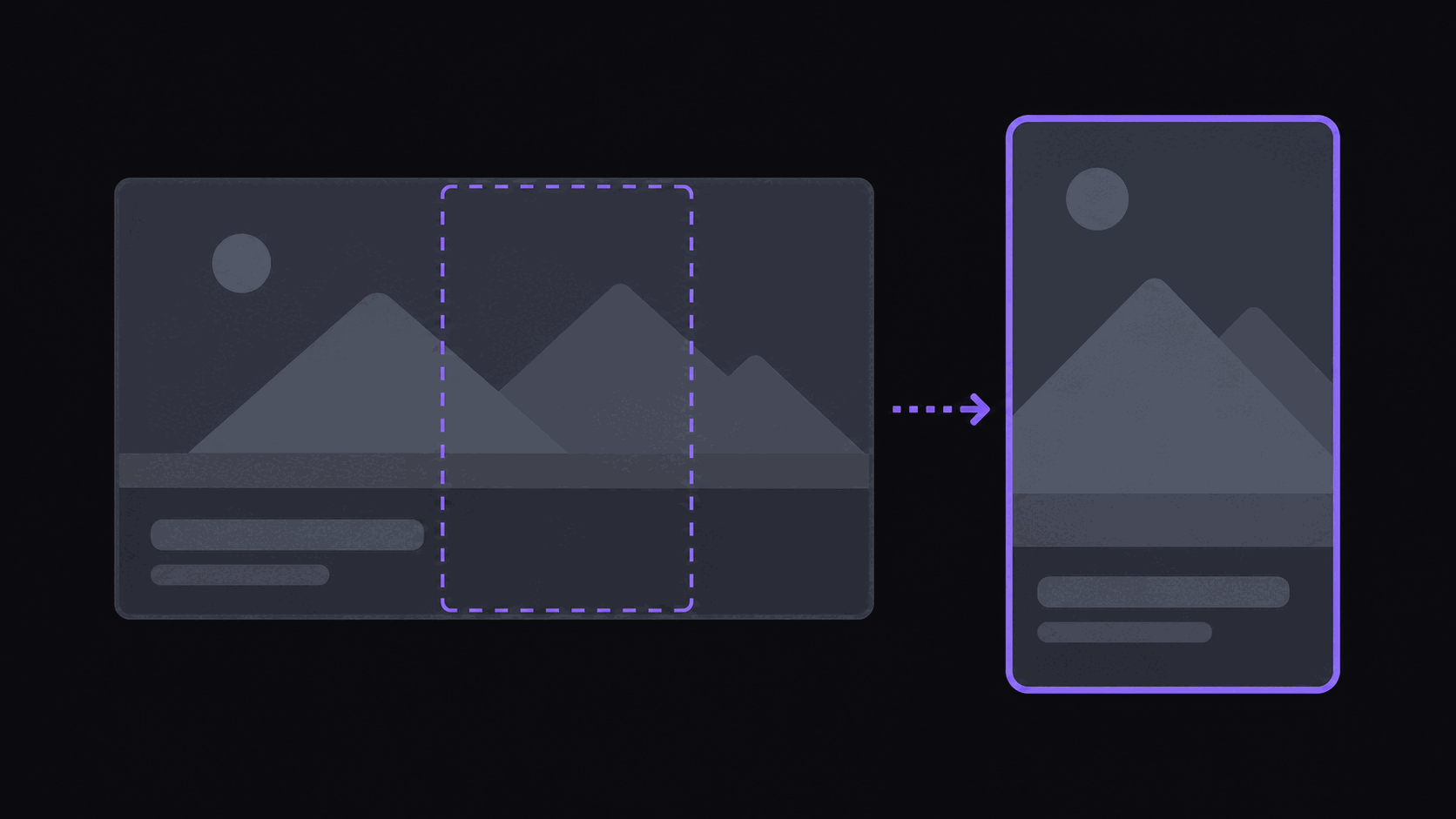
Each clip is then reframed to 9:16 with the speaker kept in frame as the shot moves, rather than a static center crop that slices half a face off when someone leans. Captions land word by word in sync with speech, in the animated styles TikTok viewers are used to. Finally, the clips arrive in your dashboard scored and ranked, so the strongest ones are at the top instead of buried in a folder of nine exports.
You still review them. That is the part worth keeping human — see the clip pipeline explainer for how the stages fit together.
Where automation is worse than doing it yourself
Be honest about the failure modes before you build a workflow on top of them.
Automated selection is good at finding self-contained moments. It is weaker on payoffs that depend on setup ten minutes earlier — a callback joke, a number that only means something because of a story told before it. If your source is heavy on long arcs, expect to reject more clips than usual.
It also cannot judge your audience. A moment that scores well in the abstract may be wrong for a channel built on one narrow niche. Nobody has automated taste yet.
And if the source audio is rough — crosstalk, heavy accents over music, a bad room — captions will need fixing. You can edit caption text in the web editor, which is faster than retyping, but it is not zero work.
The honest framing: automation removes the mechanical hours and leaves you the editorial minutes. If you were hoping for zero minutes, you will be annoyed.
Posting: schedule, don't dump
Nine clips exported at once should not become nine posts in one afternoon. TikTok's feed rewards steady presence, and dumping a batch tends to cannibalize your own reach — clip four competes with clip two for the same slice of attention.
Connect your account through the TikTok integration and schedule the batch across several days. Two or three a day, spaced out, is a workable default for a new account. If you are running several accounts, the same batch can be spaced differently per account instead of posted identically everywhere on the same hour.
Two practical habits matter more than the schedule itself. First, write the caption and the first-frame text yourself for anything you actually care about — that is the single biggest lever on whether someone stops scrolling. Second, watch your hook rate rather than raw views. Views tell you what happened; hook rate tells you why.
What it costs to run
Credits map to source length: one credit per source minute. A 90-minute podcast is 90 credits.
On Starter at $19.99/mo you get 200 credits — roughly two long podcasts a month, with watermark-free exports, scheduling, and sources up to two hours. Pro at $39.99/mo moves you to 500 credits, and adds B-roll, background music, spoken hooks, caption translation in 31 languages and dubbing in 25 of them, and multi-aspect export so the same clip ships to TikTok and a 16:9 destination without a second run. Scale at $79.99/mo is 1,200 credits, 4K export, and priority processing.
Evaluation runs on a 3-day Pro trial: 100 credits, which is roughly 100 minutes of source video, with clean unwatermarked exports. That is enough to see whether the clip selection matches your taste before you pick a plan.
Streams are cheaper than the math suggests. Twitch and Kick VODs only bill the highlight segments that get pulled, so a multi-hour stream typically runs 35–90 credits rather than 240.
Frequently Asked Questions
Technically any public URL works. Legally, that is your call to make. Plenty of creators actively want to be clipped, and content-reward campaigns exist specifically to pay people for it. Clipping a creator who has publicly asked people not to, or reuploading full segments with no transformation, is a good way to collect strikes.
About five minutes for a typical video, start to finished clips. Multi-hour sources take proportionally longer. Nothing needs to stay open while it runs — you get the clips when they are ready.
Around nine from a typical video. Dense material with a lot of distinct moments produces more; a slow 20-minute vlog produces fewer. Per-video caps are 6 clips on Starter, 12 on Pro, and 15 on Scale.
No. You can connect TikTok and post directly on a spaced schedule, along with 13+ other short-form destinations. Manual download is still there if you want to add something in another editor first.
Not for repurposing as such — clip accounts do fine. What gets suppressed is low-effort reposting: no captions, visible letterboxing, another platform's watermark, or the identical file posted to several accounts. Vertical framing, clean captions, and an original written hook are what separate the two.
Related Articles
See also
Paste a YouTube link, get vertical clips
Around nine captioned, reframed clips from a typical video in about five minutes. Start with the 3-day Pro trial.
Get started for free