How to Repurpose Long-Form Content Into Shorts (Without Wrecking It)
Updated
A 90-Minute Episode Is Not 90 Minutes of Clips
Most people start repurposing with the wrong assumption: that a long video is a bag of shorts waiting to be poured out. It isn't. A 90-minute podcast usually contains six to twelve moments that genuinely stand alone. The rest is context, throat-clearing, sponsor reads, and conversation that only works because you heard the previous ten minutes.
That distinction is the whole game. A clip that needs setup dies in the first three seconds because the viewer has no reason to grant you the setup. A clip that opens on a claim, a number, a disagreement, or a reaction gets a chance.
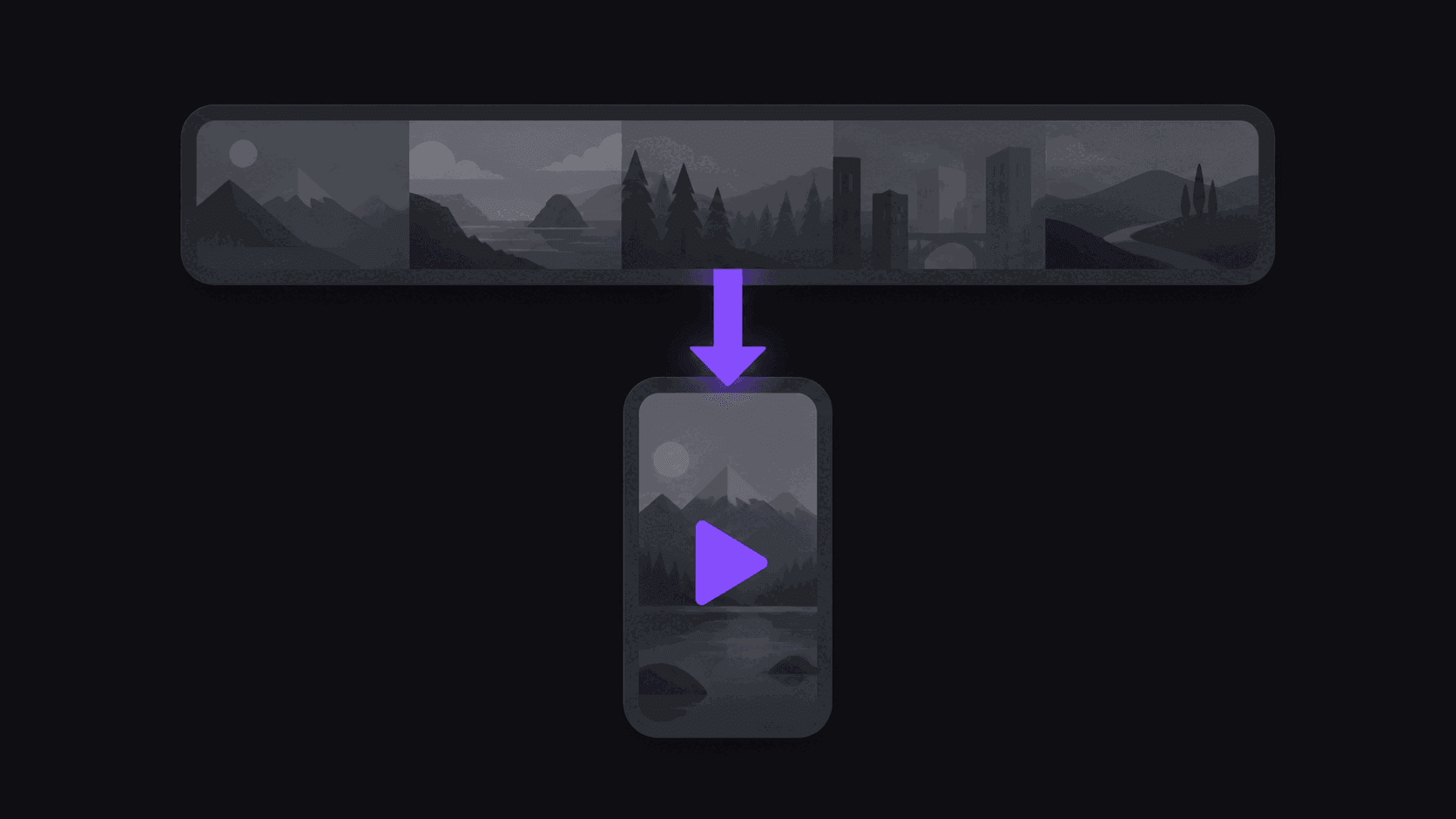
So the real job of repurposing is not "chop the video up." It's find the handful of segments that survive being ripped out of context, then package each one so it reads as a complete thought. From a typical long-form video, around nine clips is a realistic yield. If you're consistently pulling twenty from one source, you're publishing filler and your channel's average retention will show it.
Two other numbers matter. First, distribution beats volume: the same nine clips posted across TikTok, Reels, and Shorts become twenty-seven posts without any extra editing. Second, back catalog counts. If you have thirty old episodes sitting untouched, that's not thirty videos — it's a few hundred shorts you already paid to produce.
What Repurposes Well, and What Quietly Doesn't
Some formats are close to free money. Others fight you the whole way.
Repurposes well:
- [Interviews](/use-cases/interviews) and podcasts. Dense with claims, stories, and disagreement. Clean audio. Speakers who finish their sentences.
- Reaction and commentary. The emotional beat is already isolated — you just need to find where it starts.
- Educational walkthroughs. One tip per clip. Enormous save rates.
- Live streams and VODs. Low density but very high total volume; a six-hour stream still hides a dozen usable moments.
Fights you:
- Tightly edited narrative videos. A documentary-style essay is engineered so no part works alone. You can still clip it, but expect a thin yield.
- Anything with heavy on-screen graphics. Charts and lower-thirds live in the corners of a 16:9 frame and get cropped out of a 9:16 one.
- Music-heavy content. Even when you have the rights, platform detection systems often disagree with you. Read how to pick music for clips without getting claimed before you build a channel on it.
- Two people talking over each other constantly. Speaker cuts get muddy, captions get muddy, and viewers bail.
If you're repurposing your own content, this list is also a production note: leaving deliberate three-second pauses before a big statement makes clips ten times easier to pull later.
The Workflow, End to End
Here's the version that actually holds up when you're doing this weekly rather than once as an experiment.
1. Pick the source, not the clip. Choose the episode or stream, not a timestamp. Hunting timestamps by hand is where the hours disappear.
2. Let the moments get surfaced for you. Paste the URL into AutoClip and you get back ranked candidate clips with a virality score and a plain-English breakdown of why each one scored the way it did. A typical video takes roughly 5 minutes; a five-hour stream takes proportionally longer.
3. Overrule the ranking when you disagree. The score is a starting sort, not a verdict. You know your audience. If clip #7 is the one your community will quote, publish clip #7.
4. Fix the frame. Vertical reframing keeps the speaker centered when the shot moves, and gaming footage can use a facecam split so the reaction and the gameplay both stay visible. Check the crop on anything with on-screen text.
5. Caption everything. Word-synced captions are not decoration. Most short-form viewing happens muted. See auto captions vs manual captions for the honest tradeoff.
6. Trim the head. This is the step everyone skips. Watch the first two seconds. If there's a breath, an "and so", or a half-word, cut it. That's the single highest-leverage edit in the entire process.
7. Schedule across platforms and stagger it. Don't dump nine clips in one hour. Space them out over days so each one gets its own test.
Once the loop is stable, point channel monitoring at the source and new uploads get clipped without you submitting anything.
Where Repurposing Goes Wrong
Four failure patterns account for most dead clip channels.
Publishing everything. If a clip is mediocre, killing it costs nothing. Posting it costs you an impression slot and drags your channel average down. Nine good clips beat twenty-five average ones.
Identical copies on every platform. Same file, same caption, same hashtags, posted simultaneously. It performs worse everywhere and it looks automated. Change the caption and the hook framing per platform — that's ninety seconds of work per clip.
Mid-sentence cuts. A clip that ends on a trailing "...and that's why I think—" reads as broken, not as a cliffhanger. End on a complete beat, even if it costs you four seconds.
Treating the source like it's infinite. Every channel has source fatigue. Clip the same person for six months and your audience has heard all of it. Rotate sources before your numbers force you to.
The honest tradeoff: repurposing will never beat purpose-built vertical content made by someone who understands the format deeply. What it does beat is not posting at all, and it beats the economics of hand-editing every short from scratch. For most creators, agencies, and clippers, that's the trade worth making.
Frequently Asked Questions
Around nine clips from a typical video, though it swings with length and density. A tight 20-minute interview might give you four strong ones; a three-hour stream might give you twelve. Judge by how many survive the "would I watch this with no context" test, not by how many the software offers you.
About five minutes for a typical video, from pasting the link to having captioned vertical clips ready to review. Long sources take proportionally longer — a five-hour stream is a bigger job than a 30-minute upload. Your own time is mostly the review pass, which runs a few minutes once you know what you're looking for.
No. The reframing, captions, and export are handled for you. What you do need is taste — the judgment to kill a weak clip and to trim a hook that starts half a second late. That's learnable in a couple of weeks of posting.
Yes. The 3-day Pro trial gives you 100 credits — about 100 minutes of source video — with clean exports, which is enough to see whether the output fits your content. After that, Starter at $19.99/month includes 200 credits — one credit per source minute — plus scheduling and one monitored channel.
Start with your back catalog. Old episodes have already been paid for and short-form audiences have almost certainly never seen them. Once the catalog is worked through, switch to monitoring so new uploads get clipped automatically. See [repurposing old viral content](/blog/repurposing-old-viral-content) for how to prioritize which archives to mine first.
Related Articles
See also
Turn one long video into a week of shorts
Paste a YouTube, Twitch, or Kick link and get back captioned vertical clips — around nine from a typical video, usually in around 5 minutes.
Get started for free