How to Turn Podcasts into Shorts (2026 Guide)
Updated
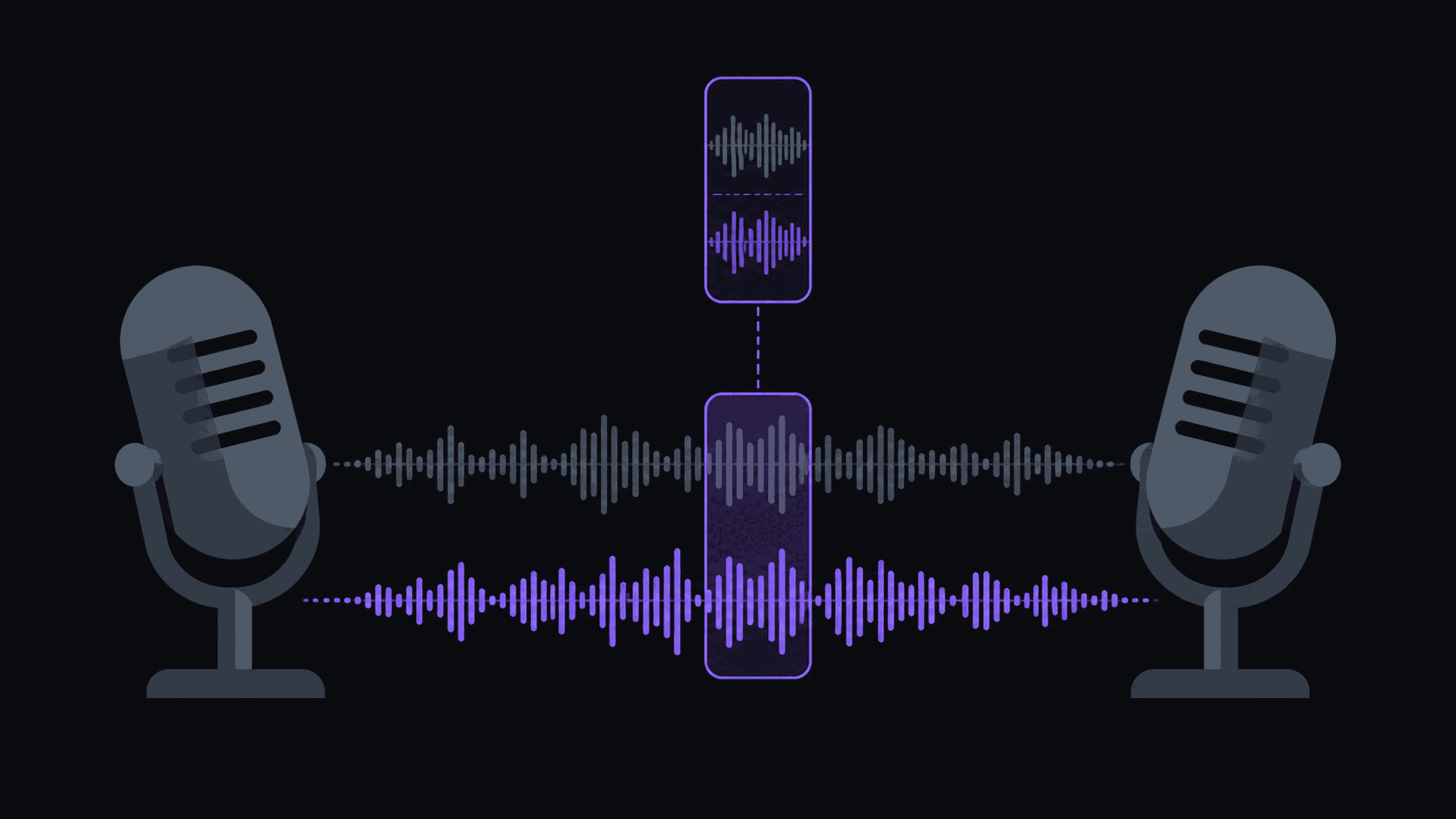
The Episode Is Done. Now the Hard Part.
You recorded two hours. Somewhere in there are five or six moments that would work as standalone shorts. Finding them means listening to the whole thing again with a notepad, and you already lived through it once.
This is the most common bottleneck in podcasting, and it's why so many shows have a back catalogue of great episodes and no short-form presence at all. The clipping work is genuinely tedious and it never stops arriving.
What follows is the practical version: what makes a podcast clips work, how to handle the two-speaker problem, what it costs, and a weekly routine that doesn't eat your Sunday.
Where the Cut Goes
Podcast clips fail in predictable ways, and almost all of them are cut-placement problems.
Cut on speaker changes, not on silence. The most jarring thing you can do is start a clip three words into someone's reply. The listener spends the first two seconds working out who's talking, which is exactly when they decide to keep watching or not. Cuts that land as one person finishes and the other begins read cleanly. AutoClip handles multi-speaker sources this way by default, which matters more on two-person content than any other single feature.
Start on the question, not the answer. The question is the hook. "So what actually happened in 2019?" creates the gap that the answer fills. Starting on the answer removes the reason to watch.
End on the landing, not the transition. Clips that run three seconds past the payoff into "anyway, so —" leak all their energy. Trim tight.
Keep it self-contained. If the moment depends on something said twelve minutes earlier, either include a version that stands alone or skip it. A confusing clip is worse than no clip.
Watch the length. Thirty to sixty seconds is the sweet spot for most podcast material. Longer works if the payoff is worth the wait, but completion rate falls off a cliff when a clip overstays. Best clip length by platform has the specifics.
Two Faces, One Vertical Screen
A 16:9 podcast frame with two people side by side is the hardest thing to crop to 9:16. Center it and you get two half-faces. Crop to one person and the other half of the conversation is invisible.
The workable answers:
- Follow the active speaker. The frame moves to whoever is talking. This reads naturally because it's what your eye does anyway.
- Split layout for rapid exchanges. When two people are talking over each other, cutting back and forth every second is worse than showing both.
- Punch in on the payoff. A tighter frame on the line that lands adds weight.
Captions are non-negotiable on podcast content — a large share of short-form viewing happens muted, and a talking-head clip with no captions is a silent video of someone's mouth moving. Word-synced animated captions in karaoke, pop, or bounce styles handle this, and a brand kit keeps the style identical across every episode so your clips are recognizably yours.
On Pro and above, caption translation in 31 languages and AI dubbing in 25 of them open a real opportunity most podcasts ignore: your best clip, in Spanish or Portuguese, competing against far fewer clips.
What an Episode Costs
Straightforward arithmetic. A credit is one source minute, so a 90-minute episode is 90 credits.
- Starter, $19.99/mo — 200 credits. Two episodes a month, comfortably. 6 clips per video, 1 monitored channel, 3 social accounts, watermark-free export, scheduling. Sources up to 2 hours.
- Pro, $39.99/mo — 500 credits. Five 90-minute episodes. 12 clips per video, 3 monitored channels, 8 accounts, plus B-roll, background music, spoken hooks, translation and dubbing, multi-aspect export (9:16, 1:1, 16:9, 4:5), and a brand kit. Sources up to 5 hours.
- Scale, $79.99/mo — 1,200 credits. Thirteen 90-minute episodes. 15 clips per video, 10 monitored channels, 25 accounts, 4K, priority processing. Sources up to 10 hours.
Annual billing takes those to $12.49, $24.99, and $49.99 effective. Pricing has everything.
A typical episode yields around 9 candidates and comes back in about 5 minutes; a three-hour episode takes proportionally longer. Multi-aspect export on Pro is quietly useful here — the same moment as 9:16 for Shorts and 1:1 or 4:5 for feed posts, without re-cutting.
A Weekly Routine That Survives Month Three
The routine matters more than the tooling, because the failure mode is always "stopped doing it."
Publish day. If your show is on YouTube, add your own channel as a monitored source once. New episodes get clipped automatically — you don't submit anything, the candidates are just there.
One review session, 20 minutes. Skim the ranked shortlist. Watch the first three seconds of each. Pick five. Fix any weak in-points in the timeline editor rather than discarding a good moment over a fixable start.
Write titles in the same sitting. This is the part no tool does for you and the part that most affects performance. Five titles, ten minutes.
Schedule the week. Five clips across seven days, spaced, posting to Shorts, TikTok, and how long a Short or Reel can be in 2026s from one place. Same clip, three audiences.
Look at the numbers once a week, not daily. Completion rate and average view duration. Anything in your bottom fifth, ask what it had in common — usually a slow open or a moment that needed context.
That's about 35 minutes a week for 15 posts across three platforms. The version where you do it manually is closer to eight hours, which is why most shows stop.
If you're starting from a back catalogue rather than a live show, work backwards from your best-performing episodes — they're best-performing for a reason, and that reason usually clips well. Podcast clipping strategy goes deeper, and /for/podcasters covers the setup.
Frequently Asked Questions
Around 9 candidates come back from a typical episode; posting five of them is a healthy ratio. Publishing all nine usually means shipping four weak clips, and weak clips affect how the rest of your posts perform.
Video is much stronger for short-form — faces hold attention in a way waveforms don't. If you only have audio, you'll need a visual treatment (static art plus animated captions works, but expect lower completion). Recording video at even low production value pays off more than any editing trick.
A typical video finishes in about 5 minutes, and longer sources take proportionally longer — so a two-hour episode is meaningfully longer than a 20-minute one. In practice you start it and come back, rather than waiting on it.
Technically yes for public sources, and plenty of clip channels are built entirely this way. Whether you should depends on the show's terms and the platform's rules — [fair use for clip channels](/blog/fair-use-for-clip-channels) is the place to start before you build on it.
Related Articles
See also
Turn your back catalogue into a posting schedule
Add your show as a monitored source and get ranked clip candidates from every new episode automatically.
Get started for free