Repurposing Long-Form Content Into Clips: A Working Guide
Updated
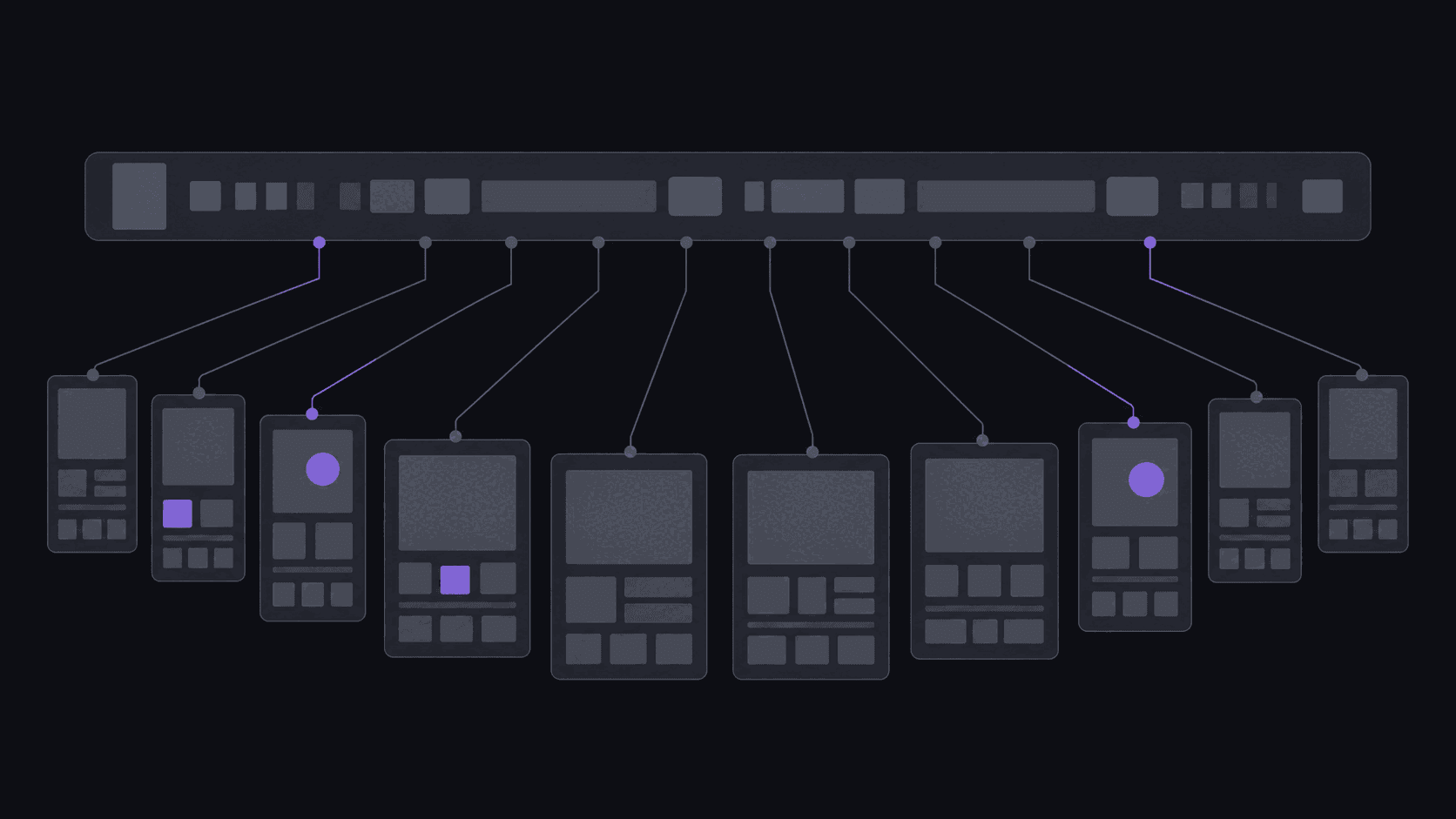
You already made the content. That is the entire argument.
A weekly podcast is roughly four hours of recorded material a month. Most shows publish it once, to an audience that already subscribes, and then leave it there.
Meanwhile the same show could be putting thirty-plus vertical clips into feeds where nobody has heard of it. Not new content - the same content, cut differently, shown to a different audience.
The economics here are unusual. Original content has a cost per piece that stays roughly constant. Repurposed content has a cost that collapses toward zero, because the expensive part - having something worth saying and recording it - is already paid for. Every clip after the first is close to free.
The reason more shows do not do it is not that they disagree. It is that manually finding, cutting, reframing, and captioning eight clips out of a two-hour episode is a full day of work, every week, forever. That is the problem worth solving. There is a shorter overview in how to repurpose long-form content into shorts.
What repurposes well and what does not
Not all long-form is equally clippable, and knowing which category you are in saves a lot of disappointment.
[Interviews](/use-cases/interviews) and multi-guest podcasts are the best source material there is. Someone asks a question, someone answers it, and the answer has natural boundaries. Two hours of good interview reliably produces eight to twelve usable clips.
Solo commentary and video essays repurpose well if they are structured in arguments and badly if they are one continuous flow. If your episode has section headings, it clips. If it is a stream of consciousness, it does not.
[Educational content](/use-cases/education) and webinars clip cleanly because each point is self-contained. The catch is that the best clip is usually a specific tactic, not the framing around it - cut the setup, keep the instruction.
Live streams yield the least per hour and the most per stream, because the good material is a small fraction of a very long source. Worth clipping, but expect a much lower hit rate.
Panel discussions with four people talking over each other are the hardest. Audio is messy, thoughts get interrupted, and cuts rarely land cleanly.
The thing that predicts clip yield better than format is whether the speaker finishes thoughts. Rambling sources produce rambling clips regardless of the tool.
What makes a moment worth cutting
The test that has held up best: could a stranger who has never heard of you understand this in the first three seconds, and would they want to know what happens next?
That rules out most of a podcast. It rules in:
A claim stated plainly, especially a contrarian one. "Everything you have been told about X is wrong" works because it opens a loop.
A number or a fact that sounds implausible until explained.
A short story with a turn in it. Stories are the most reliably clippable structure because they have their own beginning and end.
A disagreement. Two people politely not agreeing holds attention better than either of them being interesting alone.
A direct piece of advice with a specific action in it.
What to skip: anything that starts with "like I was saying," anything requiring the previous ten minutes, and the intro. Nobody has ever watched a repurposed clip of a podcast intro.
Then trim the front hard. Most clips are improved by deleting the first three seconds - the setup you think is necessary usually is not. Viral clip hooks covers what to open on instead.
The workflow, and where each step eats your time
Done manually, the loop is: watch the source, mark timestamps, cut, crop to vertical, caption, review, post to each platform. For eight clips out of a two-hour episode, most people spend somewhere between four and eight hours.
The time is not evenly distributed. Finding the moments is roughly half of it. Captioning is most of the rest. Cutting and cropping is fast once you know what you are cutting.
Which is why the sensible automation targets the finding and the captioning, and leaves the judgment to you. Give AutoClip a source and you get back around nine clips from a typical video, each cropped to 9:16 with the speaker kept centered as the shot moves, captioned word by word, and ranked so you review the best candidates first. That takes about 5 minutes for a normal video; a five-hour source takes proportionally longer.
What is left for you is the part worth doing: rejecting the two clips that missed, trimming a second off the front of another, and deciding the order they go out in. Call it twenty minutes instead of six hours.
On multi-speaker shows there is a detail worth knowing: cuts that land on a speaker change read as deliberate, and cuts that land mid-sentence read as broken. It is a small thing that separates clips that look professionally edited from clips that look scraped.
Formatting for each platform without tripling the work
The platforms are more similar than the advice online suggests, but the differences that exist are worth respecting.
TikTok favours faster openings and tolerates - even rewards - visible captions and on-screen text. Watch your safe zones; the right side and bottom get covered by the interface.
YouTube Shorts skews slightly longer and rewards clips that feel like they belong to a channel with an identity. It is also the best of the three for search-driven discovery, so titles matter more.
Instagram how long a Short or Reel can be in 2026s sits between them and is the most sensitive to visual quality. A grainy stream clip does worse here than elsewhere.
LinkedIn, if you are clipping business content, has almost no clipping competition and unusually high engagement - LinkedIn video clips strategy covers it.
The practical answer is not to make three edits. It is to make one clip that works everywhere, export it in the aspect ratios you need, and vary the caption text per platform. AutoClip's Pro plan includes multi-aspect export - 9:16, 1:1, 16:9, and 4:5 - from a single job, and auto-posting to 9 destinations on a spaced schedule, so cross-posting stops being a manual chore. Best clip length for each platform has the length specifics.
How many clips one video actually gives you
The honest answer is: around nine from a typical video, and it varies more with the source than with anything else.
A well-structured hour-long interview can give you a dozen. A meandering two-hour hangout might give you four worth posting. A four-hour stream might give you six good ones and a lot of near-misses.
Plan caps matter here too - Starter allows up to 6 clips per video, Pro 12, and Scale 15 - but in practice the source material is the constraint long before the cap is.
The mistake to avoid is treating clip count as the goal. Ten mediocre clips from an episode that only had five good moments will train your audience to scroll past you. Post the five. The unpublished ones cost you nothing.
If you want the arithmetic for a specific case, how long it takes to make 10 clips from a 2-hour podcast walks through it, and there is a content repurposing tool page covering the setup.
Frequently Asked Questions
Around nine is typical, but the spread is wide. A tightly structured interview can yield twelve; a rambling solo episode might yield three that are genuinely worth posting. Source structure predicts yield far better than source length does.
No - it generally helps. Clips act as trailers, and a meaningful share of long-form viewers arrive after finding a clip somewhere else. The two audiences barely overlap: people watching a two-hour podcast and people scrolling short-form are usually in different moods and often different platforms.
Most repurposed clips land well between 30 and 90 seconds, because that is long enough for a complete thought and short enough to finish. Longer clips can work when the story genuinely needs the time, but the completion rate drops, and completion rate is what the platforms actually reward.
For your own content, obviously not. For someone else's, short credited excerpts with genuine editorial value are standard practice and usually welcomed, but that is a norm rather than legal permission. Fair use is decided case by case, music inside the source can trigger claims independently, and takedown requests should be honored immediately.
The finding, cutting, reframing, captioning, and posting can be. The judgment about which clips deserve to go out should not be, at least not entirely. Channel monitoring means new uploads get clipped without you submitting them, so a weekly show can run on a review-and-approve rhythm of about twenty minutes rather than a full editing day.
Related Articles
See also
Turn one episode into a month of shorts
Around 9 vertical, captioned clips from a typical video in about five minutes - then scheduled out across every platform you post to.
Get started for free