Channel Monitoring: Auto-Clip New Uploads Automatically
Updated
The Refresh Habit
If you clip someone else's channel, you know the loop: check for a new upload, find it three hours after it went live, drop everything, clip it, post it late.
Speed matters more in clipping than almost anything else. The first few clips from a new upload catch the wave of people actively looking for it. Six hours later, you're posting into a slot that's already full.
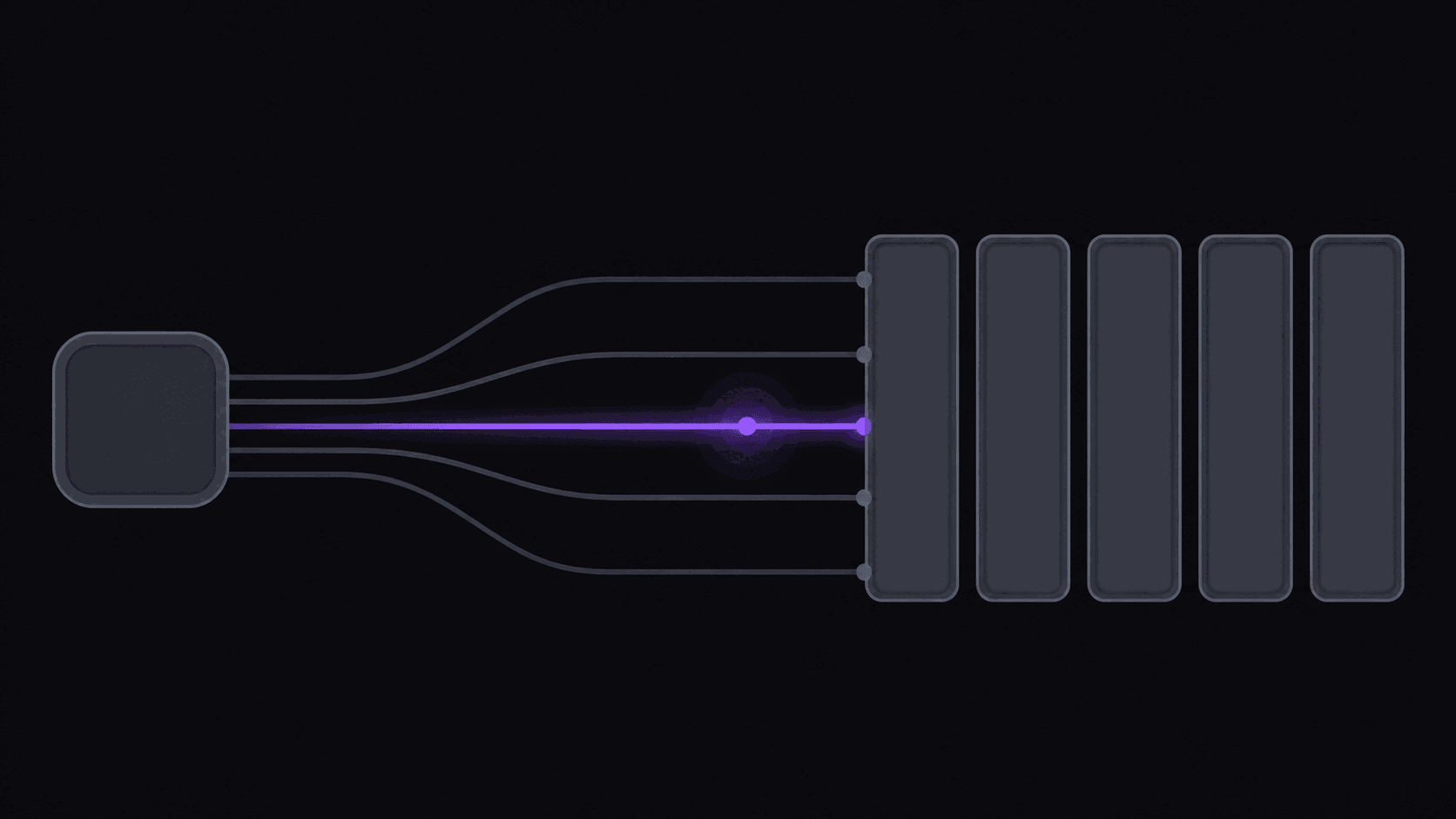
channel monitoring removes the checking. You add a public YouTube, Twitch, or Kick channel once. When something new goes up — an upload or a stream VOD — it gets clipped without you submitting anything. The candidates are waiting the next time you open the dashboard, ranked, with captions and vertical framing already applied.
That's the entire feature. It sounds small. It's the difference between clipping as a job you do and clipping as a process that runs.
What You Get Back, and When
For each new source, you get around 9 clip candidates from a typical video, each with a virality score and a five-criterion breakdown showing why it ranked where it did. Vertical reframing that keeps the speaker centered, word-synced animated captions, and — on gameplay — a facecam split layout are all already applied.
Timing: about 5 minutes for a typical video. A four-hour stream VOD takes proportionally longer, which in practice means an overnight stream is ready before you are.
Your remaining work is judgment: skim the shortlist, pick four or five, fix any weak in-points in the timeline editor, write titles, schedule. Twenty minutes rather than an evening.
How many channels you can watch depends on plan — 1 on Starter, 3 on Pro, 10 on Scale. That's usually the number that decides which tier you're on, more than credits do.
What It Costs to Run
Monitored sources consume credits like any other job: 1 credit per source minute. The exception is Twitch and Kick VODs, which bill only their top highlight stretches — a four-hour stream typically runs 35 to 90 credits rather than 240.
So the practical question is what your monitored channels actually publish:
- A daily YouTuber posting 20-minute videos — roughly 600 credits a month. Scale, or Pro with headroom to spare if they skip days.
- A streamer with four 4-hour VODs a week — maybe 560 to 1,440 credits depending on highlight density. Pro to Scale.
- A weekly podcast, 90 minutes — about 360 credits a month. Comfortably Pro.
- A channel that posts twice a week, short videos — under 200 credits. Starter.
Plan tiers: Starter $19.99 (200 credits, 1 channel, 3 social accounts), Pro $39.99 (500 credits, 3 channels, 8 accounts, plus B-roll, background music, spoken hooks, translation in 31 languages and dubbing in 25 of them, brand kit), Scale $79.99 (1,200 credits, 10 channels, 25 accounts, 4K, priority processing, 15 clips per video). Annual billing takes those to $12.49, $24.99, and $49.99 effective. See pricing.
One caution worth stating: a monitored channel that suddenly uploads a lot will consume credits without asking. Check your source's typical output before adding it, and don't monitor a channel you weren't going to clip anyway.
When It's Not Worth It
Honest limits.
You only clip your own uploads, occasionally. If you publish twice a month and you're right there when it happens, pasting a URL costs you ten seconds. Monitoring solves a problem you don't have.
Your sources are private or unlisted. Monitoring works on public channels. Private uploads have to be submitted directly.
You clip from a rotating pool of one-off videos. If you're picking a different creator every week based on what's trending, there's no stable channel to monitor. That's a legitimate strategy — it's just a manual one. Finding viral source videos covers that approach.
Your niche needs human context on every clip. Monitoring still helps by pre-processing, but if you're going to watch the source anyway for inside jokes and visual moments, the time saved is smaller.
Where it's clearly worth it: you clip two to ten specific creators, they publish regularly, and speed matters to your niche. That describes most clip channels past their first month. Setup is covered in how to set up channel monitoring, and the source channel glossary entry explains the terminology.
Frequently Asked Questions
Public YouTube channels, Twitch channels, and Kick channels. New uploads and stream VODs both trigger processing.
Shortly after it becomes publicly available, then processing takes about 5 minutes for a typical video with longer sources taking proportionally longer. For most clip channels that means clips ready well inside the window where speed still matters.
Yes. Monitoring is additive — you can paste any public URL alongside your monitored sources. Most people do both: monitoring for their regular lane, manual submission for one-off videos worth clipping.
Processing pauses until your credits reset or you move up a tier. If you're monitoring high-output channels, watch your usage in the first couple of weeks so the ceiling doesn't arrive as a surprise.
1 on Starter, 3 on Pro, and 10 on Scale. If you're covering a roster of streamers or a stable of podcasts, that channel count is usually what determines your plan rather than the credit allowance.
Related Articles
See also
Add a channel, stop refreshing
Monitor a public YouTube, Twitch, or Kick channel and find ranked clips waiting after every new upload.
Get started for free