Clip Automation Guide: Building a Hands-Off Clip Channel in 2026
Updated
Short answer
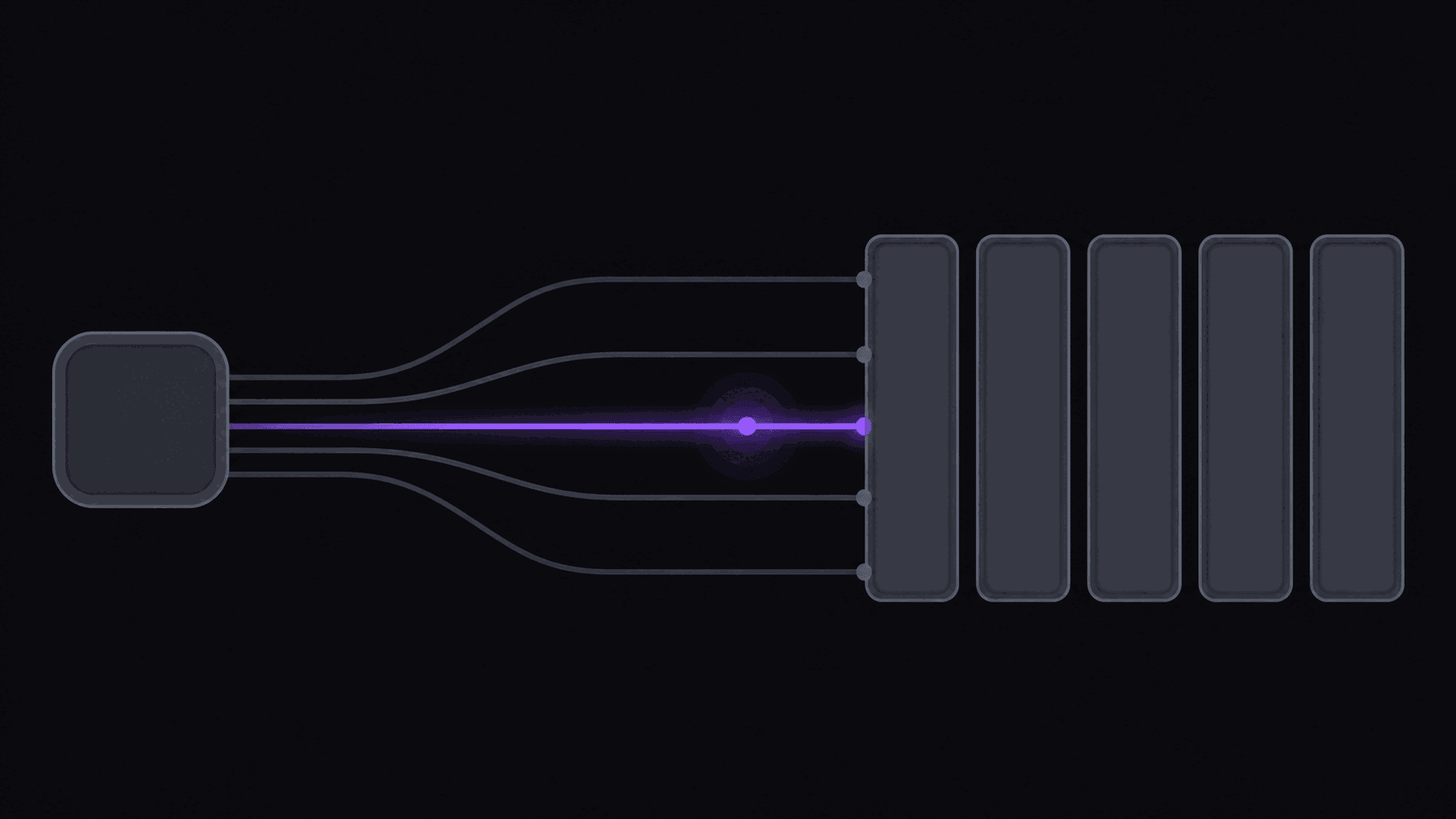
Clip automation means the producing and posting happen without you; the deciding does not. A monitored source uploads, clips appear ranked in your dashboard, you approve the ones worth posting, and a schedule spaces them across your accounts.
AutoClip monitors 1 public channel on Starter, 3 on Pro and 10 on Scale, returns around 9 clips per typical video in roughly 5 minutes, and posts to nine destinations. What it does not automate is taste, source selection, or the review pass — budget about a minute per clip for that.
Key takeaways
What automation does and does not remove
| Task | Automated | Still yours |
|---|---|---|
| Noticing a new upload | Yes, monitored channels | Choosing which channels to monitor |
| Cutting and reframing | Yes | Fixing the occasional bad in-point |
| Captioning | Yes, word-synced | Correcting proper nouns |
| Ranking clips | Yes, scored and ordered | Deciding which ones you would post |
| Posting on a schedule | Yes, 9 destinations | Varying hooks per destination |
Every row in the right-hand column is real work. It is much less work than the left-hand column was, which is the entire point.
The honest definition of "hands-off"
A fully automated clip channel is not a channel you never look at. It is a channel where the work you do is deciding, not doing.
Here is the version that actually holds up over a month. A creator you follow uploads at 9am. You do nothing. By the time you check your phone, roughly nine clips from that upload are sitting in your dashboard, already cut vertical, already captioned, already scored. You spend six minutes swiping through them, kill two that miss, tweak one hook line, and confirm the rest into a posting queue that spaces them across TikTok, Shorts, and Reels for the next two days.
That six minutes is the job. Everything before it — watching the upload, scrubbing for moments, trimming, reframing, typing captions, exporting, uploading three times — is what automation removes. People who try to remove the six minutes too usually regret it: they wake up to a clip that ends mid-word, or a cut that reads as mean-spirited out of context, and the algorithm punishes the whole account for it.
So the target is not zero involvement. The target is turning three hours of editing into a few minutes of judgment, then repeating that across more source channels than one person could ever hand-edit. If someone sells you the zero-review version, ask them what happens the first time the source creator says something that gets your account struck.
What to automate, in the order it pays off
Not every step is worth the same. Ranked by hours returned per hour of setup:
1. Detection. Manually checking whether your source channels have uploaded is the dumbest tax in clipping — it costs you nothing per check and everything in aggregate, because you check twenty times and miss the one that mattered. Channel monitoring fixes this outright: point it at a public YouTube, Twitch, or Kick channel once and new uploads and stream VODs get pulled in and clipped without you submitting anything. Starter watches 1 channel, Pro watches 3, Scale watches 10.
2. Selection and cutting. Scrubbing a two-hour podcast for the nine moments worth posting is where most of the night goes. Handing that off gets you a first draft of the whole batch in about five minutes for a typical video — longer sources, like a five-hour stream, take proportionally longer.
3. Formatting. Reframing to 9:16 with the speaker kept in frame, then burning word-synced captions, is mechanical work with no creative upside. Automate it and never think about it again.
4. Publishing. Downloading nine files and uploading them to three apps by hand is another 30-40 minutes. Scheduling straight from the dashboard to 9 destinations collapses it.
What to keep manual: the approval pass, your hook text on the two or three clips you actually believe in, and the decision about which source channels are worth watching at all. Those are the parts where taste beats throughput.
Week one, realistically
Setup is faster than people expect and calibration is slower.
Day 1 (about 40 minutes). Connect your posting accounts, add one source channel, run a single past upload through manually so you can see what the output looks like before you trust it with a queue. Pick your caption style now — swapping it later means your feed looks like two different channels stitched together.
Days 2-7. Let monitoring run. Approve everything by hand. You are not optimizing yet; you are learning which moments from this specific creator land. Podcast sources and stream sources behave completely differently here.
Week 2-3. Start posting at a real cadence — three to five clips a day, spaced, not dumped. Watch hook rate rather than total views. A clip that gets 400 views with 70% of viewers past three seconds is more informative than one that got 12,000 views from a lucky push.
Week 4. Now add the second source channel. This is the step people rush, and it is why so many clip channels stall: two mediocre sources produce less than one well-understood source, because your approval judgment gets diluted across both.
The compounding only starts when you can run several sources without your review time scaling linearly. That is the whole point of the setup.
The credit math for a real schedule
Automation is only hands-off if you do not run out of fuel mid-month. Credits map to source minutes: 1 credit = 1 minute of source video.
A channel built on two weekly podcasts, each about 90 minutes, burns roughly 720 minutes a month. That does not fit Starter's 200 credits. It does not fit Pro's 500 either. You would want Scale's 1,200, or you cut to one podcast plus shorter uploads.
Stream sources price very differently. A six-hour Twitch VOD does not cost 360 credits, because only the top highlight segments get processed — a multi-hour stream typically runs 35-90 credits. That makes stream-heavy automation dramatically cheaper per posted clip than podcast-heavy automation, which is worth knowing before you pick a niche.
A workable Pro-tier setup: one 60-90 minute weekly podcast (about 300 credits/month) plus a monitored Twitch channel producing three VODs a week (roughly 150-200 credits). That lands inside 500 credits with room to reprocess a few things you were not happy with, and Pro's 500 credits per month is more than most solo operators can review anyway.
Where this gets expensive: monitoring five long-form podcast channels at once. The credits are real, and so is the review time. Fewer sources, watched properly, beats a firehose.
What automation does not fix
It does not fix a bad source. If the creator you monitor makes 90-minute conversations with no sharp moments in them, you will get nine clips of nothing. Source selection is still the decision with the most upside, and no tool rescues a boring feed.
It does not fix cadence discipline. Automated production makes it very easy to dump fourteen clips in an afternoon, which is a reliable way to train a platform to stop showing you to anyone. Space them.
It does not fix sameness. If your channel and four other channels all monitor the same creator, you are all posting near-identical cuts. The differentiator becomes hook writing, caption style, and which moments you reject — the manual six minutes again.
And it does not fix monetization on its own. Views without a payout route are a hobby. If you are clipping for content-reward campaigns, read the brief before you build the pipeline — some campaigns require specific formats or disallow certain platforms, and it is cheaper to know that in week one.
One real data point on the upside: Justin, a clipper, made about $3,000 in a month clipping. Results like these aren't typical — earnings depend on your niche, the campaigns you post to, and how consistently you publish. The automation is what makes that volume survivable for one person; it is not what makes it pay.
Frequently Asked Questions
If you currently hand-edit, the honest number is most of it. Cutting, reframing, captioning, and uploading nine clips manually runs three to five hours per source video. Automated, you spend a few minutes approving and occasionally rewriting a hook. Run the arithmetic across a weekly podcast plus a couple of streams and a 10-15 hour week collapses to something closer to two.
Yes, and it is the cheapest content type to run. Only the top highlight segments of a stream get processed, so a multi-hour VOD typically costs 35-90 credits rather than one credit per minute. Processing takes longer than a short upload — plan for well beyond the usual five minutes on a very long source.
You can see the output quality on the 3-day Pro trial: 100 credits, about 100 minutes of source video, exported clean. It is enough to judge whether the cuts and captions fit your channel. For ongoing channel monitoring and scheduling you need Starter at $19.99/mo or above.
Your queue empties, which is exactly why single-source channels are fragile. Once your first source is calibrated, add a second with a different upload rhythm — a weekly podcast plus a near-daily streamer keeps the queue full even when one goes quiet for a week.
Related Articles
See also
Put your clip channel on monitoring
Point AutoClip at a public YouTube, Twitch, or Kick channel and new uploads come back as captioned vertical clips, ready to schedule. Start with the 3-day Pro trial and its 100 credits.
Get started for free