How AutoClip's AI Finds the Moments Worth Clipping
Updated
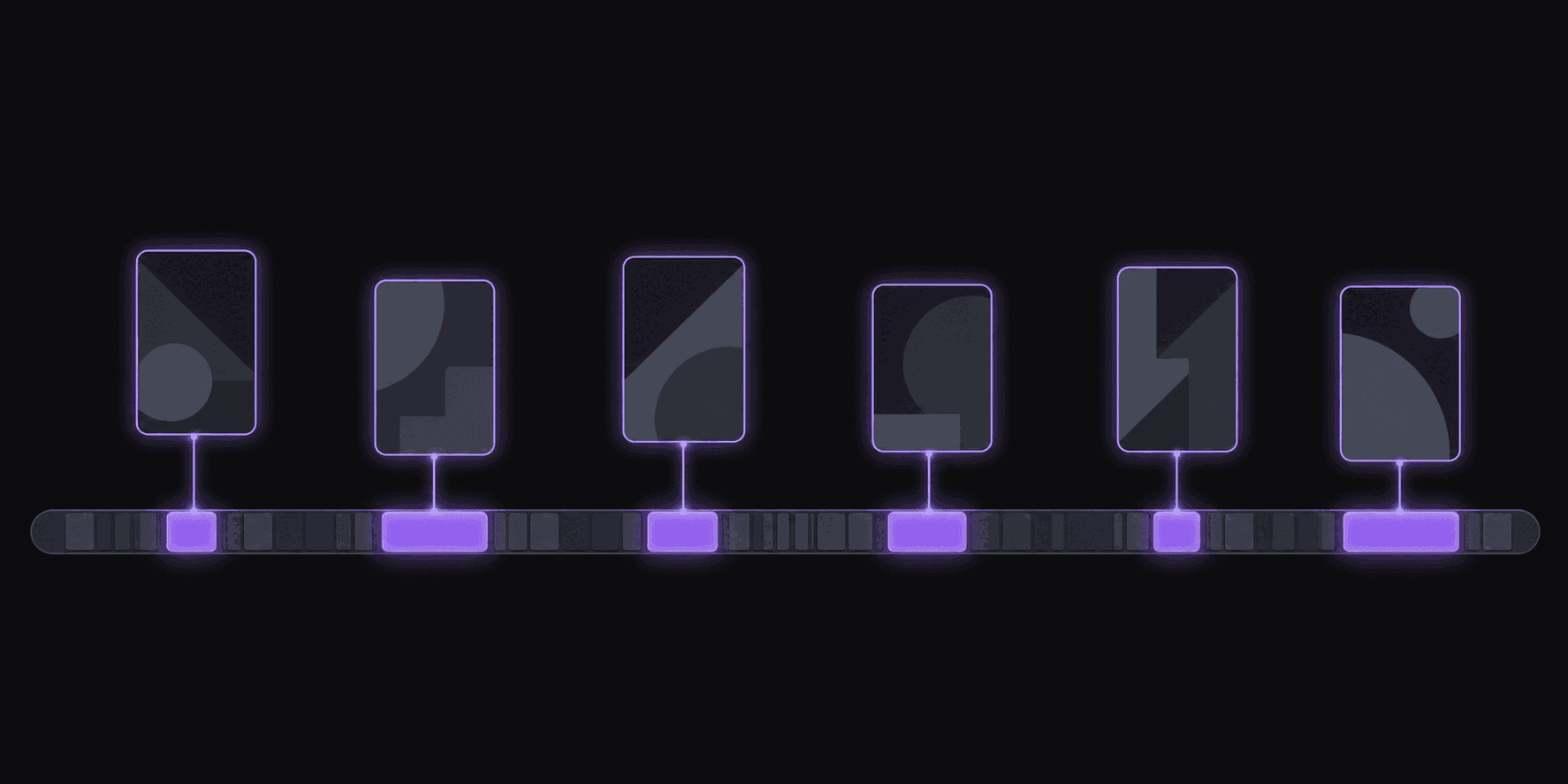
Two Hours In, Still Scrubbing
You open a stream VOD at 11pm looking for the three moments worth posting. Forty minutes later you're at the 1:12 mark, you've found one decent bit, and you've lost the ability to tell whether anything is funny anymore.
That's the problem automatic detection solves. Not "make me a viral video" — nothing does that — but "read the whole thing so I don't have to, and hand me a ranked shortlist."
AutoClip watches the full source and comes back with around 9 candidate clips for a typical video, each with a virality score and a breakdown of what pushed it up or down. Typical turnaround is about 5 minutes; a five-hour stream takes proportionally longer. Your job shifts from searching to judging, which is the part humans are still much better at.
What Counts as a Moment
A good sentence is not a clip. A clip is a span with a shape: it grabs attention in the first two seconds, goes somewhere, and lands — inside 60 seconds, with nothing missing from the middle.
So detection is looking for spans that hold up as standalone units:
- A clean entry point. Starting mid-thought is the fastest way to lose a viewer. Good in-points sit at the start of a sentence or a beat, not three words into one.
- A reason to keep watching. A question asked, a claim made, a reaction beginning — something that creates a small unresolved thing in the viewer's head.
- A payoff. The punchline, the answer, the reveal. Clips that end before the payoff test terribly no matter how strong the setup was.
- Self-containment. If understanding the moment requires the ten minutes before it, it isn't a clip. It's a fragment of a longer story.
- Energy change. Volume, pace, and reaction shifts are how you find the parts of a stream that felt alive in the room.
None of that is exotic. It's what you'd look for manually. The difference is that it gets applied to every minute of a four-hour VOD without fatigue setting in around minute 90.
The Score Is a Shortlist, Not a Verdict
Every candidate gets a virality score with a transparent five-criterion breakdown, so you can see why one clip ranked above another instead of staring at a mystery number. That transparency is the point — a score you can't interrogate is a score you can't learn from.
But treat the ranking as triage, not truth. What a score cannot know:
- Whether this exact take has been posted forty times this week already
- What your audience specifically responds to
- Whether the moment is about to be radioactive for reasons that broke an hour ago
- Whether your thumbnail and title can carry it
The honest framing: the score is very good at eliminating the 90% of a VOD that's dead air, and merely decent at ordering the survivors. Post the top four, watch your retention data, and start noticing where your judgment beats the ranking. It usually does within a month.
More on reading the number in what is a clip score.
Where It Reliably Gets It Wrong
Four failure modes worth knowing before they cost you a week.
Inside jokes. A callback that kills for a community of 40,000 regulars looks like a non-sequitur from the outside. Automatic detection has no memory of the last six months of a stream. You do.
Visual-only moments. A perfectly-timed reaction with no dialogue, or something happening in the corner of the gameplay feed, is easy to miss when the strongest signals in the material are what people say. If your niche is visual, plan to skim manually alongside the shortlist.
Slow burns. Some of the best podcast clips build for 45 seconds. Detection biases toward moments that hook early, because most short-form does. If your audience tolerates a slower open, pull those manually in the timeline editor.
Ambiguous audio. Heavy crosstalk, thick background music, or four people talking over each other degrades everything downstream. Better source audio produces better shortlists, full stop.
Worth saying plainly: if you clip a niche that lives in any of these categories, automatic detection saves you time but doesn't replace watching the source.
Using the Ranking Without Turning Off Your Brain
A workflow that holds up:
- Let the source process. Skim the shortlist top-down, watching only the first three seconds of each candidate.
- Kill anything with a weak entry point immediately — that's a fixable problem, so trim the in-point rather than discarding a strong moment.
- Check the bottom of the list too, once a week. That's where inside jokes and visual gags hide.
- Post four to six from a good source rather than all nine. Publishing weak clips trains your own distribution against you.
- After 30 posts, compare your own picks to the score's picks. If yours consistently outperform, weight your judgment higher on that source. If they don't, that's useful too.
The tool exists to get you from two hours of scrubbing to twenty minutes of judging. Judging is still your job.
Frequently Asked Questions
Around 9 for a typical video, varying with length and how much usable material is in there. Per-video caps run 6 on Starter, 12 on Pro, and 15 on Scale, so the plan sets the ceiling but the source sets the reality.
Yes. The timeline editor lets you move in and out points, extend a clip, or build one from a span the shortlist skipped entirely. Expect to do this regularly once you know your source well — the shortlist is a starting point, not a final cut list.
Yes, and Pro and above add caption translation in 31 languages and AI dubbing in 25 of them if you're distributing beyond your source's language. Detection quality still depends on clean audio more than anything else.
Related Articles
See also
Get a ranked shortlist instead of a scrub bar
Drop in a long video and see the candidates come back with scores you can actually interrogate.
Get started for free