What Is Batch Clipping? Making Twenty Clips in the Time One Used to Take
Updated
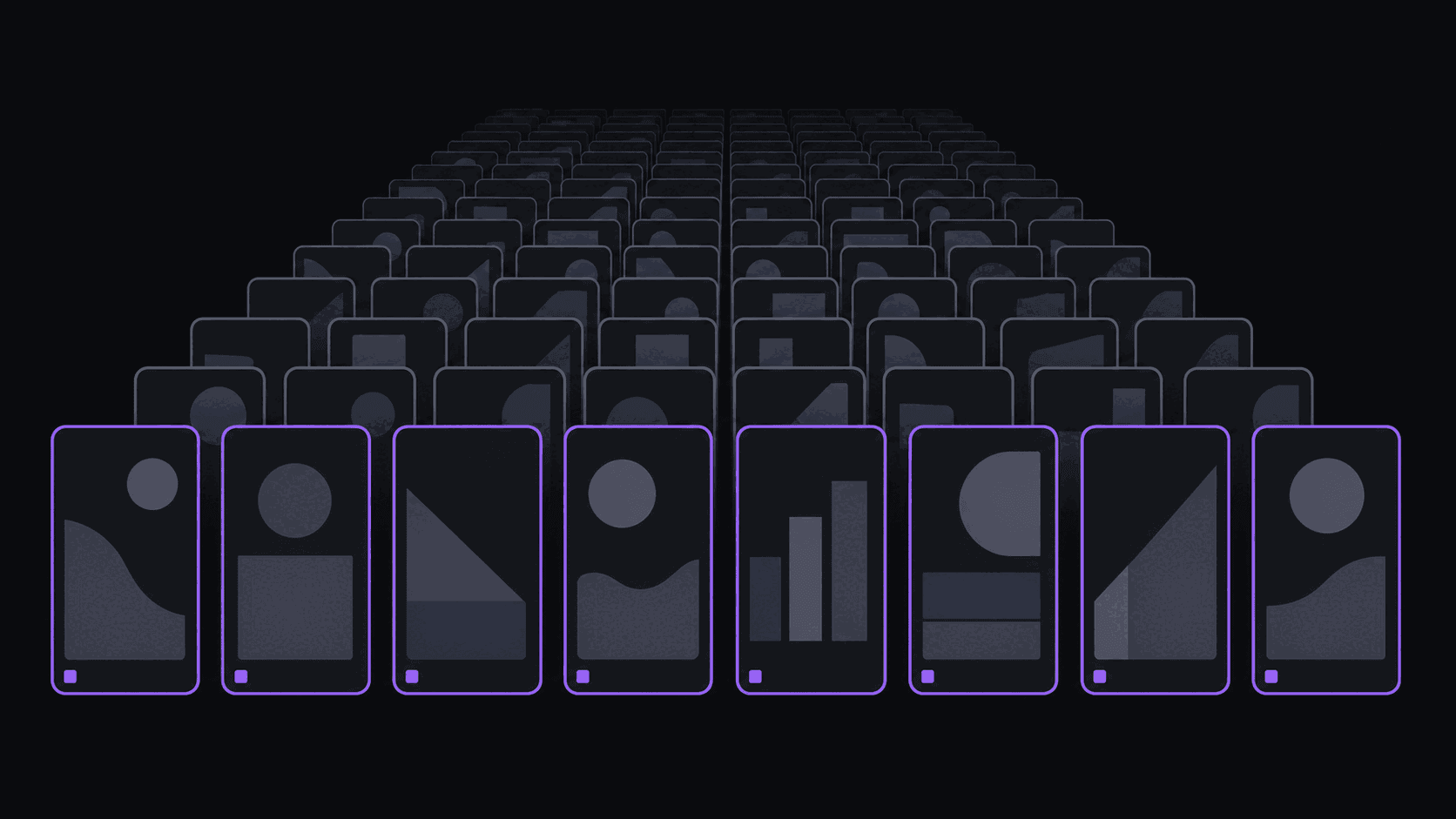
The context-switching tax
Editing one clip end to end — find the moment, cut it, reframe it, caption it, title it, post it — takes most people 20 to 40 minutes. Editing twenty clips the same way should take seven to thirteen hours. In practice it takes longer, because every switch between finding, cutting, and captioning costs you a few minutes of reorientation.
batch clipping workflow collapses that. You do all the finding, then all the cutting, then all the captioning, then all the posting — across many source videos at once. Same total work in theory, dramatically less in practice, because you stop paying the switching tax twenty times over.
The version most clip channels actually run goes further: submit a stack of source videos, let them process unattended, and come back to a queue of finished clips to approve or kill. That turns a seven-hour day into an hour of judgment calls.
What a batch run looks like
A realistic weekly batch for someone running two source channels:
Monday morning, 10 minutes. Queue the week's source material — say six videos, a mix of podcast uploads and stream VODs. If you have channel monitoring turned on, this step disappears entirely: new uploads and VODs from the channels you follow get picked up without you submitting anything.
Unattended. Each typical video comes back in about 5 minutes with around nine clips: cut on natural boundaries, reframed to 9:16 with the speaker kept centered, captioned word-by-word. Long stream VODs take proportionally longer. Six sources is a coffee break, not a work block.
Monday afternoon, 45 minutes. Triage. Watch three seconds of each of the ~54 candidates, keep maybe 25. Fix titles on the keepers. Kill everything you hesitated on.
Five minutes. Schedule the survivors across the week, spaced out rather than dumped. Auto-posting handles delivery to 9 short-form destinations from there.
That is roughly an hour of human time for a week of content. The number that matters is not "20 clips" — it is that the hour you spend is the hour where your judgment actually adds value.
Where batching costs you something
It is not free, and pretending otherwise sets people up to be disappointed.
You lose timeliness. A batch run on Monday cannot capture the thing that happened Wednesday afternoon. If your niche runs on same-day reaction — drama channels, live sports, breaking news — batching alone will always be a beat behind. The fix is a hybrid: batch the evergreen material, clip the timely stuff manually.
Quality drifts if you skip triage. The failure mode is approving everything because reviewing feels like the boring part. A feed full of mediocre clips performs worse than a smaller feed of good ones, and you will not notice the decline for three weeks.
It amplifies a bad source. Twenty clips from a channel that produces nothing memorable is twenty forgettable clips. Batching is a multiplier on the material you feed it, in both directions. Screen sources first — what makes a source channel worth your time is the filter.
Sameness is a real risk. Clips cut from one source in one sitting tend to share a rhythm. Mix sources within a batch, and vary hook styles deliberately rather than letting the batch pick one and repeat it.
Making batching a habit that survives
The channels that keep this up for a year have a few things in common.
They batch on a fixed day. Not "when I get to it" — a specific recurring slot, because the whole advantage evaporates when the work spreads back out across the week.
They over-produce and under-post. Batching twenty-five clips and posting fifteen means you always have a buffer for the week you get sick, and it means you can kill weak clips without leaving a gap. Consistency of posting beats volume of production — posting cadence rules covers the tradeoff.
They keep a kill list. Writing down why you rejected a clip — hook too slow, ends badly, moment does not land without context — turns triage into a feedback loop about your sources rather than a chore.
And they resist the urge to batch everything. One manual, carefully edited clip a week, on the moment you actually care about, keeps your taste sharp and keeps the channel from feeling like a conveyor belt. For the mechanics of the surrounding pipeline, the full clip automation workflow has the details.
Frequently Asked Questions
It depends on your credit balance and source length: Starter includes 200 monthly credits, Pro 500, and Scale 1200. One credit equals one source minute; there is no monthly video-count cap. Most solo clip channels find that six to ten sources a week is the realistic ceiling for what they can triage properly.
It changes where your effort goes rather than lowering the ceiling. You stop hand-placing every cut and start spending that time on selection — which clips survive, which hooks work, which sources deserve more attention. Channels that batch and skip the review step do see quality slide, so treat triage as non-negotiable.
Yes. Sources and connected accounts are tracked separately, so a podcast clip channel and a gaming clip channel can run through the same batch with separate schedules and destinations. Social account limits are 3 on Starter, 8 on Pro, and 25 on Scale.
Related Articles
Batch a week of clips in an hour
Queue your sources, walk away, and come back to a review queue instead of a timeline. AutoClip handles the cutting, reframing, captioning, and scheduling.
Get started for free