Auto-Posting Clips: How to Publish to Every Platform Without Touching a File
Updated
The 70 minutes a day nobody talks about
Say you publish five clips a day across four accounts. That is twenty uploads. Each one means finding the file, opening the app, pasting a caption, retyping hashtags because the app ate your line breaks, picking a cover frame, waiting on the progress bar, then doing it again. Twenty uploads at three to four minutes each is roughly seventy minutes of work with zero creative value in it.
The tax gets worse the better you get. Your editing speeds up with practice. Uploading never does. It is the one part of a clip channel that scales linearly with volume, which is exactly why most people quietly cut back to two posts a day around week three and then wonder why growth stalled.
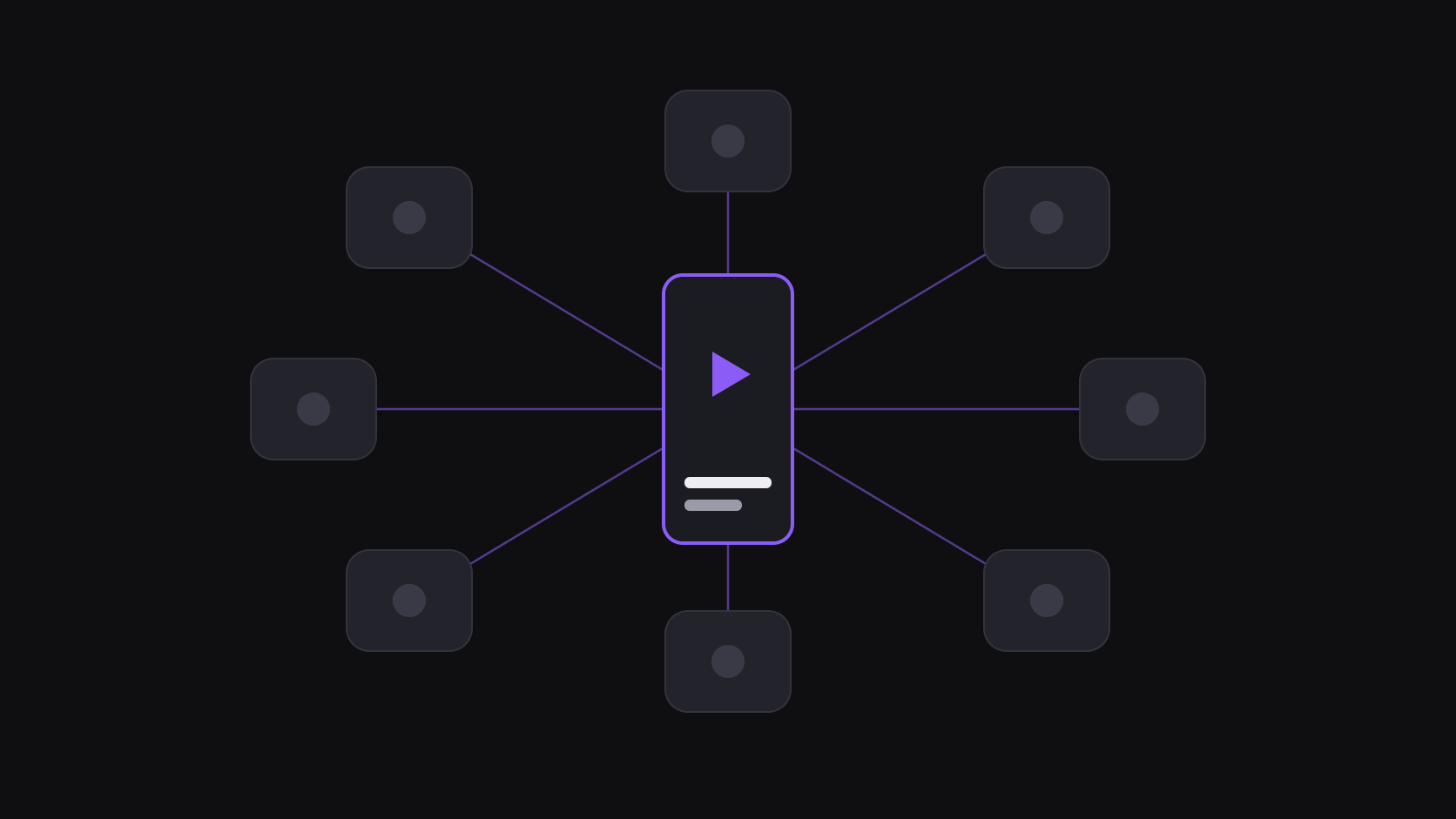
Auto-posting removes that ceiling. You connect each account once, approve clips in one place, and publishing happens on a schedule you set. AutoClip posts to 9 short-form destinations, so a single approval can fan a clip out to every account you run. The time saved is the smaller half of it. The real return is that you can hold a posting cadence you would otherwise quietly abandon around week three. See how it works for the full flow from source video to published clip.
Connecting accounts: what each platform actually requires
Connecting an account means signing in to it once and approving posting access. It takes a couple of minutes each. The gotchas are platform-side, not tool-side, and they are worth knowing before you start.
TikTok connects with your normal account and accepts caption text with hashtags inline. If you run several TikTok accounts for different niches, connect each one separately — they publish independently.
Instagram [how long a Short or Reel can be in 2026](/blog/short-form-video-length-limits-2026)s requires a Business or Creator account. Personal accounts cannot be published to programmatically by anyone, so if your connect attempt fails, switch the account type in Instagram's settings first and retry.
YouTube Shorts connects through your Google account and publishes to the channel you pick. Vertical clips under three minutes land in the Shorts feed automatically.
X posts your clip as native video. That matters: native video gets meaningfully more distribution than a link out to the same clip hosted elsewhere.
LinkedIn, Facebook, Threads and the rest behave similarly — one connect, then they appear as toggles on every clip.
How many accounts you can attach depends on your plan: 2 on Free, 3 on Starter, 8 on Pro, 25 on Scale (full plan details). If you manage clip channels for clients, the Scale tier is the one built for that. Integration details live at /integrations/tiktok and /integrations/youtube-shorts.
Scheduling: spacing beats blasting
The instinct is to publish everything the second it renders. Resist it. Four clips dropped into the same five-minute window compete with each other for the same slice of your audience, and on TikTok in particular they tend to split the initial test audience rather than stack it.
A spaced schedule works better. Pick three or four slots across the day, assign one clip to each, and let the queue drain. AutoClip's scheduler handles the per-platform timing, including timezone, so a clip can go live at 7pm local for a US audience while you are asleep.
Two practical rules. First, give each platform its own schedule rather than one global one — the peak windows on Shorts and TikTok are not the same, and Reels is different again. Second, keep a buffer. A queue with two days of clips in it means a bad week, a sick day, or a source channel that goes quiet does not create a visible gap on your profile. Gaps are what algorithms read as inactivity.
If you want a starting grid rather than guessing, best posting times for clips has per-platform windows, and upload cadence explains why consistency outranks raw volume.
Captions per platform, not one caption everywhere
The same caption text does not perform the same way in four places. On TikTok, the caption is a search field — people find clips by typing phrases into the search bar, so a plain-language description of what happens in the clip earns more than a stack of hashtags. On Shorts, the title carries most of the weight and shows in the feed. On Reels, the first line is what appears before the fold. On X, a caption that poses the question the clip answers pulls replies, and replies pull reach.
Write once, then adapt. A ten-second edit per platform is a very different cost from a full re-upload, and it is the difference between a clip that gets found in search and one that only rides the initial push.
One thing auto-posting deliberately does not do is post identical files to multiple accounts you own on the same platform. That pattern gets flagged. If you run parallel accounts in one niche, vary the hook frame, the caption, and ideally the cut point — how to cross-post the same clip without a shadowban covers the specifics.
Where auto-posting won't save you
Automation multiplies whatever you feed it. If your clips are weak, auto-posting gets you to a weak channel faster. It does not fix a bad hook, a source channel nobody searches for, or a niche with no audience.
It also removes a small amount of judgment. When you upload by hand you glance at each clip one last time, and occasionally you kill one. With a queue running, a clip that ends mid-word or opens on a bad frame will go out. The fix is a review step, not manual uploading — approve in a batch once a day, then let the schedule run.
And there are real platform limits. Publishing APIs go down, rate limits exist, and occasionally a connection needs to be re-authorized after a platform-side change. Anything that fails is surfaced so you can retry, but a fully unattended channel still deserves a two-minute check every couple of days.
Where it pays off is the boring middle: consistent output, published at sensible times, across more accounts than you would ever hand-manage. Pair it with automatic channel monitoring and the loop closes — a new upload appears on a source channel, clips come back in about 5 minutes for a typical video, you approve, and the schedule handles the rest.
Frequently Asked Questions
AutoClip publishes to 9 short-form destinations, including TikTok, YouTube Shorts, Instagram Reels, X, Facebook, Threads and LinkedIn. Reddit, Snapchat and Twitch are not supported destinations.
Free connects 2 accounts, Starter 3, Pro 8, and Scale 25. Accounts on the same platform count separately, so three TikTok accounts uses three slots.
Yes. Each platform gets its own schedule with its own time slots and timezone, so a clip can go live at 7pm on TikTok and 9am the next morning on Shorts without you doing anything.
You choose. You can review and approve clips before they enter the queue, or let approved source channels publish straight to the schedule. Most people review for the first few weeks, then loosen it once they trust the output.
Instagram only allows programmatic publishing from Business or Creator accounts. Switch the account type in Instagram's settings, then reconnect. Personal accounts cannot be published to by any tool.
Related Articles
See also
Post to every account from one queue
Connect your accounts once, approve clips in a batch, and let the schedule publish them. Start with the 3-day Pro trial.
Get started for free