How to Clip Podcasts Into Shorts That People Actually Finish
Updated
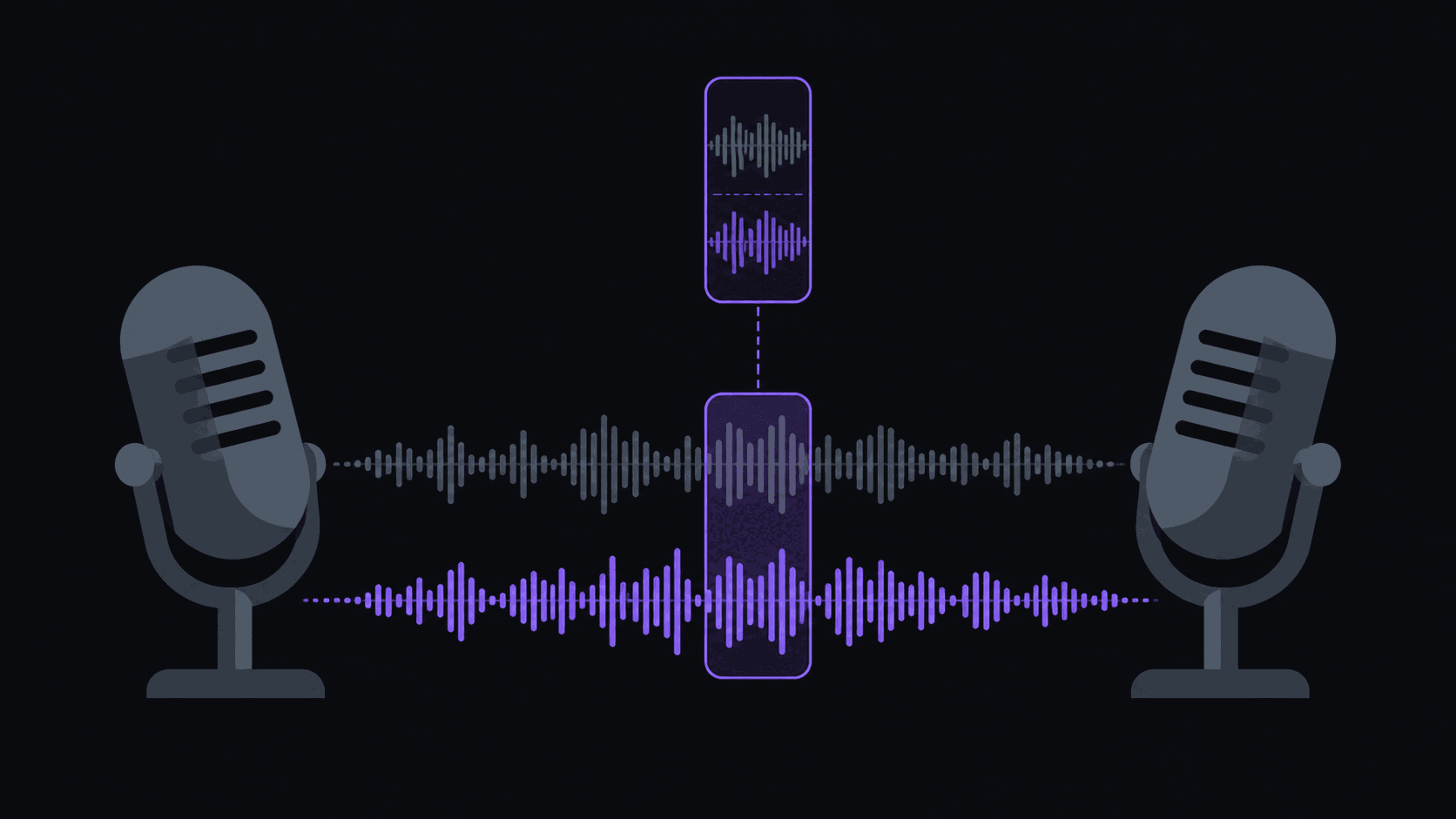
How to clip a podcast into shorts
A two-hour episode usually holds about six moments that stand on their own. The skill is subtraction: not what could I cut, but what would still land for someone who has never heard of either person.
- Find the self-contained moments — where somebody says something complete, surprising, and understandable without the previous ten minutes.
- Set the front edge on the answer's most striking line, or the two seconds of setup that make it make sense. Never open on a question.
- Set the back edge on the last word of the thought, not the next breath. Cut the "yeah, so, anyway."
- Land internal cuts on speaker changes; cuts mid-sentence read as broken even when the content is identical.
- Pick a length lane: 15-30 seconds for discovery, or 45-90 seconds for follow conversion. Avoid the 35-40 second middle.
- Add word-synced captions, kept high enough that platform UI does not cover them, in one style across the channel.
- Test the cut on someone who does not listen to the show. If they ask "who is this?", start earlier or pick a different moment.
Key takeaways
Podcast clip length by platform and goal
Pick a lane per clip rather than exporting one length everywhere.
| Length | What it contains | Completion rate | Follow conversion | Best destination |
|---|---|---|---|---|
| 15-30 seconds | One line, one reaction | High | Low | TikTok, Instagram Reels |
| 35-40 seconds | Usually a padded or truncated idea | Middling | Low | Avoid |
| 45-90 seconds | A complete argument with a turn | Lower | High | YouTube Shorts |
Two hours of conversation, six usable moments
Two hours of recorded conversation usually yields about six moments that can stand on their own. That ratio surprises people. A long interview feels dense while you're listening to it, but most of it is setup, agreement, tangents that need the previous ten minutes to make sense, and two people finding their way to a point. The moments that survive alone — where somebody says something complete, surprising, and self-contained — are rarer than they feel.
Which is why the skill in podcast clipping is subtraction. Not "what could I cut?" but "what would still land for someone who has never heard of either of these people?"
A useful test: play the clip for someone who doesn't listen to the show. If their first question is "wait, who is this?" or "what were they talking about?", the cut is wrong. It usually needs to start ten seconds earlier, or it needs to be a different moment entirely.
Where the cut goes
podcast clips fail at the edges far more often than in the middle.
The front. Never open on a question. Open on the answer's most striking line, or on the two seconds of setup that make it make sense — nothing more. A clip that starts with a host clearing their throat has already lost the scroll.
The back. End on the last word of the thought, not the next breath. The single most common mistake in podcast clipping is letting the clip run four seconds past the point while the guest says "yeah, so, anyway." Cut it.
The middle. Multi-speaker conversation has a rhythm, and cuts that land on a speaker change read as intentional while cuts that land mid-sentence read as broken. Same footage, completely different perception of quality. If your source is a two-camera interview, this matters even more, since the visual cut and the audio cut should agree.
Length: pick a lane per platform
There are two viable lengths for podcast content and they do different jobs.
15-30 seconds. One line, one reaction, out. High completion rate, which is what short-form ranking mostly rewards. This is the length that gets a channel discovered.
45-90 seconds. A complete argument with a turn in it. Lower completion rate, but much higher follow conversion, because a viewer who stays 80 seconds has decided they like this person.
The mistake is the middle — 35 to 40 seconds is usually a 25-second idea padded, or a 70-second idea truncated. Pick a side.
In practice: short cuts to TikTok and Reels for reach, longer cuts to Shorts where the audience tolerates depth and where the clip sits next to the full episode. Podcast clip distribution across TikTok, Shorts, and Reels breaks the split down further.
Captions are not optional on podcast clips
Two people talking with no on-screen text is the least scroll-resistant format in short-form video. Captions are what make a talking-head clip legible in a muted feed, and word-synced captions — where the current word is highlighted as it's spoken — hold attention noticeably better than a static block.
Things that reliably help:
- Keep the text high enough that platform UI doesn't cover it, and check on an actual phone rather than a desktop preview.
- Use one caption style across the whole channel. Saving it as a brand kit means you set it once instead of remembering it 200 times.
- Add a fixed line to every clip — the show name, or your handle — so a clip that travels off-platform still points somewhere. Mandatory caption lines covers setting that up per source channel.
If the show has an international audience, caption translation in 31 languages and dubbing in 25 of them sit on the Pro plan at $39.99/mo. Worth it for shows with real overseas listenership, unnecessary otherwise.
Covering a weekly show without living inside it
The hard part of podcast clipping is not any individual clip. It's that a weekly show means a new two-hour episode every seven days, forever, and falling two weeks behind is how most channels quietly die.
Monitoring solves the boring half. Add the show's channel once and each new episode gets clipped automatically — around 9 clips from a typical video, back in roughly 5 minutes for a normal-length upload, proportionally longer for a three-hour episode. You spend your time reviewing and choosing rather than scrubbing a timeline.
What you should still do yourself: pick which clips go out, fix the titles, and decide the order. The judgment about which moment is worth the audience's attention this week is the part that makes your channel different from the other twelve clipping the same show. Setting up channel monitoring walks through the setup, and how long it takes to make 10 clips from a 2-hour podcast compares the two workflows honestly.
Choosing a show worth committing to
Before you build a channel around a podcast, check four things.
Release consistency. A show that skips weeks starves your channel. Weekly beats sporadic even at a fraction of the audience.
Existing [clip channel niche saturation](/blog/clip-channel-niche-saturation-when-to-pivot). Search the show's name on TikTok. If four accounts are already posting the same episode within an hour of release, you're joining a fight rather than filling a gap. Mid-size shows with no dedicated clipper are the better bet.
Their stance on clips. Some podcasts actively encourage clip channels because it feeds the main show. Others take them down. Ten minutes of reading saves you a lot.
Conversational density. Some hosts get to the point; some take twenty minutes of throat-clearing per topic. Listen to one episode at normal speed and count how many moments you'd actually post.
Frequently Asked Questions
Yes, and it's one of the most durable formats there — talking-head clips have been working for years without the format fatiguing. The catch is that the moment has to stand alone. Inside jokes and running bits from the show land with existing listeners and confuse everyone else.
Full episodes are fine. Source length limits go by plan — up to 2 hours on Starter, 5 hours on Pro, 10 hours on Scale — and credits bill at one credit per source minute, so a two-hour episode costs about 120 credits.
Around 9 from a typical video, with a per-video cap of 6 on Starter, 12 on Pro, and 15 on Scale. How many are worth posting is a different number, and it depends far more on the conversation than on the length.
Business and self-improvement produce the most saveable clips; comedy and interview shows produce the most shareable ones. Highly technical shows are the hardest, because the good moments usually need context you can't fit in 40 seconds.
Related Articles
How Long Does It Take to Make 10 Clips From a 2-Hour Podcast?
5 min readPodcast Clip Distribution: TikTok vs YouTube Shorts vs Instagram Reels
5 min readBest AI Clip Generator for Podcasts (2026): 7 Tools Ranked
7 min readHow to Set Up Channel Monitoring for Automatic Clip Extraction (5-Step Guide)
5 min readAdd the show once, get clips every week
Monitor any public podcast channel and new episodes get clipped, reframed, and captioned without a manual upload. You review what comes back and schedule what's worth posting.
Get started for free