How to Clip Podcast Highlights That Actually Get Watched
Updated
Start With the Moment, Not the Timestamp
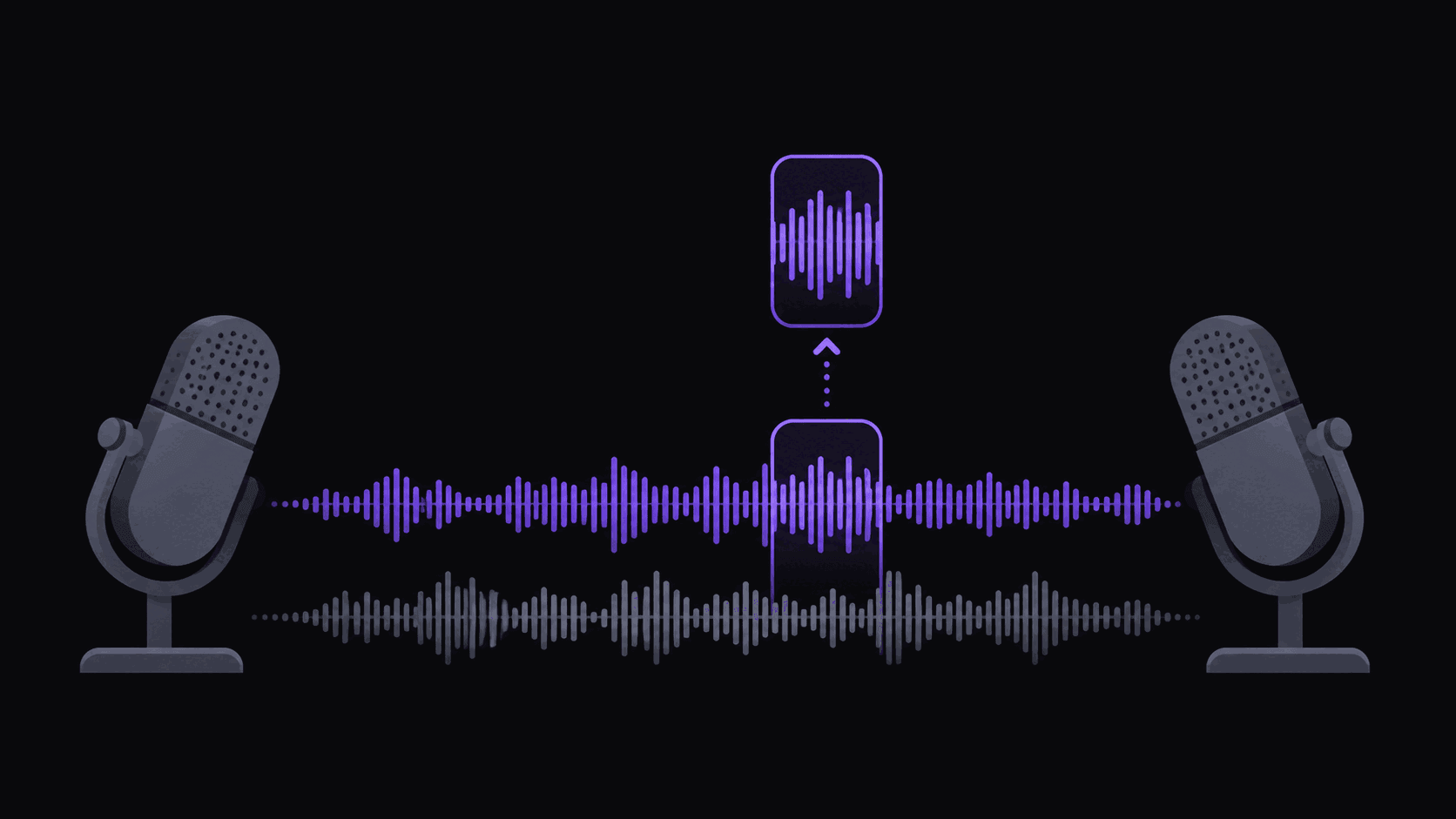
A two-hour interview holds maybe eight to twelve moments worth cutting. Everything else is throat-clearing, setup, and the host steering back on topic. The mistake most people make is scrubbing the timeline looking for a place to cut. You end up with clips that start thirty seconds early and die before the payoff.
Work backwards instead. Find the line — the sentence someone would screenshot — and build the clip around it. A clip is one claim, one reveal, or one joke. If you can't say what the clip is about in a single sentence, it isn't a clip yet.
The four shapes that carry short-form podcast content are the contrarian take ("everyone tells you to do X, that's wrong"), the personal reveal (a number, a failure, a story the guest hasn't told), the disagreement (host and guest actually pushing back on each other), and the clean punchline. Explanations, no matter how good, rarely travel. Someone unfolding a three-step framework needs context you don't have room for.
Where to Cut: In and Out Points
Cut in on the last possible beat before the interesting sentence. Not the question that prompted it — the answer. If the question is genuinely necessary, keep four or five words of it, not the whole thing.
Cut out immediately after the line lands. The instinct is to let it breathe, and a half second of reaction is fine, but every second after the payoff is a second where people swipe. If the guest keeps talking and the next sentence is also good, that's a second clip, not a longer one.
Length follows the shape. Punchlines and single quotable lines work at 15 to 25 seconds. Hot takes and reveals want 30 to 60. Anything past 90 seconds needs a reason — usually a story with an actual turn in it. Test the short version first; you can always publish the long cut later as a separate upload.
One more thing that matters more than people expect: the first three seconds should contain words, not silence and not a slow lead-in. A clip that opens mid-sentence on something surprising outperforms one that opens on a clean but boring "So I think what happens is…"
Captions Are the Whole Format
podcast clips are two people talking on a couch. There is no visual event. The caption line is what carries the pace, and most viewers have the sound off for at least the first second or two, which is exactly the window where they decide.
Word-by-word captions that light up in sync with the audio work better here than static blocks, because they give a static shot a sense of motion. Keep them big, keep them high-contrast, and keep them out of the platform's UI zone — the bottom fifth of the frame gets covered by the caption text and buttons on every app.
AutoClip generates word-synced animated captions on every clip and lets you edit the text before export, which is worth doing on names, jargon, and numbers. A misspelled guest name in 90-point type is the kind of detail that reads as low effort. If you run more than one channel, save your styling as a brand kit so every clip comes out looking the same without re-picking fonts. There's more on the mechanics in how to add captions to clips.
Turning One Episode Into a Week of Posts
Here's the honest math. A typical episode gives you around nine clips. At two posts a day that's four to five days of content per episode, which means a weekly show can sustain a daily posting schedule with a little overlap.
Doing that by hand is the part that kills channels. Watching a two-hour episode, marking moments, reframing to vertical, captioning, and exporting nine times is most of a working day. Automating the pass gets you to a review step instead: AutoClip processes a typical video in about 5 minutes, and multi-hour sources take proportionally longer — a three-hour episode is not a 10-minute job. You come back to a set of candidates with scores and a breakdown of why each one was picked, keep the five you agree with, adjust the in and out points in the editor, and schedule them.
If you clip the same show every week, point channel monitoring at it. New episodes get clipped as they publish, without you submitting anything. That's the difference between a channel you maintain and one you check on.
Which Shows Are Worth Your Time
Big shows have the most clippable material and the most competition. Fifty accounts are cutting the same episode within hours of release, and the obvious moment is already posted before you finish exporting. You can still win there, but only on speed or on a different cut than everyone else took.
Mid-size shows with an opinionated host are usually the better trade. Fewer people clipping, an audience that shares aggressively, and hosts who are often actively happy to have you doing it. Check the show notes — plenty of podcasts publish clipping guidelines or run paid clip programs, and a few will repost you, which is worth more than the view count on the clip itself.
The genres that reliably produce quotable audio: business and finance interviews, comedy, political and cultural commentary, and sports talk. Health and self-improvement shows produce a lot of clips but a lot of them are explanations, which is the shape that travels worst. Our podcast clipping guide goes deeper on show selection, and /use-cases/podcasts covers the workflow end to end.
Frequently Asked Questions
Around nine from a typical episode, though it depends on the show. A dense two-hour interview with a good guest can support more; a rambling episode with one strong moment supports one. Your plan sets the cap per video — 6 on Starter, 12 on Pro, 15 on Scale.
About 5 minutes for a typical video. Long sources take proportionally longer, so a three-hour episode runs well past that. Starter handles sources up to 2 hours, Pro up to 5, and Scale up to 10.
Most encourage it — clips bring them listeners. Check the show notes or website for a stated policy, and credit the show in the caption and bio. If a host asks you to stop, stop; the goodwill is worth more than one channel's worth of clips.
Yes, but you'll need a visual layer. Static cover art with animated captions is the baseline and it does work. Adding relevant B-roll behind the audio helps hold attention on longer cuts; that's available on Pro and above.
Related Articles
See also
Turn One Episode Into a Week of Clips
Paste a podcast URL and get around nine vertical, captioned clips back in about 5 minutes for a typical video.
Get started for free