How to Find Viral Moments Before Everyone Else Does
Updated
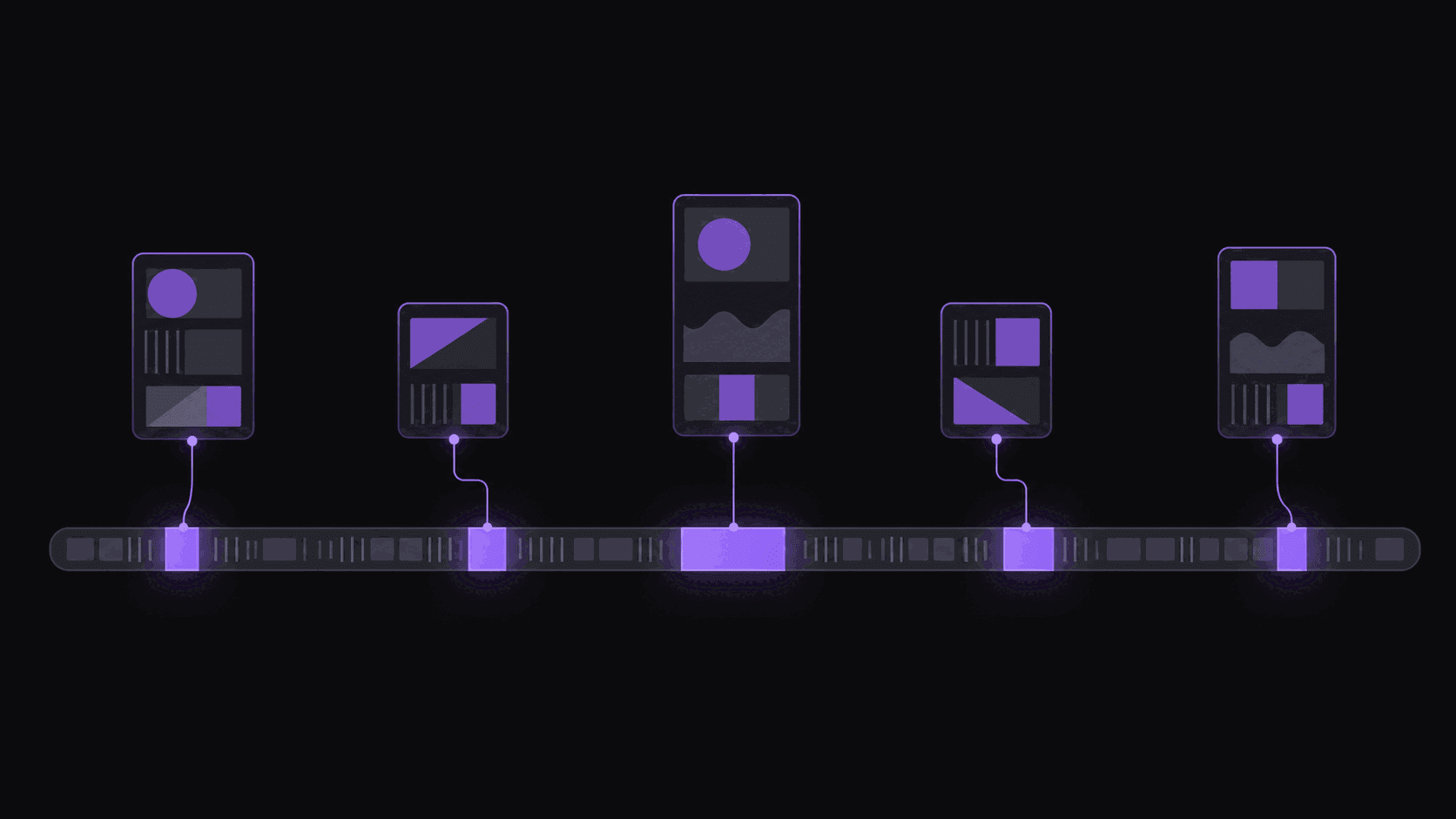
The First Six Hours Take Most of the Views
When a moment breaks — a stream reaction, a podcast admission, a bad take that lands wrong — the search demand for it spikes almost immediately and decays fast. Clips posted in the first few hours capture the wave. Clips posted the next afternoon are competing against thirty near-identical uploads for whatever demand is left.
This is the whole reason speed beats polish in clipping. A rough-but-early clip regularly outperforms a beautiful late one by an order of magnitude, and no amount of editing quality closes that gap.
It also means your discovery process, not your editing process, is what determines whether you catch waves. If you find out about a moment because it was already trending on your For You page, you are hours behind the clippers who saw it live.
Watching the Right Places Instead of More Places
You cannot watch everything. The clippers who are consistently early aren't watching more content — they're watching more selectively.
Live over VOD. Being in the stream when it happens is the only genuinely first-mover position. You can't do that for forty streamers, which is why most clippers pick two or three to watch live and monitor the rest.
Community chatter as an early-warning system. Stream subreddits, Discord servers, and clip-sharing channels light up within minutes of a moment. They're slower than watching live and much faster than the algorithm.
Upload schedules. Podcasts publish on predictable days. Being ready when a Monday-morning episode drops is a scheduling decision, not a discovery skill.
Second-tier sources. The top ten streamers have hundreds of clippers on them. The next fifty have a handful. Being second-fastest on a source with two competitors beats being fifteenth-fastest on a source with three hundred. 7 signs a streamer is about to blow up is a useful filter for picking those.
What Actually Signals a Moment Will Travel
Not every big reaction becomes a big clip. The moments that travel tend to have at least two of these:
It stands alone. If understanding it requires three minutes of context, it dies in the feed. The best clips are legible to someone who has never heard of the source.
It provokes a reply. Something a viewer disagrees with, wants to correct, or wants to forward with a comment attached. Neutral information gets watched; provocative claims get sent.
It has a visible reaction. A face doing something — shock, laughter, going silent — gives the clip a thumbnail and a payoff frame. Audio-only reactions travel much worse.
It's specific. "He said he'd never hire anyone who does X" travels. "Great discussion about hiring" doesn't.
The common misread is chasing emotional intensity alone. A streamer screaming is not automatically a clip; a streamer screaming at something the viewer can immediately understand is. Context-free intensity is why so many gaming clips stall at 400 views. More on this in what makes a clip go viral.
Building a System That Doesn't Require You to Be Awake
Manual discovery has a hard ceiling: you sleep, and streams don't. The practical fix is to split your sources into two tiers.
Tier one is the two or three sources you watch live, where being first matters most and your judgment is sharpest.
Tier two is everything else, monitored automatically. New uploads and stream VODs get clipped without you submitting anything, so an episode that drops at 3am is a set of candidate clips waiting when you wake up instead of a video you still have to scrub. A typical video comes back in around 5 minutes; a five-hour stream takes proportionally longer.
That structure is what lets one person cover ten sources instead of two. Plan limits apply — 1 monitored channel on Starter, 3 on Pro, 10 on Scale, across public YouTube, Twitch, and Kick. Channel monitoring explained covers the setup, and pricing has the tiers.
One honest caveat: automation makes you fast, not right. It hands you candidates. Picking which three of nine deserve to go out is still your job, and it is still the part that decides whether the channel works.
Frequently Asked Questions
In the first six hours of a breaking moment, yes, clearly. Outside that window — evergreen podcast clips, older VODs — quality and hook writing matter far more, because you're not racing anyone. Know which of the two situations you're in.
Either skim with the chat replay open and look for message-rate spikes, or have the VOD clipped automatically and review the candidates. Scrubbing a five-hour stream by hand is where most clippers lose their evenings.
Sometimes, if your version is meaningfully different — a better in-point, a sharper title, a platform the others skipped. Posting the same 30 seconds with the same caption twelve hours later, no.
Related Articles
See also
Have the Clips Waiting When You Wake Up
Monitor YouTube, Twitch, and Kick channels — new uploads and VODs get clipped automatically, no submission needed.
Get started for free