How Fast Clips Go Viral After Streamer Events: 2026 Timing Data
Updated
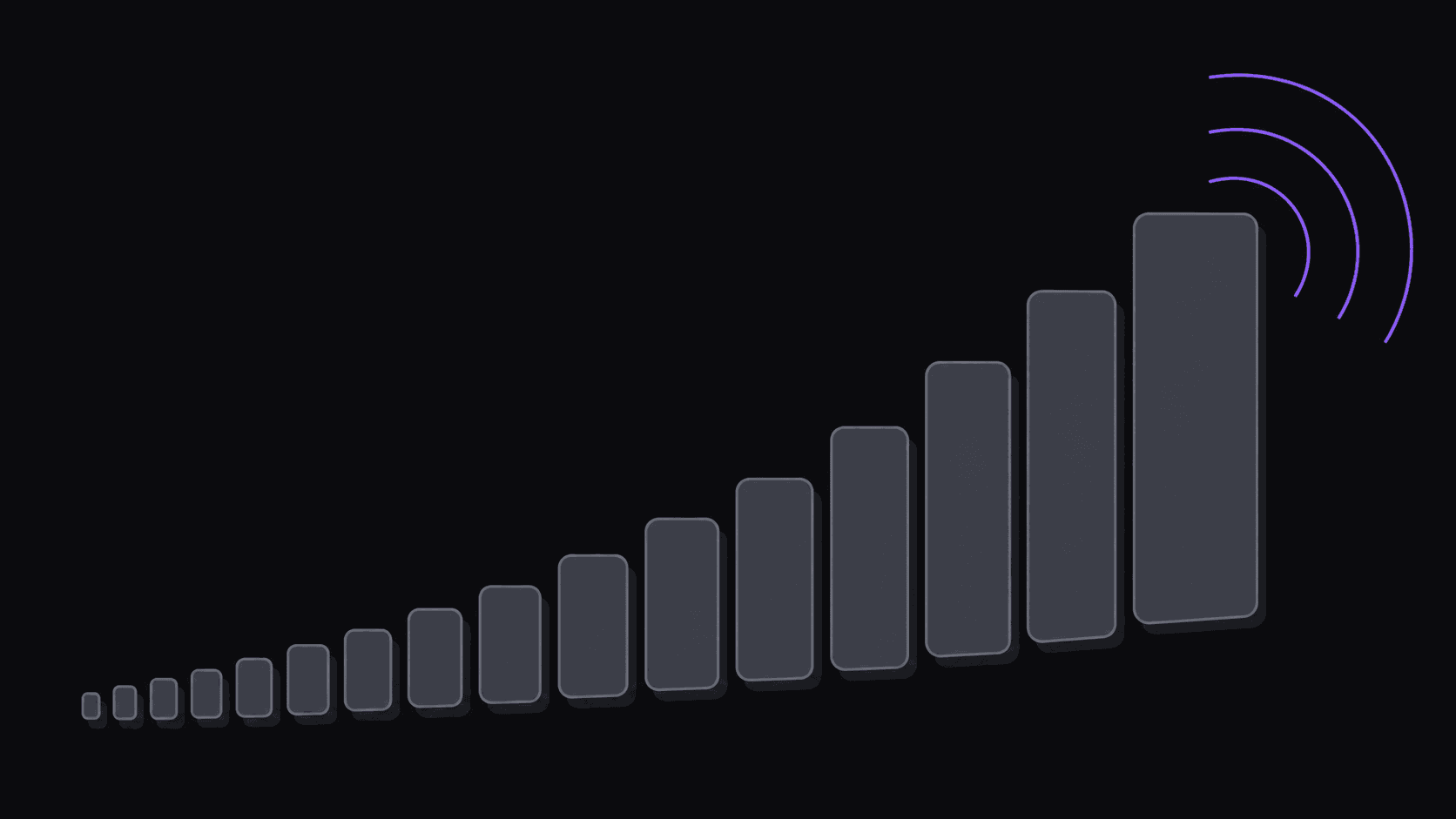
The window is now measured in minutes
Six years ago, the gap between a notable stream moment and the first clip of it landing on TikTok was a day or two. Somebody had to notice, wait for the VOD, download it, cut it in desktop software, export, and upload. Every step had friction and the friction was the moat.
By 2023 that gap was down to a handful of hours. In 2026 it's routinely 30 to 90 minutes for a big moment from a well-watched streamer, and the leading channels are inside 30.
What changed is that every step got cheap. Watching for new uploads happens without a person refreshing anything. Cutting, reframing, and captioning takes minutes instead of an hour. Publishing to several platforms takes one action instead of three.
The effect on competition is what matters. Feeds give the first credible clip of a moment a real head start, because it arrives while search interest is spiking and nothing else fills that query. Clips arriving three or four hours later aren't competing for discovery anymore — they're competing for your existing followers' attention, which is a much smaller prize.
What the compressed window does to clip economics
Two channels clip the same moment. One posts at minute 40, the other at minute 200. The late one is often the better edit.
It doesn't matter much. The early clip gets served into a query surface with no competition and rides the interest curve up. The late clip arrives to find eleven versions already there and gets shown mostly to people who already follow the channel.
The practical consequence is that for event-driven niches, timing dominates craft in a way that feels unfair and is nonetheless true. This is not an argument that quality is irrelevant — a fast bad clip still fails, and a channel of fast bad clips fails faster. It's an argument that quality only gets to matter once you're inside the window.
It's also why source selection has become a scheduling decision. A source that streams at 2 AM your time is a source whose moments you will systematically miss unless something is watching for you. Ten sources you can't cover reliably is worse than three you can.
Where the time actually goes
Break the delay into its parts and it's obvious where a manual workflow loses.
Noticing. Manually, this means sitting on a stream or refreshing until something appears — hours of attention for an unpredictable payoff. Automatically, it's zero: AutoClip monitors public YouTube, Twitch, and Kick source channels and starts on new uploads and VODs without you submitting anything. This is usually the single biggest chunk of the delay for a solo operator.
Deciding what to clip. Scrubbing a three-hour VOD for the good parts is slow. Getting back around nine clips from a typical video, each with a virality score broken into five visible criteria, turns that into a scan.
Producing. Vertical reframing that keeps the speaker centered, word-synced captions, cuts that land on speaker changes rather than mid-sentence — this is the part that used to be 30 to 60 minutes in an editor. Typical turnaround is now around 5 minutes for a standard video, with multi-hour VODs taking proportionally longer.
Approving. Yours, and worth keeping. A few seconds per clip catching the one with a bad crop or an unfortunate caption line.
Publishing. Manually, 15 to 20 minutes across three platforms. Automatically, one action queues to 9 destinations on a spaced schedule.
Add it up and a moment can be live on multiple platforms within roughly half an hour of the source going up, with your attention only on the approval step.
How to actually operate against the window
Pick sources you can cover, not sources you like. The channel that publishes on a rhythm you can be present for beats the bigger channel whose moments you'll catch at noon the next day. If you want the 2 AM streamer in your rotation, you need monitoring on them, not good intentions.
Concentrate rather than spread. (Channel monitoring explained covers the setup.) Three sources covered fast beats ten covered late, every time. Starter monitors one source channel, Pro three, Scale ten — and the right number is the one where you're still inside the window on each.
Keep an approval habit, not an approval backlog. The most common way clippers miss a window in 2026 is not slow processing, it's clips sitting unapproved for six hours. Two short passes a day beats one long one.
Don't build the whole channel on speed. Event-driven clipping is volatile: brilliant weeks, empty weeks, and a permanent dependency on other people having interesting days. Mix in evergreen material — podcast segments, best-of compilations, explainer moments — that earns steadily regardless of whether anything happened. Finding viral moments before they blow up covers the sourcing side of that mix.
And the honest caveat: none of this makes a mediocre source interesting. Speed multiplies what the moment is worth. It doesn't create worth. Channels that automate everything and pick boring sources publish fast and get nothing, which is a real failure mode and a common one.
Frequently Asked Questions
The same compression hit sports, breaking news, and podcast drops. Anything where the audience is searching for a specific recent moment rewards early arrival. Evergreen material — explainers, compilations, best-of segments — doesn't work this way at all and is the sensible counterweight in your schedule.
About five minutes for a typical video. Longer sources take proportionally longer — a multi-hour VOD is a bigger job than a 30-minute upload. Monitoring means the clock starts when the source publishes rather than when you notice.
Yes, and it's the normal setup. Each source and each connected social account is tracked separately with its own queue and schedule. Plan sets the count: one monitored channel on Starter, three on Pro, ten on Scale.
Vertical reframing keeps the active speaker centered as the shot changes, and gaming sources can use a facecam split layout. Multi-speaker sources get cuts that land on speaker changes rather than mid-sentence. When the automatic framing misses, you can adjust the crop in the timeline editor before export.
Most tools assume you already have the video and you're waiting to paste it. That's fine when you own the source. When you're clipping someone else's channel, the waiting is the actual work — so AutoClip watches the source and starts on its own, leaving you the approval step.
Related Articles
Be first without staying up for it
AutoClip watches your source channels and turns new uploads into finished, captioned clips in about 5 minutes.
Get started for free