How AI Reads a Video to Find the Clips Worth Posting
Updated
The Problem It Is Solving
Watch a three-hour stream at 2x and you will spend ninety minutes to find, generously, eight moments worth cutting. Do that four times a week and clipping is a full-time job before you have published anything.
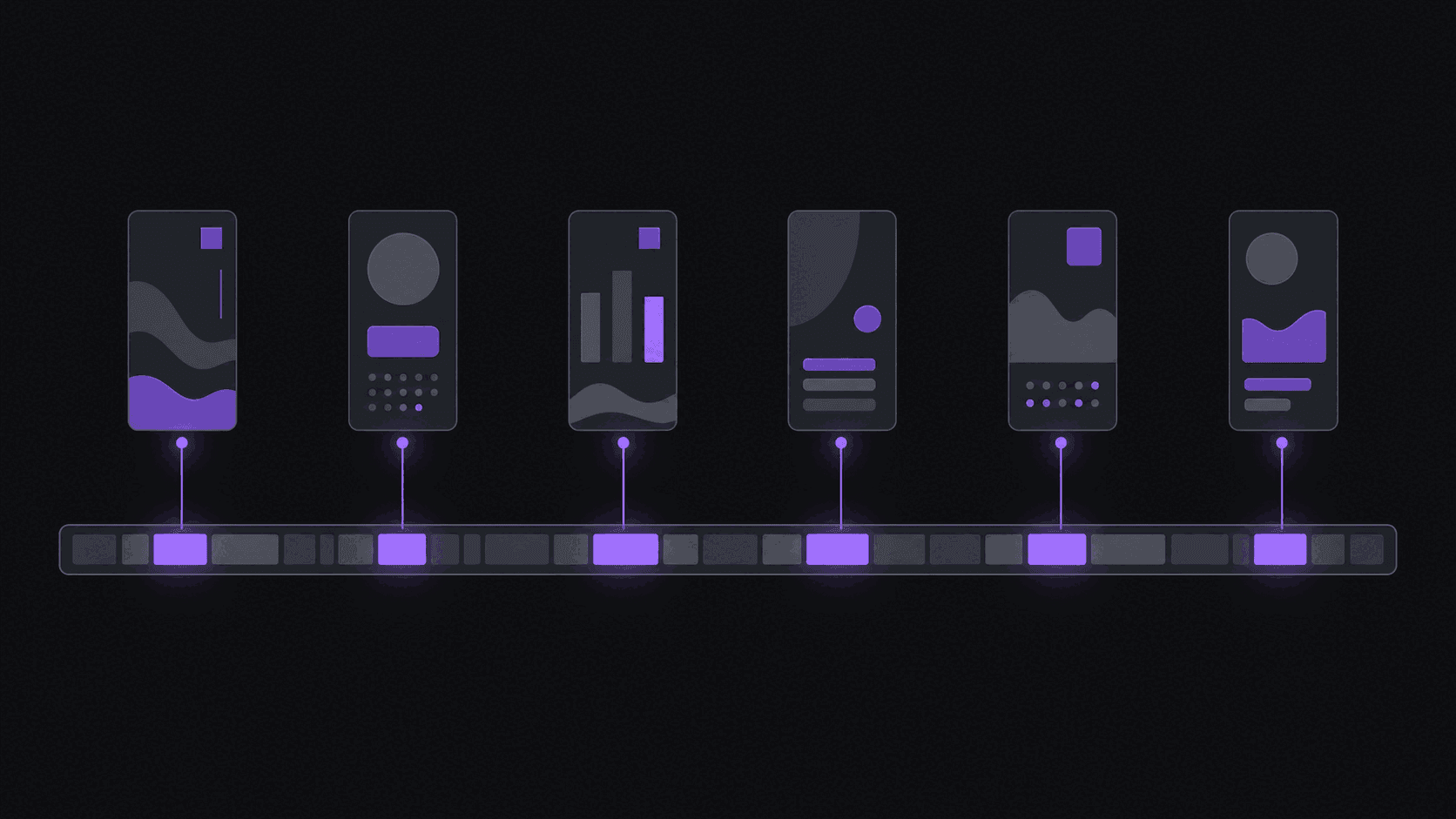
AI clip detection exists to collapse that ninety minutes. You give it a source video, it comes back with candidate moments, each cut to a start and end point, scored, and ranked. A typical video produces around nine clips, and the whole pass takes about 5 minutes. Longer sources, like a five-hour stream, take proportionally longer.
The important thing about what comes back is that they are not fixed-length slices. Each candidate starts before the setup and ends after the payoff, so the clip contains a whole thought rather than a window that happens to be 45 seconds wide. That one difference is most of the value, and it is the thing manual clippers rushing through a stream get wrong most often.
The honest framing is that this is triage, not taste. It reliably finds the moments that are obviously interesting and reliably misses the ones that are interesting only if you know the community. That distinction is the whole basis for how you should use it. If you want the broader background first, how AI clip generators work covers the category.
What Gets Evaluated
Every clip comes back with a score and a breakdown across five criteria, which is more useful than the single number.
Hook strength. Does the opening give a stranger a reason to stop? A clip that opens mid-explanation scores badly here even if the payoff is excellent, and it is usually fixable by moving the start point.
Emotional intensity. Surprise, anger, delight, genuine discomfort. Flat delivery of interesting information consistently underperforms animated delivery of ordinary information, which is unfair but true.
Story completeness. Does the clip make sense to somebody who has not seen the source? This is the criterion that most correlates with completion rate, and it is the one manual clippers most often get wrong when they are cutting fast.
Quotability. Is there a line somebody would repeat, screenshot, or argue with in the comments?
Pacing. Dead air, long pauses, and slow ramps drag the score down.
A clip scoring high on completeness and low on hook is nearly always worth saving and re-trimming. A clip scoring high on hook and low on completeness is a trap: it collects impressions and loses people at 40%. Read the breakdown, not the headline number. The clip score explainer covers how to use it in a posting queue.
Where It Beats You, and Where You Beat It
It wins on volume and consistency. It will never get bored at hour two of a stream, never skip a section because the game looked slow, and never rank a clip highly because the streamer is a personal favorite. Across twenty videos it applies the same standard to all of them, which no human does.
It wins on the mechanical cut. Starting before the setup, ending after the reaction, keeping the speaker centered when the camera moves, and landing cuts on speaker changes in a multi-person conversation rather than mid-sentence. That last one matters more than it sounds: a cut that lands mid-sentence reads as broken to a viewer even when the content is fine.
You win on context. It does not know that a phrase is an inside joke that will land with 400,000 people. It does not know that a take will be read as an attack on a rival community. It does not know that your audience is specifically here for one recurring bit.
You win on timing. Knowing that a clip has a six-hour window because of something happening elsewhere is not something a score reflects.
So the workflow that works is: let it produce nine candidates, spend ten minutes choosing and re-trimming rather than ninety minutes scrubbing. Override it fhow long a Short or Reel can be in 2026y. It is a shortlist.
Using the Score Without Being Ruled by It
A few habits that make the difference between using scores well and outsourcing your judgment.
Post outside the top three sometimes. If you only ever publish the highest-scored clips you will converge on one format, and your channel becomes predictable. Some of the best-performing clips on established channels score in the middle because they depend on context the score cannot see.
Re-trim before you discard. Most low scores come from a bad start point, not bad content. Moving the start two seconds later often changes the whole clip. The timeline editor exists for exactly this.
Compare scores within a video, not across videos. A quiet interview and a chaotic stream produce different score distributions. The top clip from a calm podcast is still the top clip from that podcast.
Keep your own record. After thirty published clips you will have real data on which score patterns match your audience. That record beats any general advice, including this article. Track completion rate against the criterion breakdown and you will find your own bias quickly.
Watch for source fatigue. If scores stay high but performance drops, the tool is still finding good moments and your audience is tired of the source. That is a signal to add channels, not to change how you cut.
Frequently Asked Questions
It reliably catches the obviously strong moments and reliably misses community-specific ones that depend on context. For a source you know nothing about, it will outperform your first pass. For a streamer you have watched for two years, you will catch things it does not. Use it for triage and keep the final call.
About 5 minutes for a typical video, from submission to finished clips with captions and vertical reframing applied. Multi-hour streams and long uploads take proportionally longer, since there is simply more material to work through.
Yes. Detection works across languages, and on Pro and above you can translate captions into 31 languages or generate dubbed audio in 25 of them, which is how a lot of clippers serve audiences outside the source language.
Yes. Every clip opens in a timeline editor where you can move the start and end points, adjust the framing, and edit the caption text. Re-trimming a mid-scoring clip is usually a better move than discarding it, since most weak scores come from where the cut starts rather than from the content itself.
Related Articles
See also
Get nine clip candidates instead of ninety minutes of scrubbing
Submit a video, get scored clips back in about 5 minutes, already reframed and captioned. Re-trim anything you disagree with in the timeline editor. The 3-day Pro trial covers about 100 minutes of source video.
Get started for free