Clip Scheduling: Cadence, Spacing and Staggering in 2026
Updated
Short answer: how to schedule clip volume
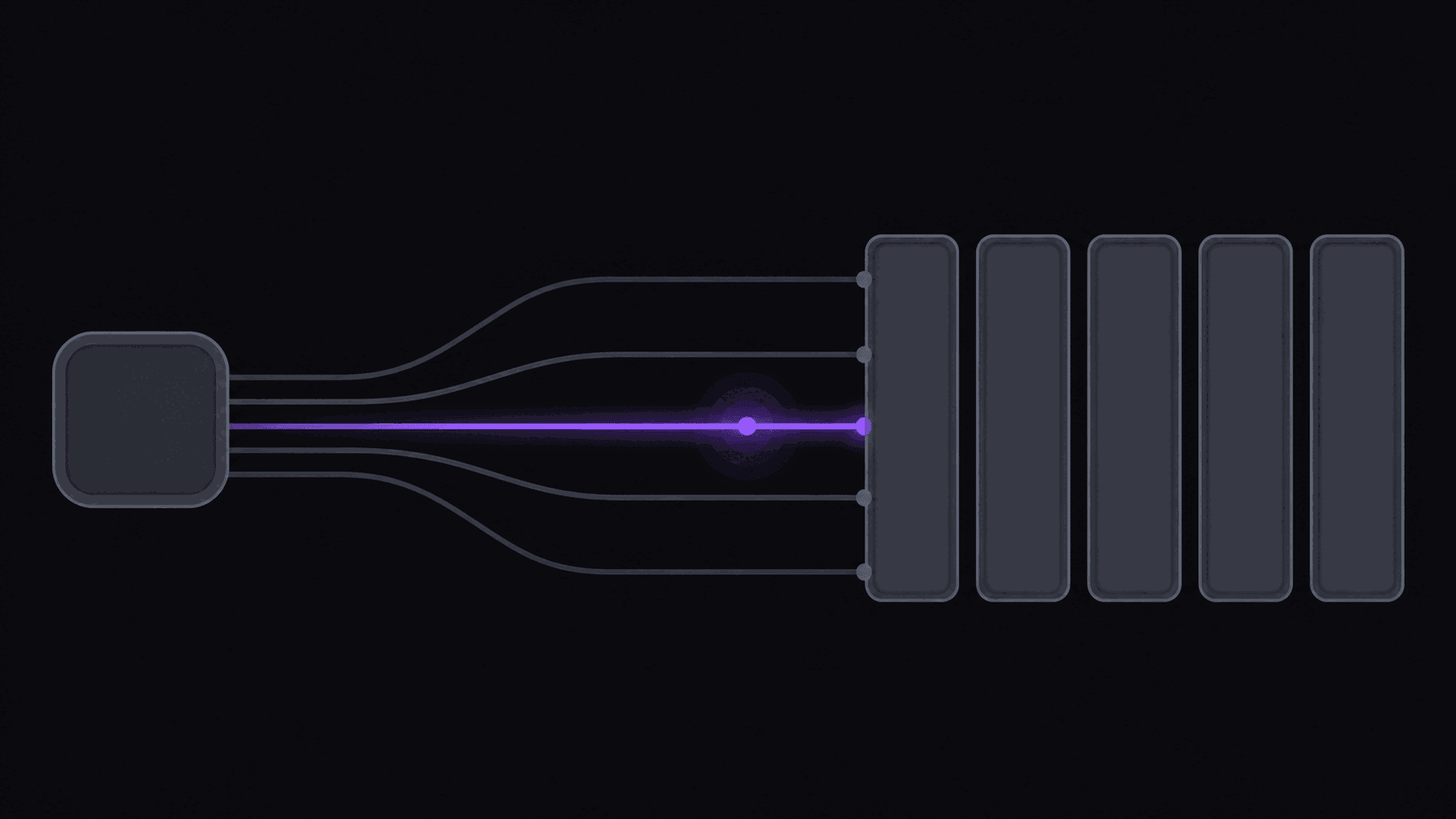
Post on a consistent daily cadence, space clips from the same source apart rather than dumping them together, and stagger across destinations so the same cut does not land everywhere in the same minute.
Volume is the strategy for clip channels, and scheduling is the only thing that makes volume survivable. Automation removes the queueing and the uploads; it does not choose your cadence or decide which clips deserve a slot.
Key takeaways
How the options compare
| Plan | Clips per month | Rough daily cadence | Realistic shape |
|---|---|---|---|
| Starter ($19.99) | 60 | About 2 per day | One channel, one destination focus |
| Pro ($39.99) | 250 | About 8 per day | Several destinations, 3 monitored channels |
| Scale ($79.99) | 600 | About 20 per day | Multi-account or agency volume, 10 channels |
Volume Is The Strategy, Scheduling Is How You Survive It
"Post three times a week for consistent growth" is advice for someone building a personality. It is the wrong advice for a clip channel, because a clip channel wins on attempts.
The pattern is familiar to anyone who has run one: most clips plateau in the hundreds or low thousands and never move again. A small share catch the distribution multiplier and go somewhere. You cannot pick which in advance — if you could, you would only post those. So the number of attempts you take per week is the number that matters, and hitting a meaningful number of attempts by hand is not physically possible past a certain point.
The second thing that makes clip scheduling weird is decay. A clip from a stream that ended two hours ago has a window. A clip from a stream that ended last Thursday is competing with everyone who already posted it. So the scheduler you want is not a calendar that drips content into pre-booked slots. It is a queue that pushes clips out as soon as spacing rules allow.
Those two requirements together — high volume and low latency — are why manual posting caps a clip operation long before creative ideas do.
Cadence And Spacing By Platform
Every platform has a different appetite for volume from one account, and going past it does not get you banned — it quietly shrinks how far each individual clip travels.
TikTok. Roughly 5-12 clips a day, with at least 60-90 minutes between them. Never post two clips from the same moment back to back; near-duplicate uploads in quick succession get routed to a smaller pool.
YouTube Shorts. More forgiving, around 8-15 a day with 45-90 minutes of spacing. Shorts also has the best search discovery of the three, so clips keep accumulating views weeks later in a way TikTok clips generally do not.
Instagram Reels. The most restrictive, around 4-8 a day with roughly two hours between posts. Operators running high volume often split niches across separate accounts rather than pushing one account past what Reels tolerates.
Staggering. Post TikTok first, Shorts two to four hours later, Reels four to eight hours after that. Simultaneous identical uploads across platforms invite duplicate-content handling, and the delay gives you a free read: if the TikTok version underperforms badly, rewrite the title before the same clip goes to Shorts.
When To Post, By Niche
Posting time matters less than people think on TikTok and Shorts, where early engagement drives distribution more than the clock does. But early engagement is itself higher when your audience is awake, so it matters indirectly.
Gaming skews young and evening-heavy. Late afternoon through the small hours does the work; mornings are dead. Weekend evenings are the best window of the week.
Podcast and interview clips run on a commute rhythm — early morning, a smaller lunch bump, and an evening block. This audience saves clips at unusually high rates, which is worth designing titles around.
Sports is not a cadence problem at all, it is a readiness problem. Engagement spikes in the hour or two right after an event ends. Either your clip exists then or it does not matter.
Business and motivation peaks early morning and mid-evening, with strong weekend mornings.
Treat these as a starting hypothesis and replace them with your own numbers within a month. Your audience is not the average audience.
What Automation Actually Removes
The uploading is not the bottleneck. Uploading a clip takes under a minute. The bottleneck is being awake and available at four separate points across the day, seven days a week, to make the same small decisions about spacing and ordering.
That schedule is fine for two weeks and then it is not. You get sick, you travel, you have a Saturday you would rather spend elsewhere, and your cadence goes to zero. A one-day gap costs you little. A three-day gap resets you to a lower baseline and you spend the following week climbing back.
Automated posting decouples publishing from your presence. You approve in a batch — once a day is typical — and the queue empties itself according to the rules you set. The auto-posting workflow covers this in more detail, and the upload cadence entry defines the term properly, but the short version is that continuity stops being something you have to be disciplined about.
Worth naming the limit: Reddit, Snapchat, and Twitch are not posting destinations. The supported set is 9 short-form destinations covering the platforms where clip channels actually live.
The Controls Worth Setting Up Front
Configuration is per connected account, which matters because your Reels account should not be running on your TikTok cadence.
Active hours. The windows, per weekday, when posting is allowed. Anything approved outside them waits for the next window rather than firing at 4am.
Minimum spacing. The floor between two posts on one account. Start at 90 minutes and raise it if you see per-clip reach shrinking.
Daily cap. The ceiling per account per day. Approve twenty clips against a cap of twelve and the extra eight roll into tomorrow instead of flooding out.
Platform stagger. The offset between the same clip hitting different platforms. Two to four hours is the usual setting.
Priority. For a breaking moment that cannot wait behind the queue. Use it rarely — every clip you elevate pushes a normal one back.
Social account limits scale with plan (full breakdown): two accounts on Free, three on Starter, eight on Pro, twenty-five on Scale. If you are running separate accounts per niche, that number is usually what determines which plan you need rather than the credits.
Frequently Asked Questions
Five to twelve, spaced at least 60-90 minutes apart. Below five you are taking fewer shots than the platform is willing to distribute for you. Above twelve, per-clip reach tends to shrink as the daily budget for your account gets divided more thinly.
Less than posting volume, and less on TikTok and Shorts than on Reels. Distribution is driven mostly by early engagement, but early engagement is higher when your audience is actually online — so time of day matters through that side door rather than directly.
Stagger it. TikTok first, Shorts two to four hours later, Reels after that. Simultaneous identical uploads risk duplicate handling, and the delay lets you fix a weak title before the clip reaches the next platform.
One day is close to harmless. Three or more days of silence measurably reduces your reach when you come back, because the account gets re-tested at a lower starting distribution. Scheduling exists mainly to make that scenario impossible.
Far further than you will need. Most clip work is one to three days out, because the material is time-sensitive. Longer horizons only make sense for evergreen compilations that do not decay.
Related Articles
Auto-Posting Clips: How to Publish to Every Platform Without Touching a File
6 min readHow to Schedule Clip Posts So the Feed Does Not Punish You
6 min read7 Posting Cadence Rules That Actually Hold Up for Clip Channels
5 min readHow to Post Clips Across TikTok, Reels, and Shorts Without Burning Out
7 min readSee also
Set the rules once, stop watching the clock
Active hours, spacing, daily caps and per-platform stagger are all configurable per account. Plans start at $19.99/month with 3 connected accounts.
Get started for free