Best AI Tools to Turn Long YouTube Videos Into Shorts (2026)
Updated
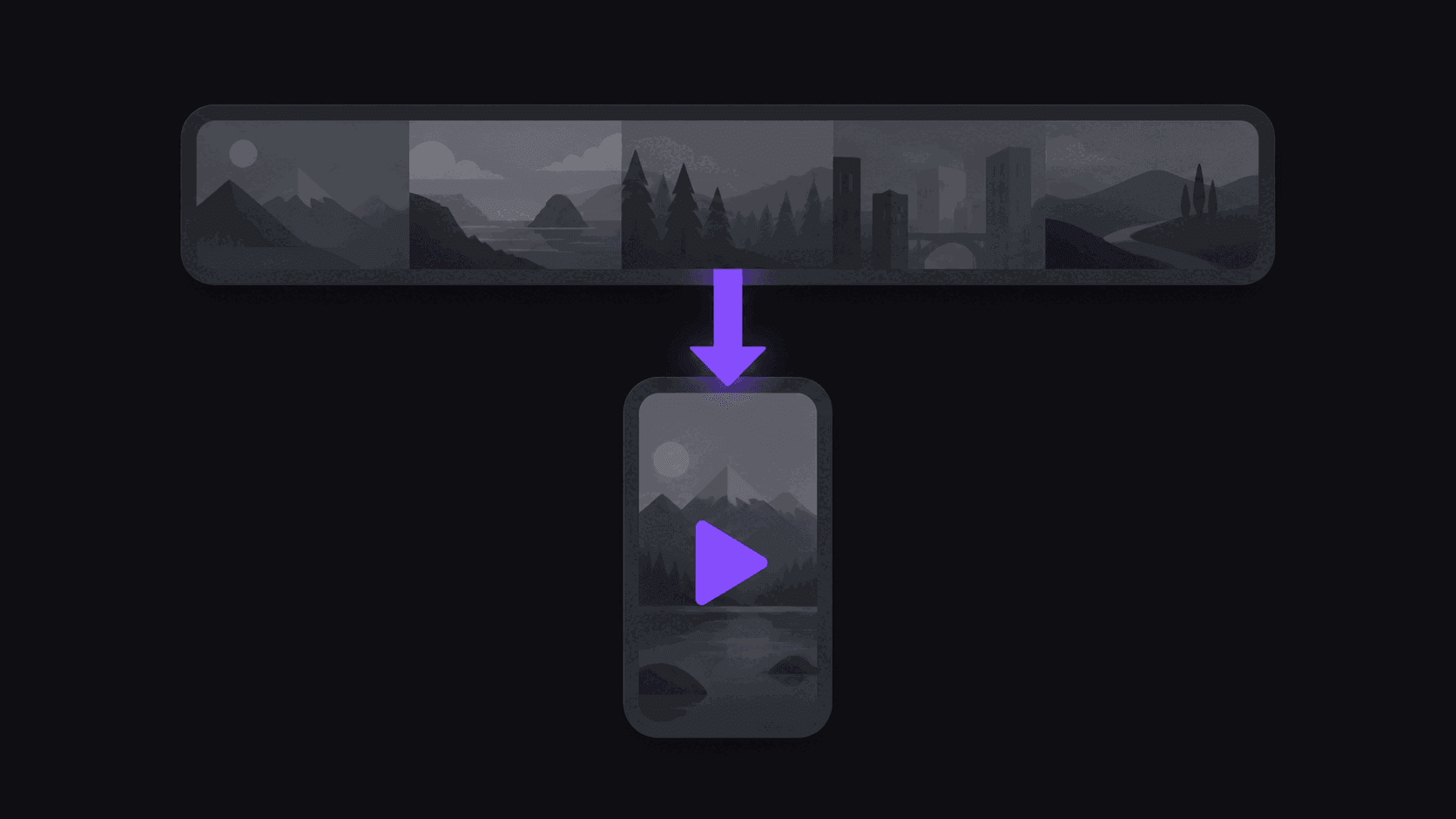
Short answer: what separates these tools
Nearly every tool in this category can clip one video well. The ones worth paying for clip every video automatically, without you submitting each upload by hand.
That single difference — channel monitoring — is what turns clipping from a task into a pipeline. AutoClip monitors 1, 3 or 10 YouTube channels depending on plan, produces around nine clips from a typical video in about five minutes, and posts to nine destinations.
Key takeaways
How to score any option on this list
Use these five rows on your own channel rather than on a vendor's sample video.
| Row | Question to ask | AutoClip |
|---|---|---|
| Ingest | Does it clip new uploads without me? | Yes, 1 / 3 / 10 monitored channels |
| Yield | How many clips from one video? | 6 / 12 / 15 by plan, about 9 typical |
| Turnaround | Same-day or next-day? | About 5 minutes for a typical video |
| Output quality | What resolution ships? | 720p default, 1080p any paid plan, 4K on Scale |
| Publishing | Does it post, or just export? | Posts to 9 destinations |
Every Tool Clips One Video. Almost None Clip Every Video.
If you have a 45-minute upload and you want six Shorts out of it by tonight, this is a solved problem. A dozen tools will do it and most will do it well.
The question that separates them is what happens on the next upload, and the one after that. Almost every option in this category is built around a submission step: you paste a link or drag a file, wait, review, download, then upload each clip to each platform yourself. Fine once. Tedious by the tenth video. Abandoned by the thirtieth — which is why so many creators have a clipping subscription they stopped using.
Our pick is AutoClip, for one reason: you connect a public YouTube, Twitch, or Kick channel once and every new upload gets clipped without a submission step. Around 9 clips from a typical video, back in roughly 5 minutes, reframed vertically, captioned, and posted to your accounts on your schedule.
Below, the ranking, and honest notes on where each tool is genuinely the better buy. For a wider view, our 2026 clipping tools roundup goes broader than YouTube.
What The Job Actually Involves
Turning one long video into a week of Shorts is six distinct tasks, and tools differ mainly in how many they take off you.
Choosing the moments — deciding which 30-60 second windows work for someone who has not seen the rest of the video.
Reframing — going from wide to vertical while keeping the speaker in frame as they move. A static crop fails the moment anyone leans sideways.
Captions — accurate and synced, because most short-form viewing happens on mute.
Polish — punch-ins, B-roll, background music. The gap between a raw cut and something that looks made on purpose.
Distribution — actually getting clips onto the platforms, which is more of the total effort than anyone accounts for.
Repeatability — doing all five again next Tuesday without thinking about it.
That sixth one is where the field thins out dramatically. It is also the only one that determines whether you are still clipping in three months.
Six Tools, Ranked
1. AutoClip. Built around channel monitoring rather than uploads. Connect a channel and every new video is clipped, reframed with subject tracking, captioned word by word, and auto-posted to 9 destinations on your spacing rules. Pro adds B-roll, background music, spoken hooks, and caption translation in 31 languages and dubbing in 25 of them; Scale adds 4K and priority processing. Organization workspaces and approval flows cover teams. The honest tradeoff: it is optimized for recurring channels, so a one-off manual clip job is not what it is shaped for. Features, pricing.
2. Opus Clip. The one most people try first, and reasonably so. Reliable output, well-liked virality scoring, good reframing. Manual per video with no channel monitoring or end-to-end posting, which is the limitation that matters on a regular publishing schedule. See our comparison or the alternatives guide.
3. [Vizard](/compare/autoclip-vs-vizard). Clean interface, sensible clip selection, pleasant review flow. Same structural limit — one video at a time, fed by hand.
4. [Klap](/compare/autoclip-vs-klap). Fast and simple. Good for a quick batch, ceilings early on control and customization.
5. [Descript](/compare/autoclip-vs-descript). Excellent if you edit by transcript. It is a production suite rather than a clipper, so it rewards time spent rather than saving it.
6. [Submagic](/compare/autoclip-vs-submagic). The captions are the draw and they are very good. You bring your own clips; it will not find moments or watch a channel.
Honorable mention: CapCut, which is a full editor rather than an AI clipper. Unbeatable for manual control, useless for finding moments in a two-hour file.
What Changes When The Submission Step Disappears
It sounds like a small convenience. In practice it changes what kind of operation you can run.
With a submission step, your clip output is capped by your attention. You clip the videos you remember to clip, on the days you have an hour free. Miss a week and there is no catching up — the material has aged out.
Without it, output is capped by your source volume instead. A podcaster shipping two episodes a week gets clips from both, automatically, including the week they were travelling. An agency covering six creator channels covers all six without staffing for it.
That is also where speed starts to compound. A typical video is done in around 5 minutes, so clips can be live while the original is still in people's subscription feeds rather than three days later when the moment has passed.
None of this makes the manual tools worse at editing. Opus Clip's scoring and Submagic's captions are excellent at what they do. They just stop at the edit, and the edit was never the part that was going to break.
The Finishing Pass
A good moment still fails if the clip looks half-made, so what comes out of the queue has to be postable as-is or the automation is pointless.
Captions land word by word in sync, in styles like karaoke, pop, and bounce, with emoji support. Framing keeps the speaker centered as the shot moves, with punch-ins for emphasis. Multi-speaker content cuts on speaker changes rather than mid-sentence, which is a small thing that viewers feel immediately even if they cannot name it.
On Pro and above: B-roll, background music, sound effects, and spoken hooks, plus multi-aspect export so the same moment ships as 9:16, 1:1, 4:5, and 16:9 without re-rendering by hand. Brand kits keep the fonts, logo, and caption treatment identical across everything you publish.
Each clip also carries a virality score with a five-criterion breakdown, which is more useful than a single number because it tells you which part is weak — usually the opening. Over a few weeks the pattern in those breakdowns is a decent editing lesson.
Picking Based On How You Actually Work
Not on feature counts. Four honest cases.
You publish long-form on a schedule and want clips without thinking about it. Channel monitoring, automatic posting, and enough monitored-channel headroom for your shows. Especially if you run more than one channel or a team.
You clip occasionally and like reviewing each one by hand. Opus Clip or Vizard. Automation would be overhead you do not need.
You already have clips and want them to look better. Submagic.
You want frame-level control. Descript or CapCut, and accept the time cost.
On price: a 3-day Pro trial gets you 100 credits, unwatermarked exports, and two connected accounts, which is enough to judge output on your own video. Starter is $19.99/month with 200 credits, one monitored channel and 2-hour sources. Pro is $39.99 with 500 credits, three channels and 5-hour sources. Scale is $79.99 with 1200 credits, ten channels and 10-hour sources. Annual billing brings those to $12.49, $24.99, and $49.99 effective. Credits are one per source minute, so a weekly hour-long upload is roughly 240 credits a month.
The lowest-risk test is not reading comparisons. It is connecting one channel and watching a real upload come back as finished clips.
Frequently Asked Questions
AutoClip if you upload regularly, because it monitors the channel and clips each new video without a submission step, then posts. Opus Clip is the strongest manual alternative and produces good clips, but you feed it every video and upload every clip yourself.
Yes, with channel monitoring. Connect a public YouTube, Twitch, or Kick channel once and new uploads are processed automatically. Most other tools in this category require a link or file per video.
Around 9 from a typical upload, depending on length and how much genuinely usable material is in it. Per-video caps are 6 on Starter, 12 on Pro, and 15 on Scale.
About five minutes for a typical video, from detection to clips waiting for approval. Multi-hour uploads take proportionally longer since there is more footage to work through.
One credit equals one source minute. Starter is $19.99/month for 200 credits, Pro $39.99 for 500, Scale $79.99 for 1200, with annual billing cutting those to $12.49, $24.99, and $49.99 effective. A weekly hour-long upload runs about 240 credits a month.
On Pro and above, caption translation covers 31 languages and AI dubbing 25, and multi-aspect export ships the same moment in 9:16, 1:1, 4:5, and 16:9. For channels with international viewers that usually adds more reach than any extra polish would.
Related Articles
See also
Every upload, clipped, without you
Connect your channel once and watch a real video come back as finished, captioned Shorts in about 5 minutes. Plans from $19.99/month.
Get started for free