AutoClip vs Opus Clip: Complete Comparison (2026)
Updated
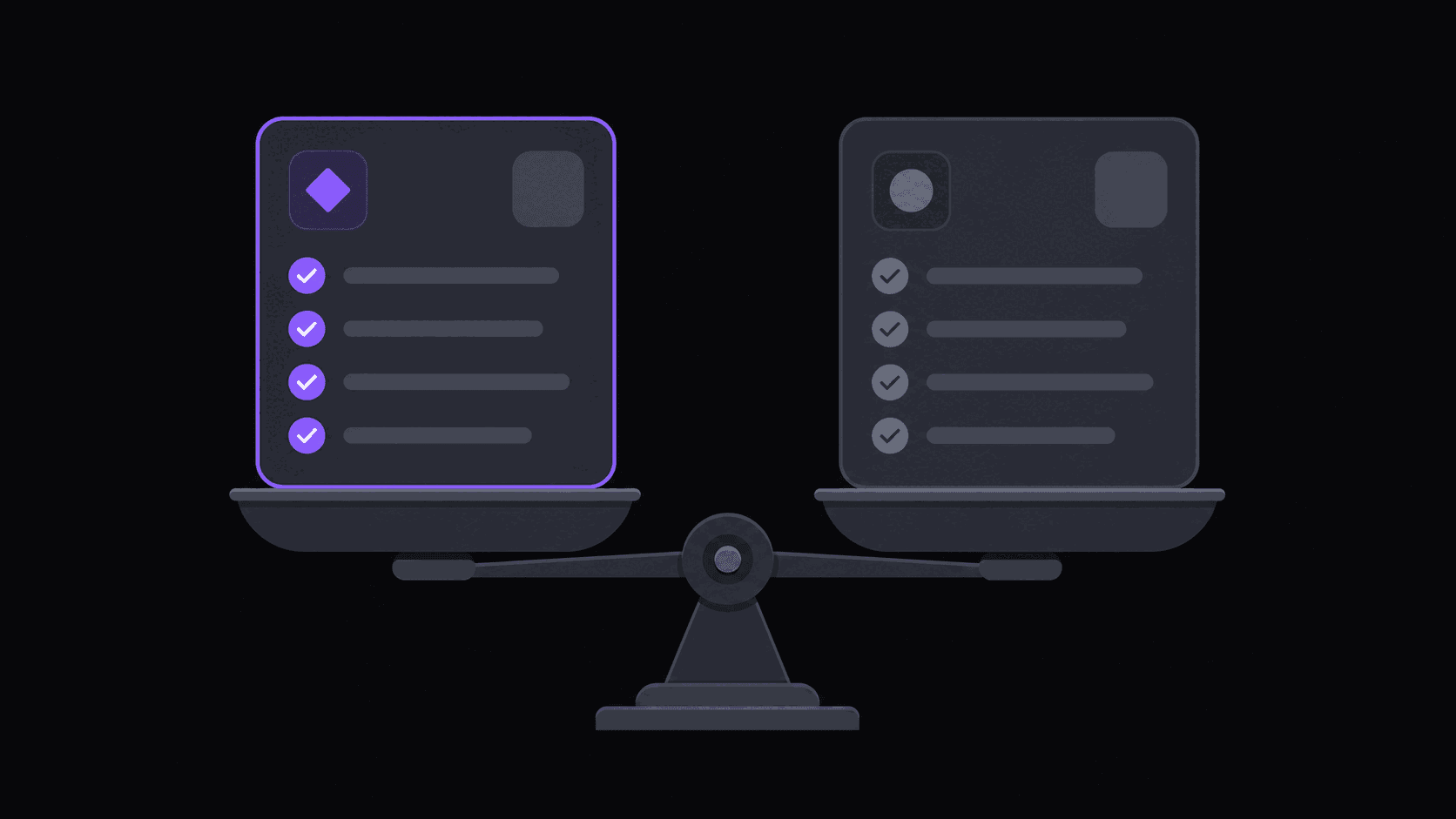
Short answer: AutoClip or Opus Clip?
Pick Opus Clip if you only ever clip videos you uploaded yourself and want a polished hands-on editor. Pick AutoClip if you clip channels you do not control, need Twitch or Kick VOD ingestion, or want clips auto-posted to multiple accounts without an export-and-reupload loop.
Both produce competent clips from ordinary talking-head footage, so output quality is rarely the deciding factor. The differences that actually change your week are channel monitoring, stream support, source-length ceilings, and how many social accounts the tool can post to. AutoClip runs $19.99/$39.99/$79.99 a month; check Opus Clip's own pricing page for its current tiers rather than trusting any third-party table, including this one.
Key takeaways
Head-to-head on the things that differ
This table covers only the axes where the two tools genuinely diverge. Feature checkmarks both products have — auto-captions, vertical reframe, a virality score — are left out because they decide nothing.
| Capability | AutoClip | Opus Clip |
|---|---|---|
| Monitors channels you do not own | Yes, 1 / 3 / 10 by plan | No |
| Twitch and Kick VOD ingestion | Yes, billed on highlight segments | No |
| Auto-posting destinations | 9 built in | Check vendor's current docs |
| Entry price | $19.99/mo Starter | Check vendor's pricing page |
| Billing unit | 1 credit per source minute | Check vendor's pricing page |
| Max source length | 2h / 5h / 10h by plan | Check vendor's current docs |
| Caption translation | 31 languages | Check vendor's current docs |
We make one of these two tools, so competitor cells here point at the vendor's own documentation rather than repeating numbers we cannot verify on the day you read this. That is deliberate: stale competitor pricing in a comparison table is the single most common way these posts mislead people.
Start With What You're Actually Doing All Day
Two people ask this question for completely different reasons.
The first records a weekly show, uploads it, and wants five or six polished shorts out of it. One source video, high standards, maybe an hour of hands-on tidying afterward. The second is running a clip operation: three or four source channels they don't own, dozens of clips a week, five accounts to feed, and no appetite for opening an editor at all.
Opus Clip was built around the first person. AutoClip was built around the second. Everything else in this comparison follows from that.
If you're still deciding what kind of operation you want, clipper vs creator is the better read first — the tooling question sorts itself out once that's settled.
Where Opus Clip Is the Better Pick
Honest version, because pretending otherwise wastes your time:
You only ever clip your own uploads. If there's exactly one source and it's your channel, automatic monitoring is solving a problem you don't have. Paste a URL, get clips, done.
You want a mature, heavily-documented editor. Opus Clip has been around longer and it shows in the volume of tutorials, community threads, and template presets floating around. If you learn tools by watching someone else use them first, that matters.
Your bottleneck is polish, not volume. Six clips a week that each get twenty minutes of manual attention is a different job than sixty clips a week that get none. Opus Clip is comfortable in the first job.
What you give up: per-minute-style pricing that gets uncomfortable at volume, manual submission for every single video, and no meaningful answer for stream VODs.
Where AutoClip Pulls Ahead
Monitored channels. You add a public YouTube, Twitch, or Kick channel once. New uploads and stream VODs get clipped without you opening anything. Starter watches 1 channel, Pro watches 3, Scale watches 10. For anyone clipping creators they don't control, this is the entire ballgame — the difference between checking for new uploads five times a day and not thinking about it. More detail in channel monitoring explained.
Streams are priced sanely. A credit is a source minute, so a 90-minute podcast costs 90 credits. Twitch and Kick VODs are the exception: only the top highlight stretches get billed, so a four-hour stream usually lands between 35 and 90 credits instead of 240. If your sources are streams, that gap compounds fast.
Distribution is part of the product. Clips post to 9 short-form destinations on a spaced schedule from inside the dashboard — up to 3 connected accounts on Starter, 8 on Pro, 25 on Scale. No export-download-reupload loop across five phones.
Gaming and podcast layouts. Facecam split layouts for gameplay, and multi-speaker handling that lands cuts on speaker changes rather than mid-sentence. Both are things generic reframing gets wrong in a way viewers notice immediately.
Language reach. Caption translation in 31 languages and AI dubbing in 25 of them on Pro and up.
Pricing, Without the Asterisks
AutoClip's plans, current as of this writing:
| Plan | Monthly | Credits | Processing allowance | Monitored channels | Social accounts |
|---|---|---|---|---|---|
| Pro trial (3 days) | $0 | 100 | — | — | 2 |
| Starter | $19.99 | 200 | 200 credits per month | 1 | 3 |
| Pro | $39.99 | 500 | 500 credits per month | 3 | 8 |
| Scale | $79.99 | 1200 | 1200 credits per month | 10 | 25 |
Annual billing brings those to $12.49, $24.99, and $49.99 effective. The trial runs on Pro for three days, so its exports are already watermark-free, as is every paid plan from Starter up. Pro adds AI B-roll, background music, spoken hooks, translation and dubbing, multi-aspect export, and a brand kit. Scale adds 4K, multi-region layouts, priority processing, and 15 clips per video.
The comparison that actually matters is cost per finished clip, not headline price. Ten 60-minute podcasts is 600 credits — Scale territory. Ten 4-hour Twitch VODs is maybe 500 credits, because streams bill on highlights only. Run your real sources through that math before you pick a tier. Full breakdown on the pricing page, and true cost per clip walks through the arithmetic in more detail.
Decide in Five Minutes
Answer three questions.
- Do you own every source video? Yes → either tool works, pick on price. No → monitoring matters, and only one of them has it.
- Are your sources longer than two hours? Streams and long VODs are where per-video pricing models get punishing and where credit-based pricing on highlight segments stays flat.
- How many accounts are you feeding? One → export manually, it's fine. Three or more → built-in scheduled posting saves you hours a week you will otherwise spend on your phone.
Then test rather than trust a table. Run the same source through both free tiers and compare the raw output — not the marketing shots, the actual clips. A typical video yields around 9 clips and finishes in about 5 minutes; multi-hour sources take proportionally longer. Look at where the cuts land, whether the speaker stays framed when they move, and whether the captions are in sync.
If you want the longer teardown with output examples, read the detailed review or the side-by-side feature page.
Frequently Asked Questions
Plenty of people do, at least for a month. Run Opus Clip on your own uploads and AutoClip on the channels you monitor, then drop whichever one you stop opening. It's a cheaper experiment than committing to an annual plan on a guess.
Yes — you can paste any public YouTube URL and skip monitoring entirely. You'd just be leaving one of the bigger differentiators unused, which makes the decision come down to output quality and per-clip cost.
Close enough on standard talking-head footage that you should judge it yourself. The gaps show up on harder material: multi-speaker podcasts where cuts need to land on speaker changes, and gameplay where the facecam and the action both need to survive a vertical crop.
Download anything you want to keep before your plan lapses. That's true of essentially every tool in this category, so build a habit of pulling finished clips into your own storage as you go.
Related Articles
See also
Compare the output yourself
Run one of your own sources through the 3-day Pro trial and look at the actual clips. Takes roughly 5 minutes for a typical video.
Get started for free