Scheduling Is Not Publishing: What Auto-Post Really Means
Updated
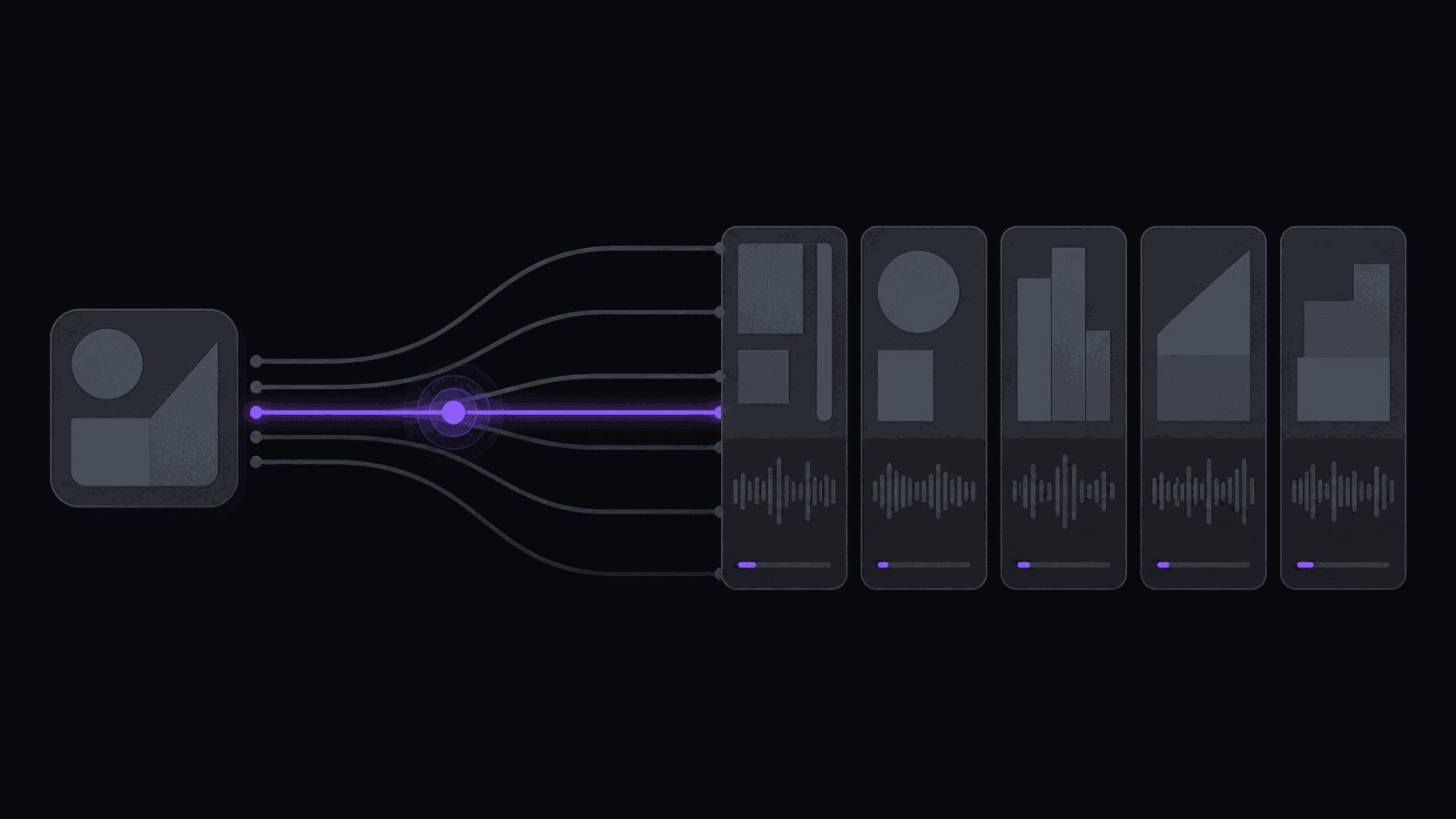
What "auto-post" actually means in clipping tools
In most clipping tools, "auto-post" means scheduling a clip you already made and approved - it automates the upload, not the decision or the job that produced it. You are still the trigger.
End-to-end automation needs three links: something watches the source, something makes the clip, and something publishes it. A tool that only ships the third link is scheduling, and it is fair to call it that.
Key takeaways
Which link in the chain each tool automates
Read the middle column first. It is the one marketing pages tend to skip.
| Tool | Watches the source | Makes the clip unattended | Publishes on a schedule | Destinations | Pricing (Sept 2026) |
|---|---|---|---|---|---|
| OpusClip | No | No - you submit | Yes | Varies | Not published here |
| Quso.ai (was vidyo.ai) | No | No - you submit | Yes | Varies | Not published here |
| Munch clipper | Discontinued | Discontinued | Discontinued | Not applicable | Not applicable |
| AutoClip | Yes - 1 / 3 / 10 channels by plan | Yes | Yes, or hold in a queue | 9 | $19.99 / $39.99 / $79.99 per month |
A tool that automates only publishing can still be the right buy - just do not budget your week as though it removed the other two steps.
The 2am test
There is one question that separates real publishing from a queue with a clock on it.
A source channel uploads at 2am. Clips get produced. Are they live on your accounts by breakfast, with nobody having opened a browser?
If the answer is no, the tool has a scheduler, not auto-posting. A scheduler is a to-do list with timestamps: you still open it, still pick the account, still write the caption, still press confirm. That is useful, and it is not the same product.
The distinction only matters because the two halves are joined. Unattended publishing is worthless if the clip was never made unattended, and unattended clip-making is only half a saving if you still do the upload session every night. Tools that do one and call it automation leave you doing the other.
Before you buy anything in this category, run the 2am test on the trial. Do not read the feature list. Set it up, go to bed, and see what is live in the morning.
How to check a claim without taking anyone's word
Vendors describe scheduling and publishing with the same vocabulary, and specifics change release to release, so verify rather than trust a comparison table, this one included.
Three checks that settle it fast.
First, look for a watch instruction. Can you tell the tool about a channel, or does every job start with you handing it a video? No monitoring means the 2am test fails at step one regardless of how good the posting is.
Second, count the confirmations. Walk one clip from generation to live and note every place you have to click. Every confirmation is a place the pipeline stops when you are busy.
Third, check reconnection behaviour. Social connections expire, and the practical question is whether the tool tells you loudly when one drops or fails quietly for a week. Ask support directly, then test by disconnecting an account deliberately and seeing what surfaces.
Apply those three to Opus Clip, Quso.ai (formerly Vidyo.ai), or anything else on your shortlist and you will get a truer answer than any feature grid gives you.
What passing looks like
AutoClip is built around passing that test, and it is fair to describe exactly what it does and does not do.
You register a public YouTube, Twitch, or Kick channel once. New uploads and stream VODs get processed without a submission, back in about 5 minutes for a typical video with around nine clips, vertically framed and captioned. Longer sources take proportionally longer. Finished clips then post to 13 or more short-form destinations on a spaced schedule: three connected accounts on Starter at $19.99 a month, eight on Pro at $39.99, 25 on Scale at $79.99.
Spacing is deliberate. Six clips landing at once on one account performs worse than the same six spread through the day, so the schedule staggers them by default.
The limits, plainly. Reddit, Snapchat, and Twitch are not supported destinations. Social connections still need re-authorising occasionally, as they do everywhere, because that is a platform requirement rather than a product choice. And unattended publishing means clips you did not personally approve go out under your name, so review the queue closely for the first couple of weeks and keep skimming it after that.
If you would rather approve every post, use the scheduling controls and treat it as a very good queue. If you want the 2am case handled, turn it on and check the results at breakfast. More detail in auto-posting clips and on the features page.
Frequently Asked Questions
It has offered social scheduling and the specifics change between releases, so run the 2am test on a trial rather than trusting any description, including this one. The question to answer is whether a clip generated overnight is live by morning with nobody logged in, and how loudly the tool tells you when a connection drops.
Quso.ai, the renamed Vidyo.ai, has grown scheduling alongside its clipping, but it still starts from a video you supply rather than a channel it watches, so the first half of the loop is manual regardless. Check its current documentation, then run the 2am test yourself, because that is faster than reading about it. Munch is not a candidate any more: its clipping product was retired and getmunch.com now redirects to Munch Studio, which generates and posts on-brand social content for local businesses from their own website and media.
13 or more short-form destinations including TikTok, Instagram Reels, YouTube Shorts, and X, with three connected accounts on Starter, eight on Pro, and 25 on Scale. Reddit, Snapchat, and Twitch are not supported. Each monitored source can route to its own set of accounts.
You reconnect the account, which is a platform requirement rather than something any tool can avoid. The thing to check in any product is whether a dropped connection is surfaced clearly or fails silently. Scanning your queue a couple of times a week catches it either way.
Yes. Auto-posting is the default shape, but you can review and schedule manually instead, and organization workspaces add approval steps when more than one person is involved. Most people run tight approval for the first two weeks and loosen it once the output is predictable.
Related Articles
See also
Run the 2am test on your own channel
AutoClip watches the creators you follow, produces vertical captioned clips in about 5 minutes, and posts them to 9 destinations on a spaced schedule while you sleep.
Get started for free