8 Tests Every Clip Tool Should Pass Before You Pay For It
Updated
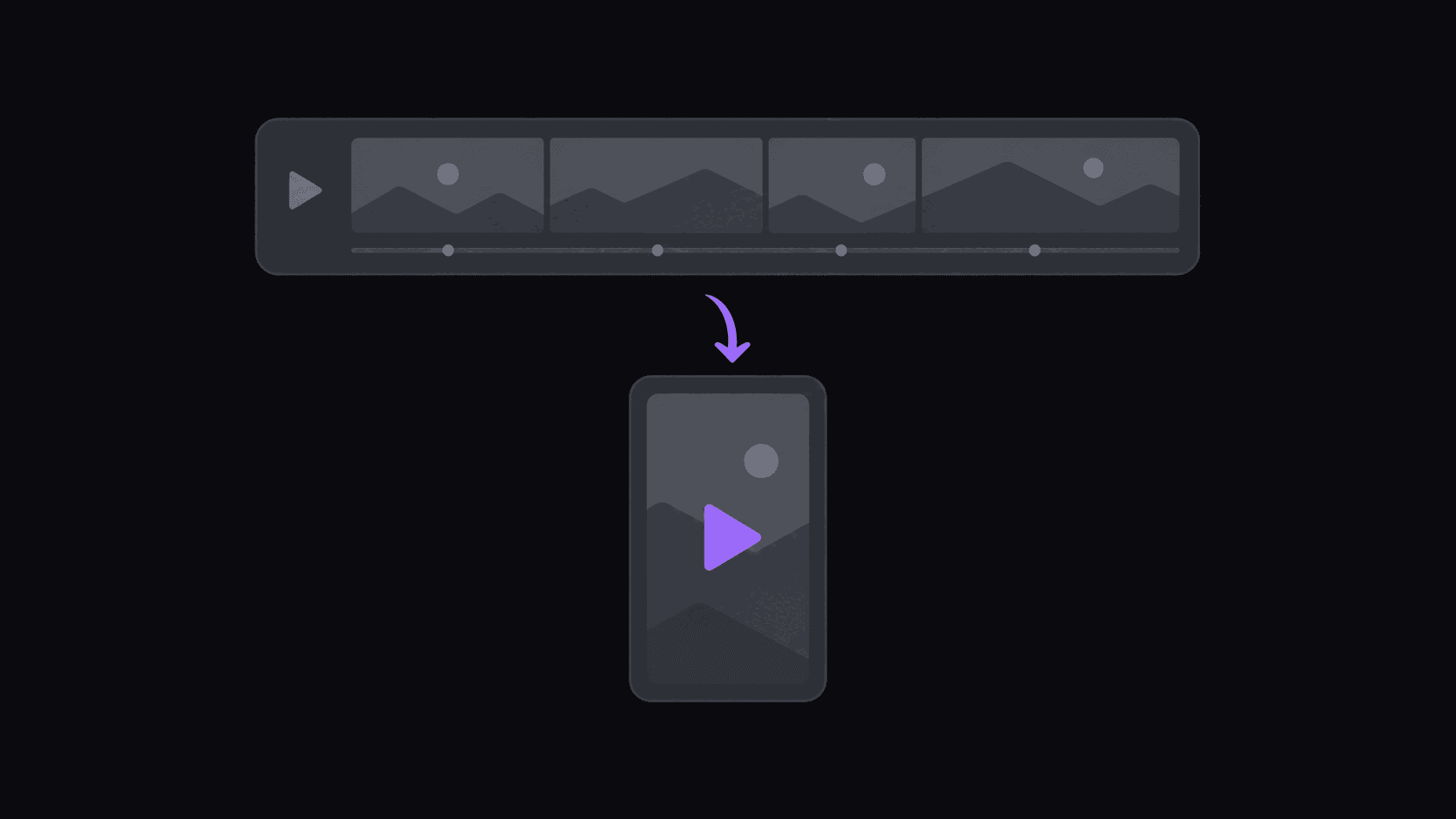
Run the trial like an audit, not a demo
Most people evaluate a clipping tool by uploading one good video, watching one good clip come out, and subscribing. Then month two arrives with six source channels and a 4-hour VOD and the thing falls over.
Here's a better protocol. Pick the single worst-case source you actually work with — the longest, messiest, multi-speaker one — and run these eight tests against it. A short trial is enough for most of them. The whole audit takes an afternoon and it's cheaper than a wasted quarter.
Tests are grouped in pairs below. Opus Clip and Descript come up as reference points because they're the tools most clippers try first, and each fails a different pair. Munch used to be the third name here and no longer belongs on any clipping shortlist: getmunch.com redirects to munchstudio.com, and Munch Studio now writes, schedules, and posts on-brand social content for local businesses instead of clipping video you supply.
Tests 1 & 2 — Does it start without you? Does it survive a long source?
Test 1: Add a source channel and don't touch anything for a week. Did a new upload get clipped on its own? On Opus Clip and Descript, no — both wait for a submission. That's the design, not a bug: they assume you're the creator and the file is already yours. For a clip channel covering people you don't own, it means the tool never gets ahead of you.
AutoClip's channel monitoring watches public YouTube, Twitch, and Kick channels — 1 on Starter, 3 on Pro, 10 on Scale — and clips new uploads and VODs with no submission step.
Test 2: Feed it a 4-hour stream and look at the meter. Per-minute billing turns 240 source minutes into a very large number very fast. Ask what a month of that looks like at your real cadence.
AutoClip charges 1 credit per source minute, with Twitch and Kick VODs billed only on the top highlight stretches — a multi-hour stream usually lands at 35–90 credits, not 240. Allowances are 200 / 500 / 1,200 credits across Starter, Pro, and Scale. If your sources are short podcasts, this test won't separate anything; if you clip streams, it separates everything.
Tests 3 & 4 — Does it publish? Does it find the moment?
Test 3: Count the clicks between "clip is done" and "clip is live." Descript ends at a download. Two to four minutes of human handling per clip, times nine clips a video, times your weekly volume. Write that number down — it's the real cost of a tool that exports instead of publishes.
AutoClip queues finished clips to 9 short-form destinations on a spaced schedule, with 3 connected accounts on Starter, 8 on Pro, 25 on Scale. Reddit, Snapchat, and Twitch are not supported destinations.
Test 4: Give it a 3-hour stream you've already watched, and see if it finds the moment you'd have picked. This is the only subjective test here and it's the most important one. Descript will struggle by design — it's a transcript-first editor, brilliant for scripted long-form, largely blind to a reaction with no dialogue attached. Opus Clip does better. Nothing gets it perfect.
Judge on keep rate, not perfection. If eight of nine clips are usable, review is a five-minute pass. See how AI finds viral moments for what the scoring is actually looking at.
Tests 5 & 6 — Does the frame hold? Do captions need fixing?
Test 5: Reframe a clip where the speaker moves. Someone leans out of frame, stands up, walks to a whiteboard. A static center crop decapitates them. Check whether the vertical crop follows the speaker and whether a two-person shot gets handled sensibly instead of split down the middle. For gaming with a facecam, check that you get a layout keeping face and gameplay both legible rather than one cropped away. Details: reframe and landscape to portrait.
Test 6: Read the captions on a clip with a proper name, a number, and background noise. Then count corrections. Captions that need editing on every clip aren't automation — they're a slower manual workflow with extra steps. Word-synced animated captions in karaoke, pop, and bounce styles should land in time with the speech without you retiming anything. More on the tradeoff: auto captions vs manual captions.
Tests 7 & 8 — Does it scale sideways? Does it run overnight?
Test 7: Add a second and third source channel and see what duplicates. Some tools make you repeat every setting per source — caption style, crop preference, destination accounts. Ten creators, ten setups, ten places to make a mistake. A brand kit that applies saved caption styles, fonts, logos, and watermark across everything is what stops that sprawl. Brand kits come with Pro; unlimited brand kits on Scale.
Test 8: Submit at midnight, go to sleep, check in the morning. A typical video finishes in about 5 minutes; longer sources take proportionally longer. The point of the test isn't speed, it's whether anything happened at all without you in the room. On a submission-based tool the answer is always no, because you didn't submit.
If all eight pass, buy it. If tests 1, 3, and 8 fail together, you're not buying automation — you're buying a faster editor, which is a fine purchase as long as you know that's what it is.
Frequently Asked Questions
It works, with manual overhead that grows linearly. Opus Clip accepts third-party video URLs and ranks moments well, but there's no channel monitoring, so each new upload across each creator you cover is a submission you make by hand. At two source channels that's a small tax. At eight it's a daily routine.
Not really, and it isn't trying to be. Descript is a transcript-driven editor built for producing polished long-form — podcasts, courses, YouTube videos — and it's excellent at that. It doesn't monitor source channels, doesn't rank clip candidates for short-form virality, and doesn't publish to social accounts. If you're editing your own show, keep it. If you're running a clip channel, it's the wrong shape.
Test 8. Submit something at night and check in the morning. It rolls up monitoring, unattended processing, and publishing into one observation, and it's the difference between a tool you operate and a pipeline that operates.
About five minutes from source to finished, captioned, reframed clips ready to review or post. A multi-hour stream or a five-hour upload takes proportionally longer — there's simply more material to work through.
You can review first, and for the first few weeks on a new source channel you probably should. Clips land in a queue you approve before anything publishes. Once you trust a source's consistency, you can let the schedule run unattended.
Around 9 clips from a typical video, varying with length and how much usable material is in it. Per-video caps by plan are 6 clips on Starter, 12 on Pro, and 15 on Scale.
Related Articles
Where Opus Clip and Quso.ai Break for Multi-Channel Clippers
5 min readScheduling Is Not Publishing: What Auto-Post Really Means
4 min readOpus Clip, Munch, and Descript for Clippers: 6 Questions, Answered Straight
6 min readThe True Cost of AI Clipping Tools in 2026: What You Actually Pay Per Clip
8 min readSee also
Run the eight tests on us
Run them on a 3-day Pro trial with 100 credits. Add a source channel, submit your worst-case video, and check what showed up in the morning. Starter is $19.99/mo if it passes.
Get started for free