How to Clip Call of Duty Highlights: A Week-One Plan
Updated
Day 1 — pick two sources, not ten
The failure mode for CoD clip channels is breadth. Someone connects eight streamers, publishes a scattered mix of warzone, multiplayer, and Zombies, and three weeks later has no audience because nobody knows what the channel is.
Start with two sources: one gameplay-first channel and one personality-first channel. The gameplay source gives you consistent clip supply. The personality source gives you the clips that get comments. You need both, and you do not need a third yet.
Criteria for the gameplay source: uploads or streams at least four times a week, has a facecam, and is not already being clipped by fifteen other channels. That last one matters more than people think — how to find trending streamers before they blow up is the useful search.
Day 2 — decide what a clip is on your channel
Write down three moment types and clip only those for a week. Suggested starting set:
The improbable win. Last-circle 1v3, comeback from a losing scoreboard, a clutch revive that should not have happened. Clock or scoreboard visible.
The absurd death. Killed by a vehicle, by the gas, by their own equipment. Funny needs no CoD knowledge.
The reaction. Facecam disbelief, rage, or the quiet stunned pause. The pause is underrated — it reads as authentic in a way screaming does not.
Skip, for now: loadout talk, streak compilations, and anything requiring map knowledge. You can add them in month two once you know what your audience is.
Day 3 — set up automatic clipping
Manual clipping of CoD VODs is a two-hour job per session, and it is the reason most people quit in week three.
Connect both source channels as monitored channels. New uploads and stream VODs get clipped without you submitting anything. A typical video comes back in about 5 minutes with around 9 candidates ranked by likely hook strength; a four-hour stream takes proportionally longer.
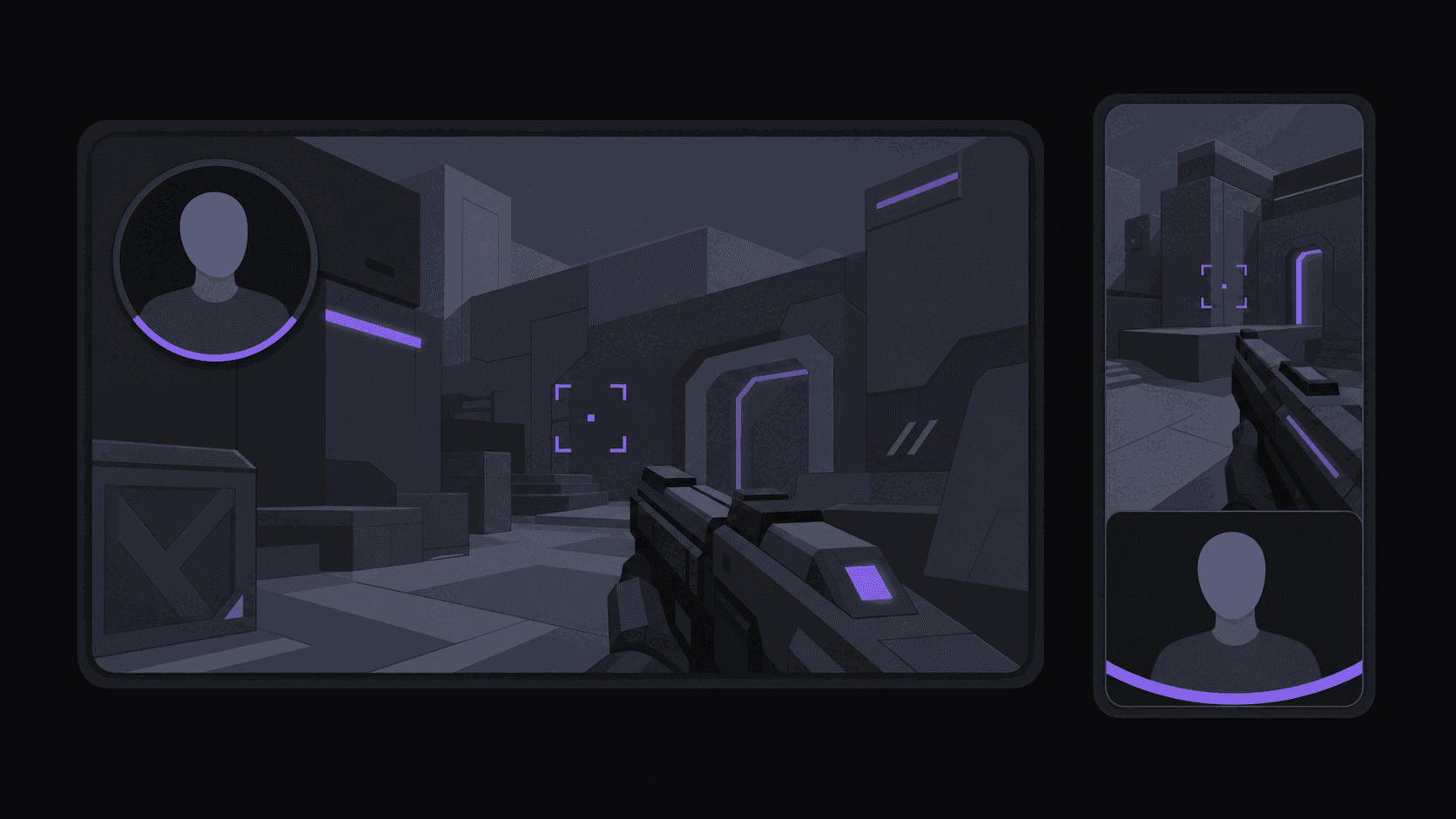
CoD crops to vertical well when there is a facecam — reaction on top, gameplay below, action kept centered as the camera swings. Without one, a centered crop keeps the fight and drops the minimap and part of the HUD, which is usually acceptable.
Budget ten minutes a day for review. The ranked list is a shortlist; a couple of the nine will be moments where the audio spiked for a reason that does not read on screen.
Days 4–6 — publish three a day, spaced
Three clips a day, spaced roughly four hours apart, across TikTok and Shorts. Not all at once — batch-dumping compresses your own reach and trains the feed to treat you as a single event rather than a habit.
Schedule them the night before so a bad morning does not break the streak. How to schedule clip posts covers the mechanics; clip pacing covers why spacing works.
Vary the moment type across the day: one improbable win, one absurd death, one reaction. You are running a small experiment, and you need each cell filled.
Day 7 — measure the right thing
Do not rank your week by views. Views on a new channel are mostly luck of the draw.
Rank by the share of viewers still watching at four seconds. That number tells you whether your openers work, and it is the only metric you can act on in week two. Hook rate and completion rate are the two to watch; 8 clip channel metrics every clipper tracks has the rest.
Expect one of your three moment types to clearly beat the others. In week two, shift to roughly 60% that type and keep the other two alive at 20% each. Do not go to 100% — that is how channels get stale in month two.
What this will not fix
Automation removes the scrubbing and the reformatting. It does not remove taste, and it does not manufacture a source worth clipping. If the channel you are clipping is boring, you will get nine well-framed boring clips.
It also does not solve claims. CoD gameplay footage from someone else's stream is their footage, and platform enforcement varies. How to avoid YouTube copyright claims as a clipper is worth reading before you scale.
And it does not make a channel out of one week. Seven days gets you a signal, not an audience. The channels that work run this loop for three months.
Frequently Asked Questions
Around 9 candidates from a typical video, of which you will usually publish three to five. A long stream produces more raw candidates but not proportionally more good ones.
Clipping public VODs is standard for clip channels, but streamers have their own stances and platforms have their own rules, particularly around monetization. Attribution costs nothing and prevents most problems.
Warzone, generally — the shrinking circle gives every clip a built-in clock, which is exactly what short form rewards. Multiplayer clips need a scoreboard or a reaction to supply the same tension.
Related Articles
See also
Run the week-one plan without the scrubbing
Monitor two source channels and get ranked, vertical, captioned clips back automatically — about five minutes for a typical video.
Get started for free