Gaming Clip Automation: Auto-Clip Stream Highlights
Updated
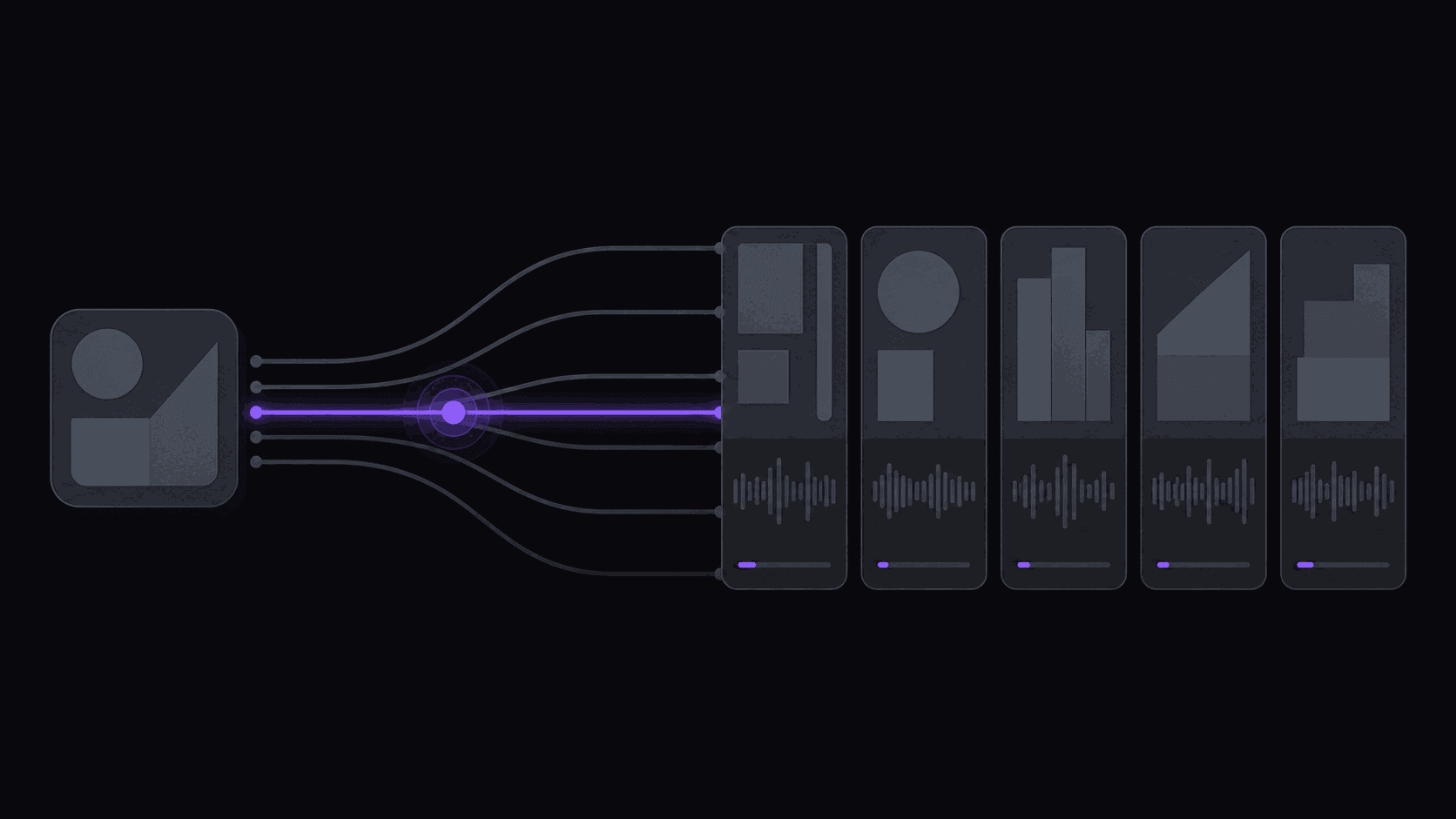
A Four-Hour VOD Has About Six Minutes You Want
That's the whole problem with gaming content. The moments are real — the clutch, the fail, the reaction — but they're scattered across four hours of queue times, chat reading, and mid-tier gameplay.
Manually, that's an evening. You scrub, you guess, you miss things, and by hour three your judgment is gone. Meanwhile the clip's value is decaying: a highlight from a stream that ended six hours ago competes with one from a stream that ended twenty minutes ago, and the fresher one wins.
Automation fixes the speed problem specifically. Add a public Twitch, Kick, or YouTube channel as a monitored source once, and new VODs get processed without you doing anything — the clips are waiting when you next open the dashboard. A typical video comes back in about 5 minutes; a four-hour stream takes proportionally longer, but it's happening while you sleep rather than while you scrub.
The Layout Problem Nobody Solves by Default
Gaming footage breaks the standard vertical crop in a way podcast footage doesn't.
A 16:9 gameplay frame has the action in the middle and the facecam in a corner. Crop to 9:16 by centering and you lose the facecam entirely — which means you lose the reaction, which was usually the reason the moment was clippable. Crop to the facecam and you lose the gameplay.
The fix is a facecam split layout: the camera stacked above the gameplay, both readable, neither sacrificed. AutoClip handles this automatically on gameplay sources rather than making you set it per clip.
A few other things that matter more for gaming than for talking-head content:
- Punch-in on the payoff. A zoom onto the moment the play lands adds emphasis a static crop can't. See punch-in.
- Captions that don't cover the HUD. Placement matters when there's a minimap and a killfeed competing for the same space.
- Sound effects and music. Available on Pro and above, and they carry gameplay clips further than they carry interview clips.
More on the visual side in gaming clip maker.
What Stream Clipping Actually Costs
This is where gaming clippers get a structural advantage worth understanding.
A credit is one source minute. A 60-minute YouTube upload costs 60 credits, straightforwardly. But Twitch and Kick VODs don't bill minute-for-minute — only the top highlight stretches get charged, so a four-hour stream typically runs 35 to 90 credits instead of 240.
That changes plan selection completely:
- Starter, $19.99 — 200 credits, 1 monitored channel, 3 social accounts, 6 clips per video. Roughly three or four stream VODs a month. Fine for one streamer.
- Pro, $39.99 — 500 credits, 3 monitored channels, 8 accounts, 12 clips per video, plus B-roll, background music, sound effects, and spoken hooks. Ten to twelve VODs a month. This is where most gaming clippers land.
- Scale, $79.99 — 1,200 credits, 10 monitored channels, 25 accounts, 15 clips per video, 4K export, priority processing. For anyone covering a roster of streamers.
Annual billing brings those to $12.49, $24.99, and $49.99 effective. Full table on pricing.
One thing to plan around: Twitch is not a supported posting destination, so clips go out to Shorts, TikTok, how long a Short or Reel can be in 2026s, and the rest of the 9 short-form destinations, not back to Twitch.
Where Automation Misses, and What to Do About It
Be realistic about this or you'll trust the shortlist too much.
Silent visual moments. A perfectly-timed movement, a background disaster, a fail with no commentary — these are easy to miss when the strongest signal in gaming audio is reaction. If your niche is visual comedy rather than reaction content, skim the VOD alongside the shortlist.
Community-specific context. A callback to something that happened three streams ago reads as nothing from the outside. You know your streamer's community; the shortlist doesn't.
Multi-POV plays. Team games where the good version is someone else's camera — automation only sees the source you gave it.
Very long queue segments. Some VODs are genuinely 80% dead air, and you'll get fewer usable candidates than the typical 9. That's the source, not the tool.
A workflow that accounts for all four: let monitoring process the VOD overnight, review the ranked shortlist first thing, then spend ten minutes scrubbing the sections the shortlist ignored. You'll find one or two things it missed, and over a few weeks you'll learn which parts of your streamer's VODs are worth checking manually. Anything you find, you can cut yourself in the timeline editor.
For source selection, best gaming channels to clip and why gaming clippers outgrow generic tools are both worth a read.
Frequently Asked Questions
Yes, for public channels — you add the channel as a monitored source and new VODs get processed automatically. Whether you can then post those clips is a separate question that depends on the streamer's terms and the platform's rules. [Content ID for clippers](/blog/content-id-explained-for-clippers) covers the ground rules.
Yes. Public Kick channels can be monitored, and Kick VODs get the same highlight-only credit billing. Kick is also noticeably less saturated with clippers than Twitch, which is worth considering when you pick a lane.
Around 9 for a typical source, though gaming VODs vary more than most — a dense tournament stream produces far more usable material than four hours of ranked queue. Per-video caps are 6 on Starter, 12 on Pro, 15 on Scale.
Split layouts are applied on gameplay sources where a facecam is present. If the streamer runs no camera, you get a straight gameplay crop, and you'll want to lean harder on captions and sound design to carry the clip.
Monitoring picks up the VOD once it's available, and processing takes about 5 minutes for a typical video with longer streams taking proportionally longer. For fast-cycle moments, that usually means clips ready within the same evening rather than the next day.
No — Twitch isn't a supported posting destination. Clips go to Shorts, TikTok, Reels, and the other short-form destinations, which is where clip channels grow anyway.
Related Articles
See also
Point it at a streamer and walk away
Add a Twitch, Kick, or YouTube channel as a monitored source and find the clips waiting for you.
Get started for free