How to Clip the All-In Podcast for TikTok and Shorts
Updated
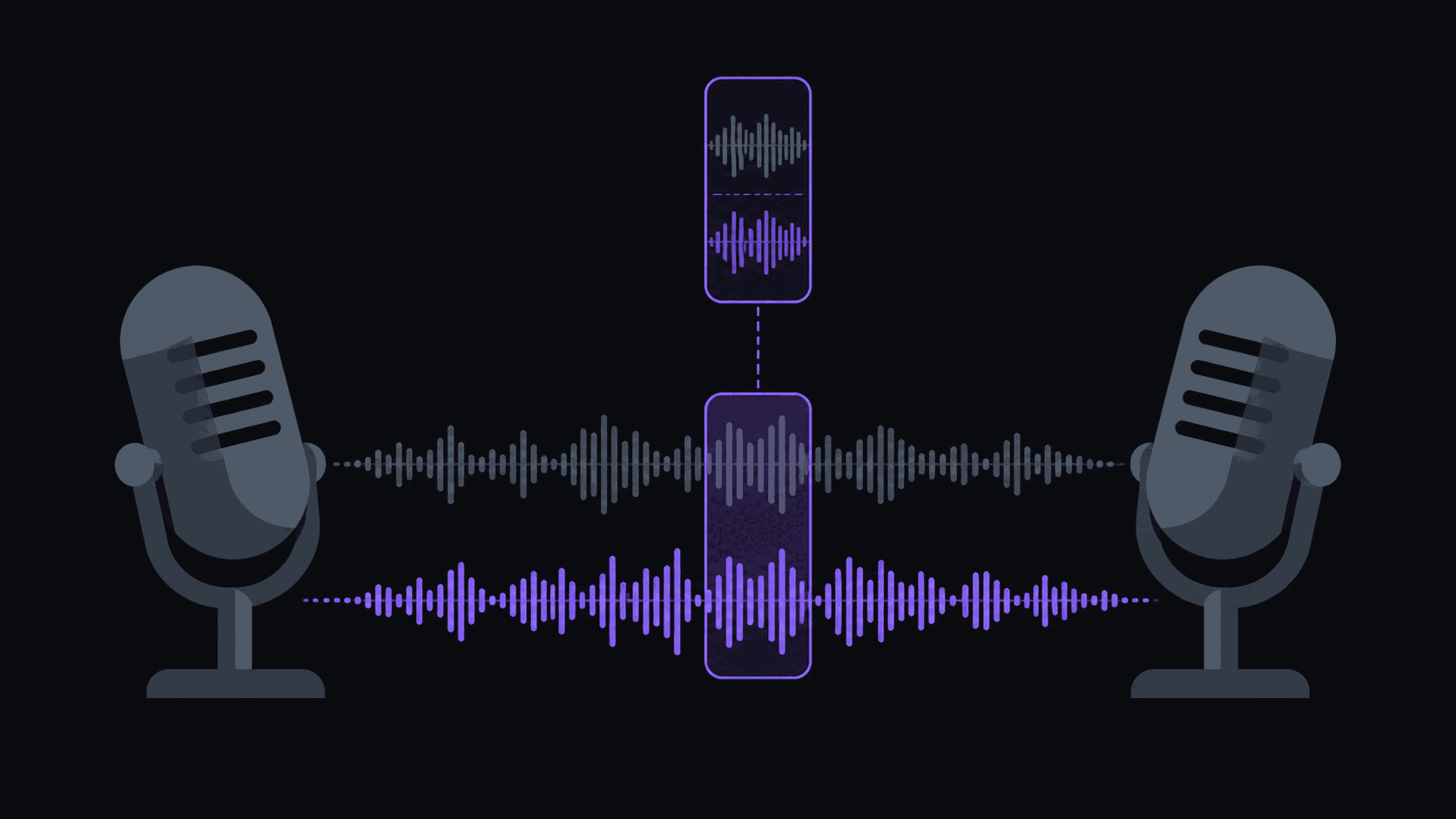
The problem: four people, one microphone feed, constant interruption
All-In is a roundtable. Hosts talk over each other, arguments start mid-sentence, and the funniest thirty seconds of an episode is often three people interrupting at once. That is exactly the material most clipping workflows handle worst.
The failure mode is easy to spot in your own drafts: a clip opens with the second half of somebody's sentence, or ends while a rebuttal is still landing. Both kill retention in the first two seconds because the viewer has to work out who is speaking and what they're responding to.
So the whole job here is boundaries. A clip from a multi-speaker show should start at the beginning of a turn and end after the reply lands — a complete exchange, not a slice of one. AutoClip handles multi-speaker sources by putting cuts on speaker changes rather than at arbitrary timestamps, which is why podcast clips come out of it with clean edges. Where a clip still starts a beat early, nudge it in the timeline editor rather than re-running the whole video.
Which segments are worth pulling
Roundtable shows produce three clip types, and they perform very differently.
Disagreements are the best performers. Two hosts genuinely disagreeing about a company, a policy, or a market call gives the viewer a side to take, and taking sides is what the comment section runs on. Pull the whole exchange, both positions, no narration.
Predictions with a number in them age well and get re-shared when they turn out right or catastrophically wrong. "Rates will do X by Y" is durable content in a way a general opinion is not.
Explanations — one host walking through how a deal, an incentive, or a market mechanic actually works — are the slow burners. Lower peak views, much higher save rate, and saves are what grows a finance-adjacent channel.
What rarely works: banter without stakes, inside jokes, and anything that needs you to have heard last week's episode.
Framing four people in a vertical crop
A four-box video grid does not survive a 9:16 crop. If you shrink the whole grid to fit, every face is a thumbnail. If you crop to one box, you lose the reaction shots that make a roundtable fun.
The workable answer is to follow whoever is talking — the frame stays on the active speaker and moves when the turn moves, which is what a viewer's eye would do anyway. AutoClip's reframing does this automatically and keeps the speaker centered when the shot moves. For a heated crosstalk moment where the reaction matters more than the words, a split layout showing two participants reads better than chasing the cut back and forth.
Captions are non-negotiable on this show. Four voices, business jargon, and a lot of muted autoplay viewing — if the words aren't on screen, the clip is unwatchable. Word-synced captions are the default output, so this is one less decision.
Titles for a finance audience
Finance viewers search for tickers, companies, and named people, not for show names. Your on-screen hook and your caption should carry those nouns: the company being argued about, the number being predicted, the person being criticised.
Avoid vague curiosity hooks ("they were NOT ready for this"). This audience is skeptical by default and vague hooks read as bait — you'll get the click and lose the completion, which is the worst possible trade on Shorts and how long a Short or Reel can be in 2026s. Say what the clip is about and let the disagreement do the work.
If you're building a broader finance clip channel rather than a single-show one, how to clip finance YouTube channels covers the sourcing side.
Volume, cost and what to expect
An episode runs roughly 60 to 90 minutes. At one credit per source minute, that's 60-90 credits — so a Starter plan's 200 credits covers about two to three episodes a month, and Pro's 500 covers the weekly cadence with room for a second show. Typical turnaround is about 5 minutes per video.
Expect around nine candidates from an episode and expect to publish fewer than that. Roundtables are dense in conversation but thin in self-contained moments; five strong clips from one episode is a good week's inventory, and five strong clips beat twelve mediocre ones every time.
On rights: keep clips short, credit the show, and don't stack copyrighted music underneath. Financial commentary clips also attract more "is this advice" comments than most niches — a line in your description saying it isn't is cheap insurance.
Frequently Asked Questions
Cut on speaker changes rather than fixed intervals — a clip should begin when someone starts a turn. AutoClip does this automatically on multi-speaker sources, and you can nudge the in-point in the timeline editor if a clip still opens a beat early.
Follow the active speaker for most clips. Use a split layout only for crosstalk moments where somebody's reaction is the point. A shrunk four-box grid in vertical is unreadable on a phone.
One credit per source minute, so a 75-minute episode is 75 credits. Starter includes 200/mo, Pro 500, Scale 1200. See [pricing](/pricing).
Not if the disagreement is real and you present both sides. What gets throttled is a misleading hook that the clip doesn't deliver on. Show the actual argument and let people pick a side in the comments.
Related Articles
See also
Clean cuts on a four-host show
AutoClip lands cuts on speaker changes, keeps the active speaker centered in 9:16, and burns in word-synced captions — so roundtable clips stop opening mid-sentence.
Get started for free