How to Build a Podcast Clip Channel on YouTube Shorts in 5 Steps
Updated
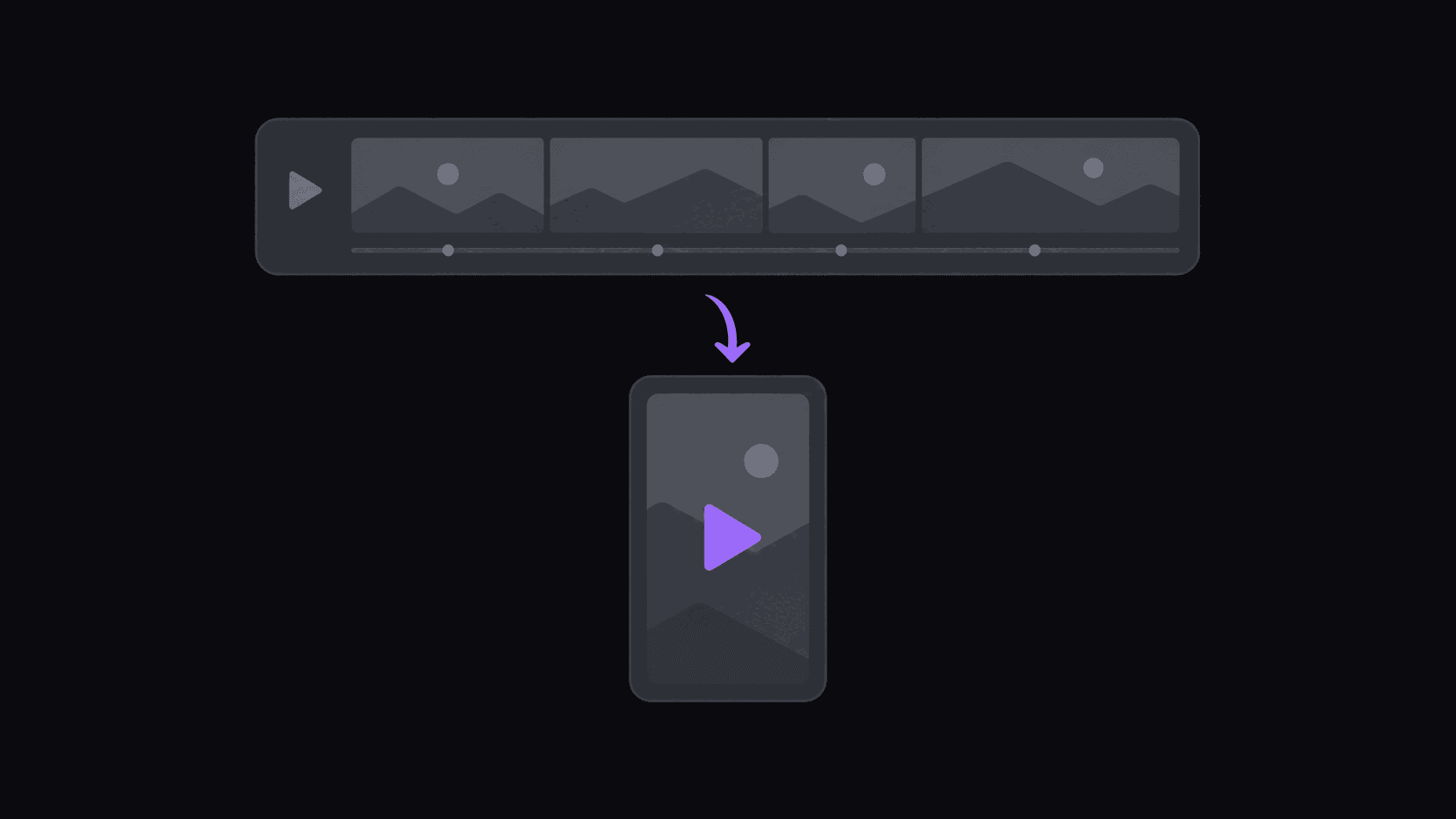
Why Shorts suits podcast clips better than TikTok
podcast clips ask for more patience than most short-form content. The payoff is usually 20 seconds in, after context. TikTok's audience punishes that harder than YouTube's does.
Shorts viewers arrive with more tolerance for talking-head content, partly because YouTube is where long-form conversation already lives. A clip that gets scrolled past on TikTok at second three will often be watched through on Shorts. There is also a discovery advantage: a strong Shorts clip can push viewers toward the full episode in a way TikTok structurally cannot.
This is not an argument for skipping TikTok. It is an argument for making Shorts your primary and treating TikTok as the secondary, which is the opposite of what most new clippers do. Podcast clip distribution across platforms compares all three.
Step 1 — Pick a podcast with argument in it
The best podcast clip sources have friction. Two people who disagree, a guest with an unusual claim, an interviewer willing to push back. Agreeable conversations between people who like each other produce almost nothing clippable, however pleasant they are to listen to.
Practical filters: episodes in the 60-to-120-minute range, a consistent weekly or biweekly schedule you can build cadence around, and video — audio-only podcasts leave you with a static frame and no visual interest.
Saturation check first. The largest podcasts have dozens of clip channels racing every episode; your version arrives ninth. A show with 50,000 subscribers and no clip coverage is a far better business than one with five million and forty competitors. Podcast clipping strategy covers source-hunting properly.
Step 2 — Run the episode and check the credit math
Paste the episode URL. A typical video comes back in about 5 minutes with around 9 clips; a two-hour episode takes proportionally longer, because there is simply more to work through.
Credits are one per source minute. A weekly 90-minute podcast is roughly 360 credits a month — over Starter's 200, comfortably inside Pro's 500. Source length limits also matter: 2 hours on Starter, 5 on Pro, 10 on Scale. Most serious podcasts exceed two hours often enough that Pro is the realistic floor.
Multi-speaker handling matters more here than in any other niche. Cuts that land on a speaker change read cleanly; cuts that land mid-sentence feel broken even when the content is good. That is the difference between a clip that looks edited and one that looks scraped.
Step 3 — Choose the three or four clips that carry the episode
Nine clips from an episode does not mean nine uploads. Three to five is the right number, and choosing well matters more than the editing that follows.
What to look for: a claim that would make someone argue in the comments, a story with an actual turn, a specific number or fact that is surprising, or a moment where the guest visibly reconsiders something. What to skip: anything requiring context from earlier in the episode, and any moment whose appeal is that the hosts found it funny.
Each clip carries a five-criterion score breakdown you can use to order your review. Watch the top three in full, skim the rest. Then trust your read of your own audience over the ranking — the score does not know what your subscribers came for.
Step 4 — Fix the opening and the title
Two things decide whether a podcast clip works on Shorts, and neither is the middle.
The first two seconds. Start on the claim, not the wind-up. If the guest spends eight seconds building to 'and that is when I realized the whole industry was fake,' cut in at 'the whole industry was fake' and let the context follow. Pull the in-point back a half beat so it does not open mid-word.
The title. Shorts titles are searchable in a way TikTok captions are not, so naming the guest and the claim earns traffic for months — 'the economist who says nobody under 30 should buy a house' keeps pulling views long after 'INSANE take' has stopped. Writing clip titles that beat the algorithm has the full treatment.
Step 5 — Build a cadence around the release schedule
A weekly podcast plus three-to-five clips per episode gives you roughly one upload every other day. That is thin for Shorts, where consistent daily presence helps.
Two fixes. Add a second podcast — Pro's three monitored channels covers this — so you have two release days a week feeding the same account. Or hold clips back and space them across the full week rather than posting all of them in the two days after release.
Set monitoring on the podcast channel so new episodes get clipped without you noticing they dropped. Then connect accounts and let clips post on a spaced schedule; Pro covers 8 social accounts across 13-plus destinations, which is enough to run Shorts, TikTok, and Reels simultaneously off the same episode.
Frequently Asked Questions
Three to five. Around 9 get generated from a typical episode, but publishing all of them floods your feed with one source and makes your weaker clips visible next to your strong ones. Keep the rest for slow weeks.
Pro at $39.99/mo is the realistic floor. A 90-minute weekly show is about 360 credits a month against Pro's 500, and Pro raises the source limit to 5 hours, which matters because long episodes are common.
Poorly. A static frame gives viewers nothing to look at and completion drops sharply. If your source is audio-only, you need B-roll over it — available on Pro — and even then a video podcast is a better source.
Yes, but not the identical file at the identical moment. Vary the title and hook per platform and stagger the posts. Each platform's audience overlap with the others is smaller than people assume.
Multi-speaker sources get cut on speaker changes rather than arbitrary intervals, which handles most of it. For the three to five clips you actually publish, still check the in-point yourself — a half-second adjustment is often the difference between clean and broken.
Related Articles
See also
One episode, a week of Shorts
Add a podcast channel to AutoClip and every new episode gets cut on speaker changes, reframed, and captioned. Pro covers 5-hour sources and 500 credits at $39.99/mo.
Get started for free