How to Batch 20 Clips a Day (and What It Actually Costs)
Updated
Start with the math, because it changes the plan
Twenty clips a day is 600 clips a month. AutoClip has no monthly clip-count cap: Scale includes 1200 credits, and source length plus usable clip yield determine how many clips that produces.
Higher output can come from short, productive sources, extra credits, or your 20 includes the same clip cross-posted to several platforms, in which case you're producing far fewer unique clips than the number suggests, and that's the version most people actually mean.
That last one is worth sitting with. Seven unique clips posted to Shorts, TikTok and Reels is 21 posts a day from seven clips. Same reach, a third of the production. If your goal is presence rather than raw output, cross-posting gets you there far cheaper than volume does. Pricing has the exact caps.
Point monitoring at five to seven sources
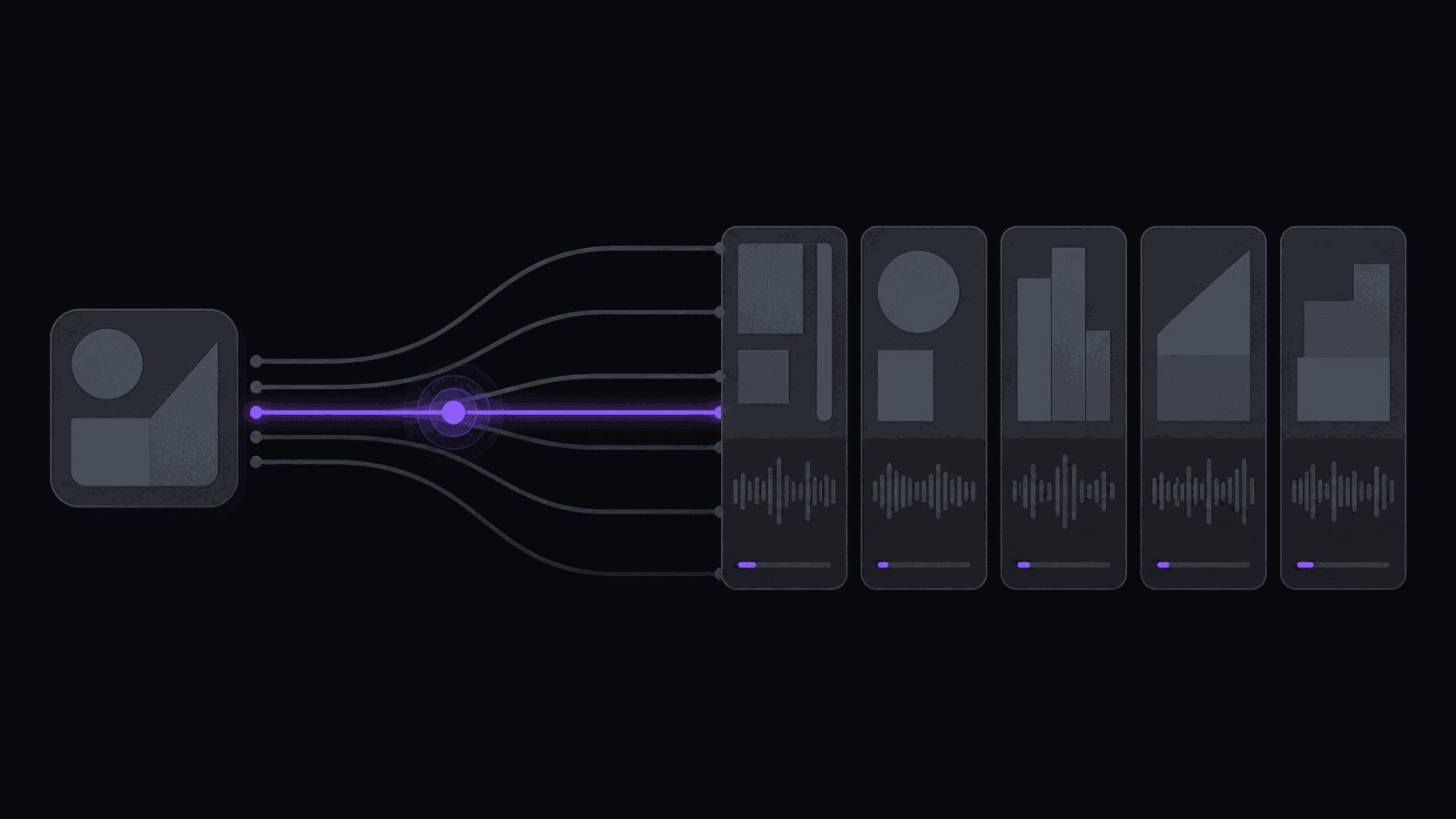
The reason high-volume clippers don't burn out isn't speed, it's that they stopped watching for uploads. Automatic channel monitoring means new uploads and stream VODs get clipped without anyone submitting anything, so the queue fills while you're asleep.
Five to seven sources is the range where supply stays reliable without becoming unmanageable. Fewer and a quiet week empties your queue. More and the review session stops being a session and becomes a shift.
Mix upload rhythms deliberately: a couple of daily uploaders for baseline volume, some weekly long-form for depth, and one archive-heavy source for filling gaps. Scale covers ten monitored channels; the $39.99 Pro plan covers three, which is enough for a moderate operation but not this one. How monitoring works.
Cap the per-source output before you drown
Without limits, one long stream can flood the queue and crowd out everything else. Set a ceiling per source per day and hold it.
A rough distribution for a 15-clip day across six sources: three from your best-performing source, three from the second, and the rest spread two or three at a time across the remainder. The point isn't the exact numbers — it's that no single source dominates a day's posting, because a feed full of one creator reads as a fan account rather than a clip channel.
Per-video caps matter here too. Starter allows 6 clips per video, Pro 12, Scale 15. Taking the maximum from every video is usually a mistake: the ninth-best moment from a source is rarely worth a posting slot that could carry the second-best moment from a different one. Output velocity is the metric to watch.
One review session, one rejection quota
The whole model collapses if review is spread across the day. Do it once — morning is fine — and do it fast.
Each clip gets the same three checks: does the first second work, is the framing right throughout, do the captions read correctly. Ten to fifteen seconds per clip once you have rhythm. Twenty clips is a five-minute pass.
The non-negotiable part is a rejection quota. Decide in advance that you'll cut the bottom fifth of every batch and actually cut it. Bulk approval without rejection is how a channel's median quality slides over a month without anyone noticing — each individual clip seemed fine, and the average went down anyway.
If your batch is consistently all-good, you're capping too low and leaving volume on the table. If you're rejecting half, the source list needs work.
Drip the schedule, don't dump it
Approved clips should not all go out at once. Posting twenty clips in a burst suppresses most of them — they compete against each other for the same initial test audience, and the later ones lose.
Three posting windows a day, spread across the hours your audience is actually awake, with clips distributed evenly. Scheduling handles the spacing so you're not opening apps at 8pm.
Hold a couple of slots for same-day content if your niche is time-sensitive. Event-driven niches — sports, live drama, anything reactive — lose most of their value if the clip goes out two days late, and a fully-booked schedule makes you slow.
One workflow note: connected account limits matter at this volume. Starter covers 3 social accounts, Pro 8, Scale 25. If you're cross-posting across several channels on several platforms, that number is usually what forces the plan decision, not the clip count.
Frequently Asked Questions
Thirty to forty-five minutes a day once it's set up: one review pass, one scheduling pass. The clipping, reframing, captioning and posting run without you. The setup itself — sources, caps, brand kit, schedule — is an afternoon.
Yes, depending on your sources and credit balance. There is no monthly clip-count cap. Scale includes 1200 credits per month; short, productive sources yield more clips per credit. Cross-posts also increase post count without requiring a new source.
Your queue thins, which is why five to seven sources matters. A posting buffer covers the rest — stay a week ahead and a quiet source becomes invisible rather than a gap in your feed.
The 3-day Pro trial shows you how clipping works on 100 credits of source video, but three days is not enough to judge sustained volume. Multi-source monitoring at this scale realistically needs Pro at $39.99 or Scale at $79.99.
It does if you skip the rejection quota. Volume plus indiscriminate approval is the classic way a channel's median quality decays. Volume plus a hard rejection rate is how the good channels operate.
Related Articles
See also
Fill the Queue While You Sleep
AutoClip watches your sources, clips new uploads automatically, and drip-schedules what you approve. One review session a day is the whole job.
Get started for free