Best 2short.ai Alternative for Clippers in 2026
Updated
Short answer
2short.ai is priced around a monthly count of Shorts, which suits a creator publishing a handful of clips from their own channel. A clip channel is capped by that model almost immediately.
AutoClip prices by source minutes instead - 1 credit per source minute, with Twitch and Kick VODs billed only on their top highlight stretches - and it monitors channels you do not own, which is the part a Shorts-count tool has no concept of.
Key takeaways
2short.ai vs AutoClip at a glance
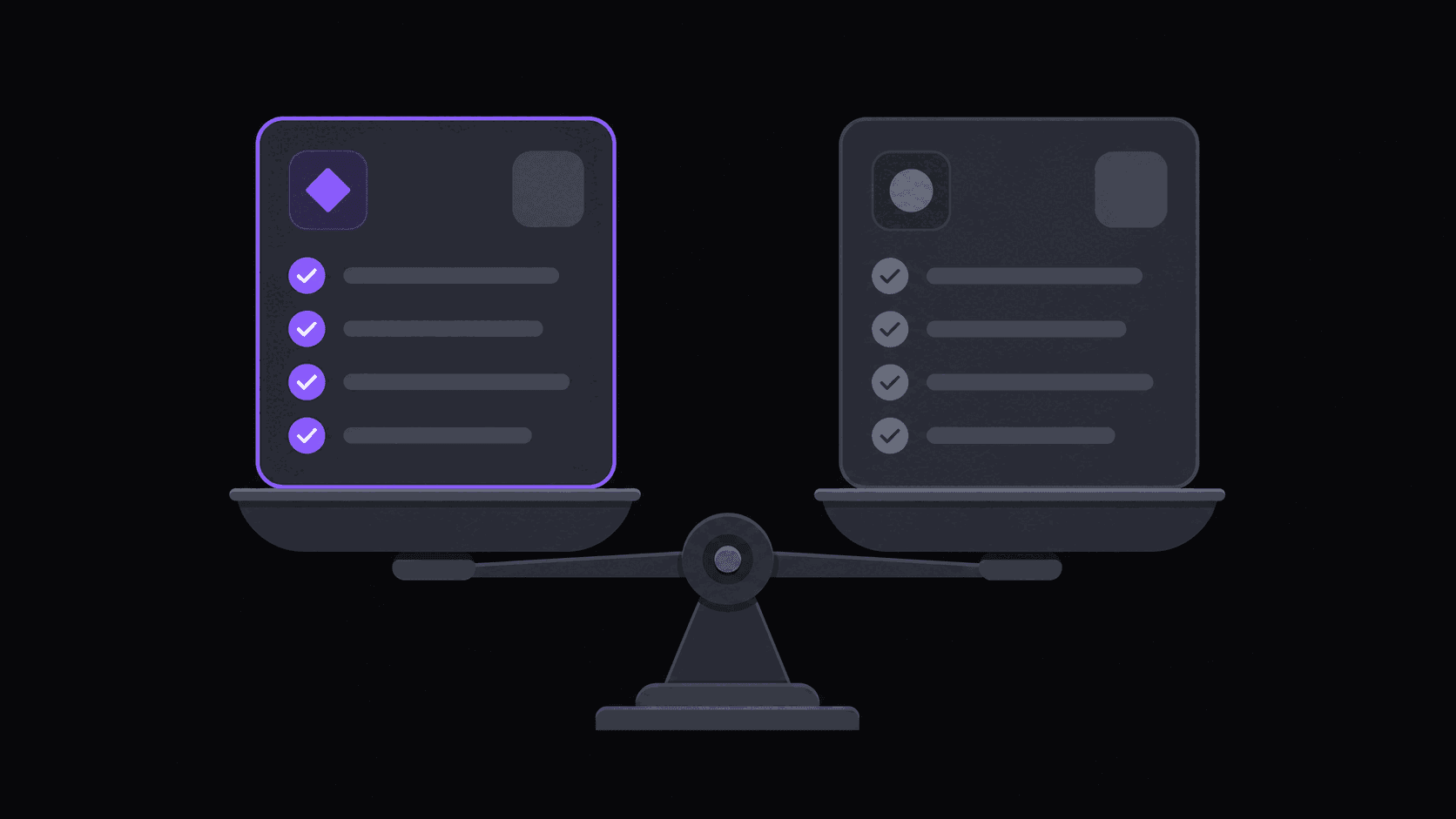
The decisive difference is what the meter counts.
| Tool | Billing unit | Watches channels | Channels you don't own | Monthly credits | Auto-post destinations | Pricing (Sept 2026) |
|---|---|---|---|---|---|---|
| 2short.ai | Shorts produced per month | No - you submit each video | Submission-based | Plan-dependent | Varies | Not published here |
| AutoClip | Source minutes (1 credit per minute) | Yes - 1 / 3 / 10 by plan | Yes - YouTube, Twitch, Kick | No monthly clip-count cap | 9 destinations | $19.99 / $39.99 / $79.99 per month |
If you publish a few Shorts a month from your own uploads, a Shorts-count plan is simpler and probably cheaper. The model only breaks when volume is the point.
A monthly Shorts cap is a business model, not a bug
2short.ai is aimed squarely at a YouTuber who wants Shorts out of their own uploads. Under that assumption, a modest monthly output cap is sensible — nobody with one channel needs a hundred Shorts a month, and the cap keeps the entry price low.
Then a clip channel walks in. Three source creators, daily posting across four accounts, and the cap that was generous for a YouTuber is the first wall you hit, usually somewhere around the third week of the month.
The mismatch isn't a flaw in 2short. It's what happens when a single-channel tool meets a multi-channel operation.
The three things that break at clipper volume
Output caps. Around 9 clips come out of a typical video. Post daily across a few accounts and you need meaningful monthly headroom — AutoClip's tiers run 200 credits per month on Starter, 500 on Pro, and 1200 on Scale.
No source monitoring. Every video is a URL you paste. Fine for your own uploads, which you know about because you made them. Painful for six creators on six schedules. With monitoring you name the public YouTube, Twitch, or Kick channels once — 1 on Starter, 3 on Pro, 10 on Scale — and new uploads and VODs get clipped without you.
Shorts-only thinking. A clip channel doesn't post to one destination. Clips queue to 9 short-form destinations on a spaced schedule — TikTok, Shorts, Reels and more — with 3 / 8 / 25 connected accounts by plan. Reddit, Snapchat, and Twitch aren't supported destinations. Background: channel monitoring explained.
Pricing, and who should ignore this whole article
AutoClip bills 1 credit per source minute: 200 credits on Starter ($19.99/mo), 500 on Pro ($39.99/mo), 1,200 on Scale ($79.99/mo). Annual billing lands at $12.49 / $24.99 / $49.99 effective. Twitch and Kick VODs bill only on top highlight stretches, so a multi-hour stream typically costs 35–90 credits rather than its full runtime.
A typical video finishes in roughly 5 minutes — reframed to 9:16 with the speaker staying in frame, word-synced animated captions applied, ready to review or publish. Longer sources take proportionally longer.
Now the honest part: if you're a YouTuber making Shorts from your own uploads, a few a week, on one channel — 2short.ai is a good fit and you should keep it. Nothing in a monitoring-and-publishing pipeline helps someone with one source they already control. Switch when the source stops being yours and the volume stops being small.
Frequently Asked Questions
AutoClip's 3-day Pro trial covers 100 credits, roughly 100 minutes of source video, and because it runs on Pro the exports come out clean rather than watermarked — enough to judge clip selection, reframing, and captions on your real sources. It isn't sized to run a channel, and a free account on its own connects 2 social accounts without generating clips. Ongoing scheduling and watermark-free export begin on Starter at $19.99/mo.
Yes. Finished clips queue to 9 short-form destinations on a spaced schedule rather than ending as downloads, with 3 connected accounts on Starter, 8 on Pro, and 25 on Scale. You can also hold everything in an approval queue and publish manually if you'd rather review first.
Yes, with a plan-dependent ceiling: sources up to 2 hours on Starter, 5 hours on Pro, and 10 hours on Scale. Stream VODs get billed on top highlight stretches rather than full runtime, which is what makes multi-hour sources practical at all.
That's the primary use case — monitor public YouTube, Twitch, or Kick channels and post to your own accounts. Rights and platform rules stay your responsibility: transformative clipping with commentary or added framing is far safer ground than straight re-uploads.
Related Articles
See also
No monthly Shorts wall
Monitor the channels you cover, get around 9 clips per video in around 5 minutes, and post across 9 destinations. Starter $19.99/mo, after a 3-day Pro trial with 100 credits.
Get started for free