Automatic Clipper Tools: The Workflow That Replaces Manual Editing
Updated
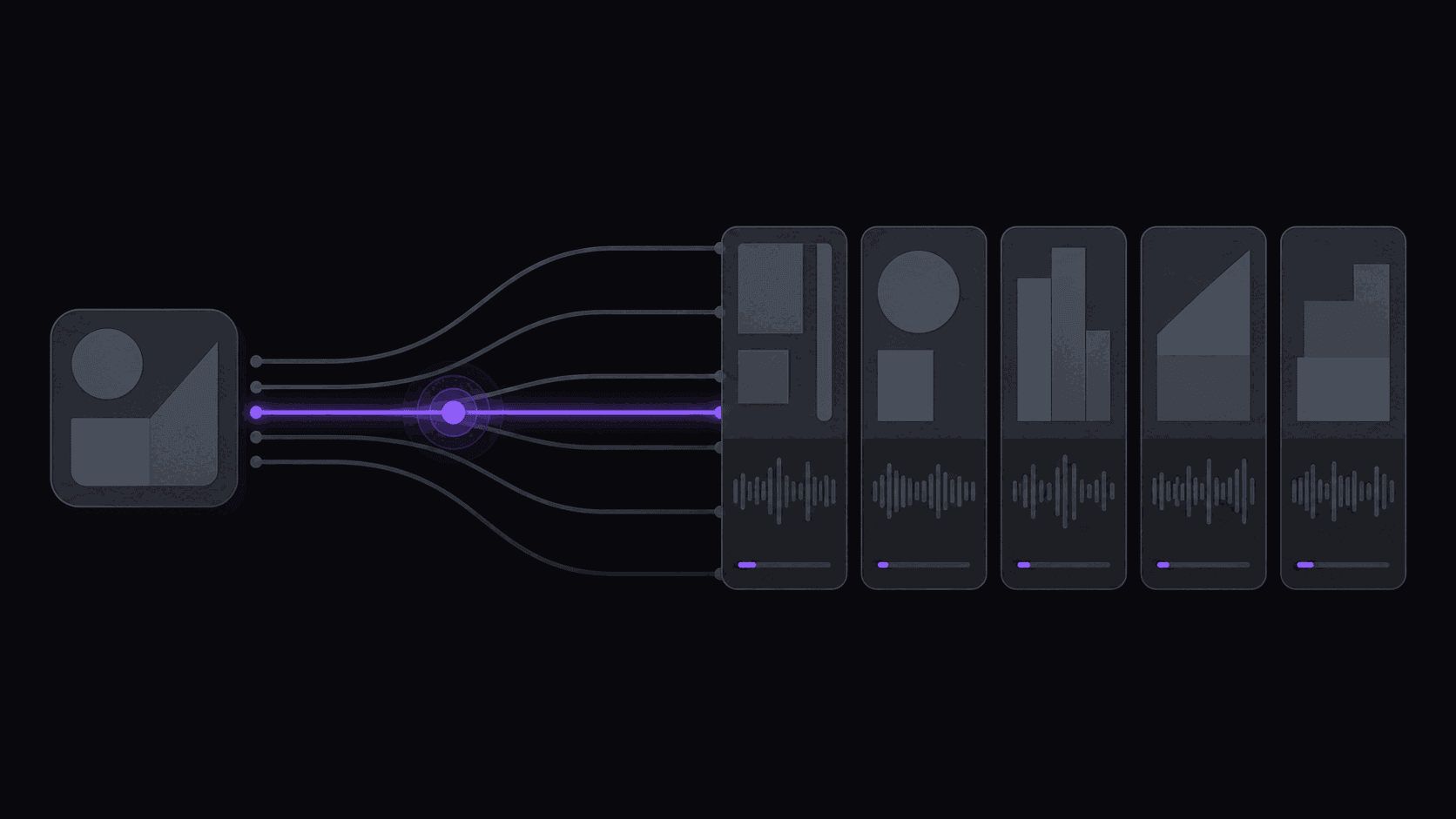
A Clip Maker and an Automatic Clipper Are Not the Same Product
Two categories get sold under the same headline, and picking the wrong one costs you an hour a day.
A [clip maker](/blog/clip-maker-guide-for-clippers) takes one video at a time. You paste a URL or drag in a file, wait, and collect the output. Opus Clip and Quso.ai (formerly Vidyo.ai) sit here. If you publish one podcast episode a week, that is genuinely all you need, and paying for more is waste.
An [automatic clipper](/blog/automatic-clipper-tools) removes the paste step. You register the channels you want clipped once — yours or someone else's — and finished clips show up in your queue whenever those channels publish. Nobody submits anything. That difference sounds cosmetic until you are running four source channels, at which point "paste the URL" becomes twenty-eight small chores a week that you will eventually skip on a busy Thursday.
The honest test: count the videos you process per week. Under three, a clip maker wins on simplicity. Over eight, the monitoring workflow pays for itself in the first week. In between, it depends on how reliably you actually do the manual step.
The Eight-Step Loop You Are Trying to Delete
Here is what running a clip channel looks like without automation, in the order it actually happens:
- Check each source channel for something new.
- Skim the new upload for moments worth cutting.
- Cut each moment in an editor.
- Recompose from 16:9 to 9:16 so the speaker is not half out of frame.
- Write or generate captions and time them to speech.
- Export.
- Upload to TikTok, how long a Short or Reel can be in 2026s, and Shorts one at a time, adjusting the description for each.
- Check back later to see which ones worked.
For four clips a day off five source channels, steps 1–7 run four to six hours. An automatic clipper handles 1 through 7. Step 8 stays yours, and so does a short review pass before anything publishes.
What is left is 30 to 60 minutes of daily work, most of it approval. That is the entire pitch of the category, and any tool that leaves one of those seven steps on your plate has not made the pitch. Channel monitoring is where most of the savings come from — the reframing and captioning are the parts everyone advertises.
Five Functions That Define the Category
A tool earns the label if it does all five of these in one flow. Four out of five is a clip maker with extra steps.
Source-[channel monitoring](/blog/channel-monitoring-explained). Accept a public YouTube, Twitch, or Kick channel and notice new uploads and stream VODs on its own. Without this, every upload restarts the manual loop.
Moment selection. Decide which 30 to 60 seconds of a 90-minute source deserve to be a clip. This is where tools diverge most, and where you should spend your evaluation time.
Vertical recomposition. Convert a wide frame to 9:16 while keeping whoever is talking in the shot. Gaming content needs a split layout instead, with the facecam and the gameplay both readable.
Captions built for a phone screen. Word-synced, high contrast, sized to read at arm's length. The caption standard has settled; what varies now is whether emphasis lands on the right word.
Direct publishing. Push the finished clip to your connected accounts on a schedule, without an export-and-reupload detour. AutoClip covers 9 short-form destinations; Reddit, Snapchat, and Twitch are not among them, and any tool claiming otherwise is describing something else.
A tool that stops at four has removed the tedious middle and left the tedious ends.
Monitoring Is Harder Than It Sounds, and That's Where Tools Break
"We detect new uploads" is easy to write on a pricing page and annoying to get right. The edge cases that catch weak implementations:
- Premieres. A scheduled premiere exists as a page hours before the video exists as content. Naive monitoring grabs the placeholder and produces nothing.
- Mixed upload types on one channel. Daily shorts, a weekly long-form, and a monthly stream archive all land on the same channel. You usually want clips from one of those and not the other two.
- Expiring stream VODs. Twitch keeps most VODs for a matter of weeks, and non-Partner accounts get less. A monitor that only bookmarks the URL will find a dead link later.
- The same stream published twice. A four-hour stream reappears as a 45-minute edit. Both look like new uploads. Clipping both gets you duplicate content on your own account.
- Members-only uploads. Gated content is not accessible, and the honest behavior is to skip it rather than fail loudly every hour.
Test this before you commit. Add three real source channels — not one clean one — and watch a full week. Tools that look identical on a demo video separate fast under real conditions.
What This Category Should Not Try to Do
Three jobs sit outside the boundary, and tools that stretch to cover them tend to be weak at the core.
Full video editing. Color work, multi-track audio, restructuring a long-form edit. That is an editor's job. An automatic clipper operates between a source and a short, and that is a narrow enough problem to be worth doing well.
Making content from nothing. No automatic clipper writes your script or shoots your footage. It repurposes what already exists. If you have no source material, the tool has nothing to work with.
Deciding your strategy. Which channels to clip, which niche pays, when a source has gone stale. Tools can show you the numbers — AutoClip scores each clip against five criteria and shows you the breakdown — but the call is yours, and it is the part that actually differentiates channels.
The tradeoff worth naming: automation raises your floor, not your ceiling. Your best clip of the month will probably still be one you spotted yourself and trimmed by hand in the timeline editor. What changes is that the other forty go out without costing you a weekend.
Frequently Asked Questions
It depends on where you are and what you do with the output. Commentary and transformative use have broad protection in many jurisdictions; wholesale commercial reuse of someone's content without permission does not. Plenty of large creators actively encourage clipping because it feeds them traffic, and some explicitly forbid it. Read the source channel's stated terms before you build a channel on top of it.
A downloader hands you a file and stops. An automatic clipper covers everything from noticing the upload to publishing the finished short — moment selection, vertical recomposition, captions, scheduling. Downloading is one invisible step inside that.
AutoClip monitors public YouTube channels, Twitch channels, and Kick channels. Many competing tools are YouTube-only. If your sources are mostly livestreams, confirm support explicitly rather than assuming — and check how the tool bills long streams, because a six-hour VOD priced minute-for-minute gets expensive fast. On AutoClip, only the top highlight segments of a stream are billed, so a multi-hour stream typically runs 35–90 credits.
For a typical video, around 5 minutes from detection to finished clips waiting in your queue. Multi-hour streams and very long uploads take proportionally longer. That is fast enough to publish inside an hour of the source going live, which matters for reaction and news formats and matters not at all for evergreen podcast content.
Related Articles
See also
Point It at a Channel and Walk Away
AutoClip watches your YouTube, Twitch, and Kick sources, cuts the best moments, reframes to 9:16, captions every word, and posts on your schedule.
Get started for free