Automatic Clip Makers: How to Get Publishable Shorts Without Editing
Updated
What It Does, Minus the Marketing
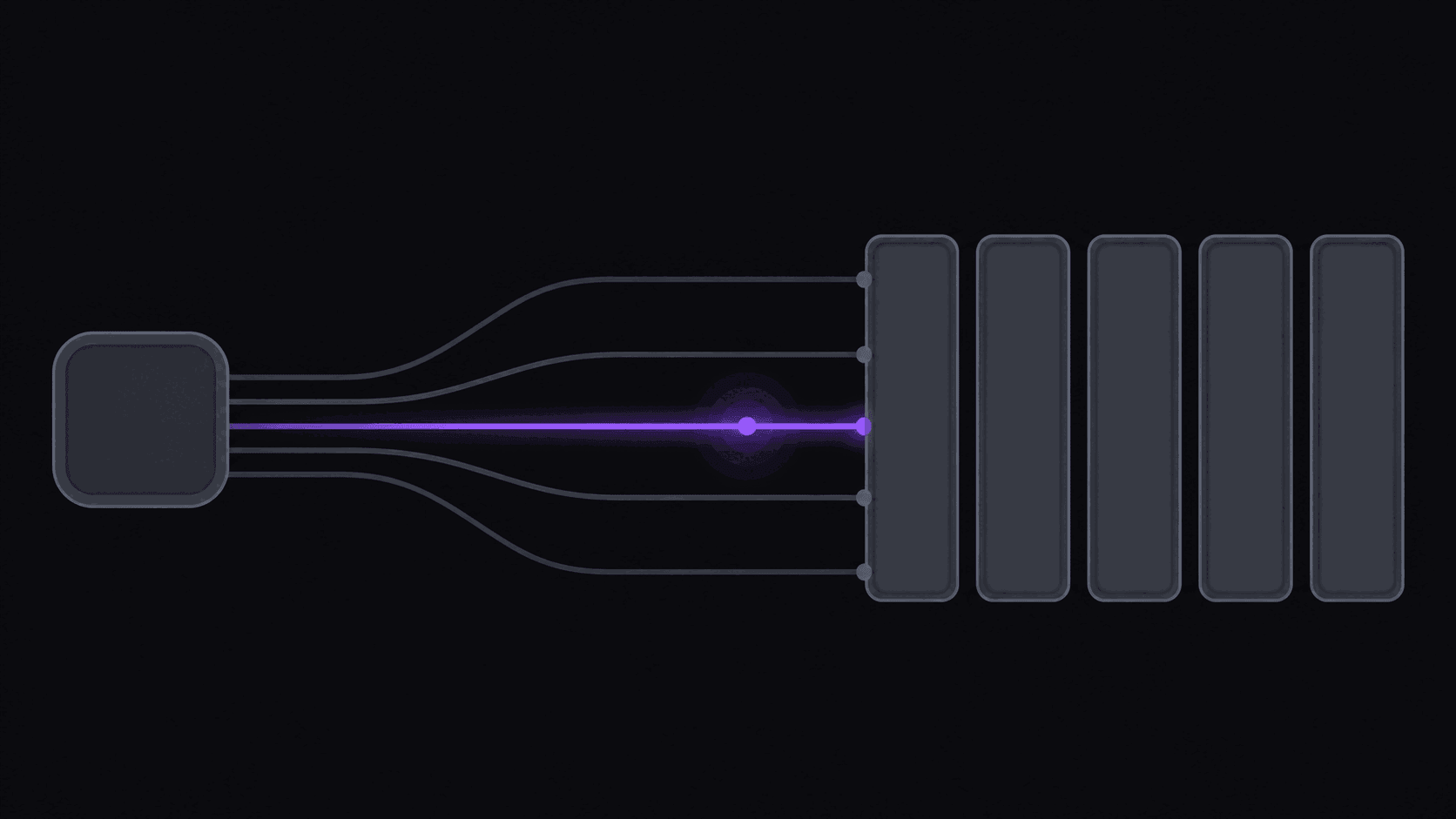
There are maybe nine postable moments inside a three-hour stream VOD, and scrubbing for them by hand costs an afternoon. That afternoon is the job an automatic clip maker takes off you — feed it something long (a podcast episode, a VOD, a lecture, a webinar) and short vertical videos come back. Four things happen without you doing them:
- It picks the moments most likely to hold a viewer.
- It cuts each one so it starts on a hook and ends on a beat, not mid-sentence.
- It reframes the shot to 9:16 and keeps the person talking near the center of frame.
- It burns in word-synced captions, because most people watch muted.
What it doesn't do is have taste about your channel. It doesn't know that your audience is tired of a particular topic, or that the guest's second story landed better than the first. You still review. Budget five minutes for that per batch and the whole thing stays worth it.
Where It Beats Manual, Where It Loses
It wins on scan time. Finding the good parts of a three-hour stream by scrubbing is the single most tedious task in clipping, and it's exactly the sort of thing you shouldn't be doing by hand.
It wins on repetition. Reframing, captioning, exporting per platform, uploading — identical work every time, done faster and identically by software.
It loses on nuance. A callback to a joke from 40 minutes earlier, a pause that's funny only if you know the person, a moment that only makes sense next to something else — those need you.
It loses on heavily produced formats. If your clips carry motion graphics, layered b-roll cut to music, or sound design, you're finishing in an editor regardless.
The realistic split: automation produces the base clips, you spend your attention on selection and the occasional touch-up. That's a better use of a human than scrubbing a timeline.
The Two Categories, and Why Picking Wrong Hurts
Creator-shaped tools assume you own the video. Upload or connect your channel, work through your own library. Fine for podcasters and YouTubers repurposing their own catalog.
Clipper-shaped tools assume the source belongs to someone else and arrives on its own schedule. The defining feature is channel monitoring: you name public channels once and new uploads get clipped automatically.
Pick the wrong category and you'll spend a year manually pasting URLs before you realize the tool was never meant for your workflow. AutoClip sits in the second category — public YouTube, Twitch, and Kick sources, monitored channels, automatic posting — while still working perfectly well on your own uploads.
What Good Output Looks Like
Judge any automatic clip maker on five things, watching the clips on your phone with the sound off:
- Does it open on something? A clip that starts with "...and so anyway" is dead. Good cuts start on a claim, a question, or a reaction.
- Is the speaker centered when the shot moves? Walking, gesturing, camera cuts — the face should stay in frame.
- Do captions land on the word? Late captions are worse than none; the mismatch is distracting in a way viewers feel without naming.
- Does it end cleanly? Trailing off mid-thought kills rewatch and completion.
- Multiple speakers handled? On a two-person podcast, cuts should land on speaker changes, not slice through someone's sentence.
AutoClip's clips also carry a virality score with a transparent five-criterion breakdown, so when a clip scores low you can see which part is weak instead of guessing.
A Realistic First Week
Day 1. Pick one source channel you'd watch anyway. Run one video. Look at what comes back — around 9 clips from a typical video, in roughly 5 minutes. Longer sources take proportionally longer.
Day 2. Publish three. Not nine. Pick the three you'd have picked by hand and see how they perform.
Days 3–5. Set a caption style you like and save it as a brand kit so every clip looks like it came from the same channel. Connect your accounts and let the scheduler space out posts rather than dumping them at once.
Day 6–7. Look at what actually held attention and adjust which kinds of moments you keep. Two weeks of that teaches you more about your audience than any guide.
For tightening up the clips themselves once you're rolling, clip editing tips for beginners covers the small fixes with the biggest payoff.
What This Costs
AutoClip prices on source minutes: 1 credit = 1 minute of source video. Before paying you get a 3-day Pro trial with 100 credits and unwatermarked exports. Starter is $19.99/mo — 200 credits, one monitored channel, three social accounts, watermark-free export, scheduling, sources up to two hours. Pro at $39.99/mo adds AI b-roll, background music, spoken hooks, multi-aspect export, brand kits, and caption translation in 31 languages and dubbing in 25 of them, with 500 credits and three monitored channels. Scale at $79.99/mo runs 1,200 credits, ten monitored channels, 25 accounts, 4K export, and priority processing. Annual billing brings those to roughly $12.49, $24.99, and $49.99 a month.
Stream VODs are cheaper than the math suggests — only the highlight segments bill, so a multi-hour Twitch or Kick stream typically costs 35–90 credits.
Whether that pays for itself depends entirely on what you do with the output. Alex, a beginner with no prior editing experience, made $400; Justin, a clipper, made about $3,000 in a month. Results like these aren't typical — earnings depend on your niche, the campaigns you post to, and how consistently you publish. Current plan detail is on the pricing page.
Frequently Asked Questions
Not with AutoClip. You can submit a link, but the intended workflow is adding a public YouTube, Twitch, or Kick channel to monitor so new uploads get clipped without you doing anything. Many other tools require an upload or an account connection every time.
Good enough that reviewing a batch is faster than scrubbing a source, not good enough to publish unreviewed. Expect a handful of clearly strong clips, a few decent ones, and one or two you'll delete. Reviewing takes a few minutes; scrubbing a three-hour VOD takes an afternoon.
Yes — style, font, colors, and the text itself, plus emphasis and emoji. Save a look as a brand kit and every future clip inherits it. Caption text editing is done on the web app; the iOS app links out for that specific task.
A clip maker's job is finding and packaging moments from something long. An AI video editor's job is helping you build an edit — trimming, arranging, adding elements. Use a clip maker to produce volume; use an editor when a specific piece deserves individual attention.
Yes, and Pro adds caption translation in 31 languages and AI dubbing in 25 of them if you want to publish the same clip to more than one language audience. Quality varies with audio clarity — heavy background noise or overlapping speakers is hard for any tool.
Related Articles
See also
From Long Video to Posted Clip
Add a source, get around 9 captioned vertical clips in around 5 minutes, and schedule them straight to your accounts. Free tier to try it.
Get started for free