Auto Clip Webinar Highlights: Turning 60 Minutes Into 9 Shorts
Updated
Short answer
The clippable part of a webinar is almost never the slides. It is the live Q&A, where the presenter answers a real question properly and unscripted. Point a clipping tool at the recording, let it score the whole hour, and review what it surfaces from the back half.
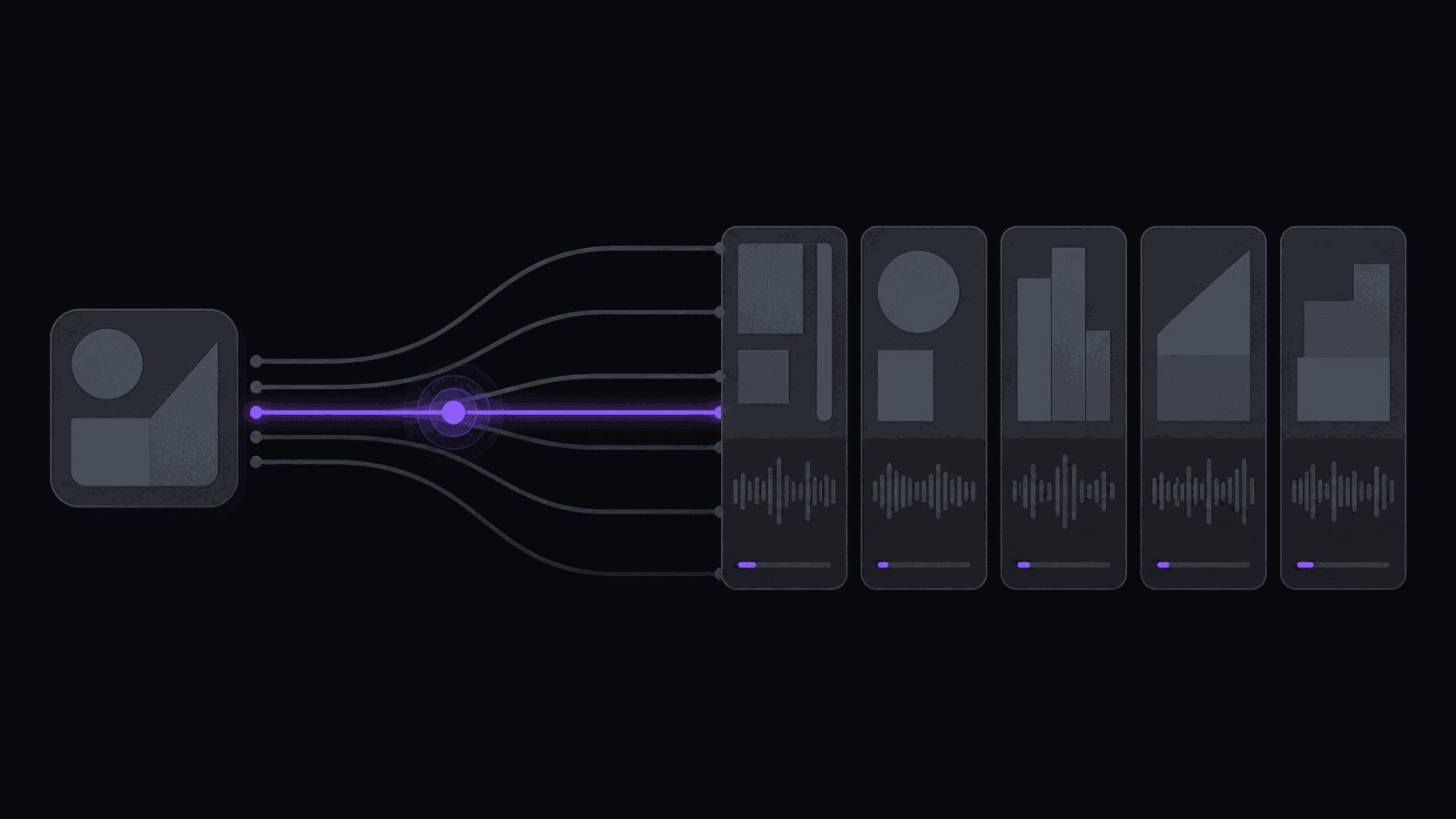
Webinars are an underused source precisely because the good material is buried past the point most people stop watching. AutoClip processes a typical source in about 5 minutes and returns around 9 ranked clips, so a back catalogue of recordings can be worked through quickly.
Key takeaways
What clips well from a webinar
| Segment | Clippable? | Why |
|---|---|---|
| Live Q&A answer | Best | Unscripted, self-contained, answers a real question |
| A concrete number or benchmark | Strong | Travels beyond the original audience |
| Customer story or example | Strong | Has a beginning and an end |
| Slide walkthrough | Weak | Depends on the deck being visible |
| Housekeeping and intros | No | Nothing survives the cut |
If you only have time to review one part of a recording, start where the moderator opens questions — that is where the density is.
The Best Eight Minutes Are Buried in Hour One
A recorded webinar has a predictable shape. Ten minutes of housekeeping and "can everyone hear me." Twenty minutes of slides that mostly restate the title. Then, somewhere around minute thirty-five, someone asks a real question and the presenter answers it properly — and that answer is genuinely good.
That's the pattern, and it's why webinars are an underused clip source. The good material is real, but it's ratioed so badly that nobody watches the recording to find it. Registration numbers look fine and the on-demand replay gets a few dozen views.
For a marketing team, this is the cheapest content you own. It's already recorded, already cleared, already on-brand, and it's sitting at a fraction of a percent of its potential reach. For a clipper, public webinars from conferences and industry organizations are an unusually low-competition source — nobody is fighting you for them the way they fight over podcast clips.
The work is finding the eight good minutes without watching the sixty.
What Clips Well From a Webinar and What Doesn't
Clips well: the unscripted Q&A answer. The moment the presenter goes off-slide because someone pushed back. A specific number with a claim attached. A short demo where something visibly happens. A blunt opinion — the sentence where someone says the thing their competitors won't.
Clips badly: anything that depends on a slide you can't read at phone size. Agenda walkthroughs. Multi-step frameworks that need all five steps to make sense. Anything where the speaker says "as you can see here."
The slide problem is the one that catches people out. Vertical reframing crops a landscape recording to 9:16, and a dense slide that was already small becomes unreadable. Clips built on a talking presenter survive that crop; clips built on a screen share often don't. If your source is mostly screen share with a small presenter window, expect a much lower yield and plan around it.
When a slide genuinely carries the point, the fix is on-screen text rather than the slide itself — burned-in captions doing the work the slide was doing. Word-synced captions handle most of that automatically, which is convenient, since the majority of these will be watched on mute.
Setting Up a Standing Webinar Pipeline
Most organizations post webinar recordings to a public YouTube channel and then forget about them. That's the hook.
Add those channels as monitored sources and new recordings get clipped as they're published — no submission, no remembering. One monitored channel on Starter, three on Pro, ten on Scale. For an internal marketing team that's your own channel; for a clipper covering an industry, it's the three or four organizations that publish consistently.
The credit math is straightforward here because webinars are a fixed length. One credit per source minute, so a 60-minute webinar is 60 credits. On Starter's 200 credits that's roughly three a month; Pro's 500 covers a weekly webinar with plenty spare. Sources up to two hours on Starter, five on Pro, ten on Scale — enough for anything with "summit" in the name.
Expect around nine clips from a typical recording, back in about 5 minutes, longer for multi-hour sessions. Post six of them and bin the rest. And set up a brand kit once — saved caption style, font, logo — because B2B clips live or die on looking like they came from a company rather than a phone.
Distribution: LinkedIn Behaves Differently
Webinar clips are one of the few formats where LinkedIn genuinely outperforms TikTok, and it pays to treat it as the primary destination rather than an afterthought.
The audience there is the audience the webinar was made for, and the platform rewards a specific format: a clip that makes one claim, with a text post underneath that states the claim in words. The video and the caption are doing different jobs. We've covered what works on LinkedIn specifically, and the short version is that a slightly longer, denser clip performs better there than the fast-cut format Shorts wants.
YouTube Shorts is the second destination, mostly because the same clips accumulate search traffic over months rather than dying in 48 hours. Instagram Reels works for anything with a visual demo. TikTok is the weakest fit for most B2B webinar material, though industry-specific niches do fine there.
Multi-aspect export on Pro is what makes this practical — the same moment as 9:16 for Reels and Shorts, 1:1 or 16:9 for LinkedIn, without re-cutting anything. Vary the hook and the caption per platform rather than pushing the identical file everywhere, which is both better for reach and less likely to get throttled. The broader approach is in our content repurposing guide.
Frequently Asked Questions
Unscripted Q&A answers, moments where the presenter goes off-slide, specific numbers attached to a claim, and short demos where something visibly happens. Agenda walkthroughs and slide-dependent frameworks almost never work.
Yes — add any public YouTube channel as a monitored source and new recordings get clipped as they're posted. That's one channel on Starter, three on Pro, ten on Scale.
They're the weak case. Cropping a landscape recording to 9:16 makes dense slides unreadable at phone size, so clips built on a talking presenter hold up far better than clips built on a screen share. If your source is mostly slides, expect fewer usable clips.
LinkedIn first for B2B material — the audience matches and the format rewards one clear claim. YouTube Shorts second, because those clips keep pulling search traffic for months. Reels for anything with a visual demo. TikTok is usually the weakest fit for B2B.
About five minutes for a typical video, with longer sessions taking proportionally longer. It costs 60 credits, since one credit covers one minute of source video.
Related Articles
See also
Start with the webinars you already have
Point it at a channel of past recordings and see what comes back from material that's been sitting at a few dozen views.
Get started for free