Viral Clip Anatomy: What the First Three Seconds Really Do
Updated
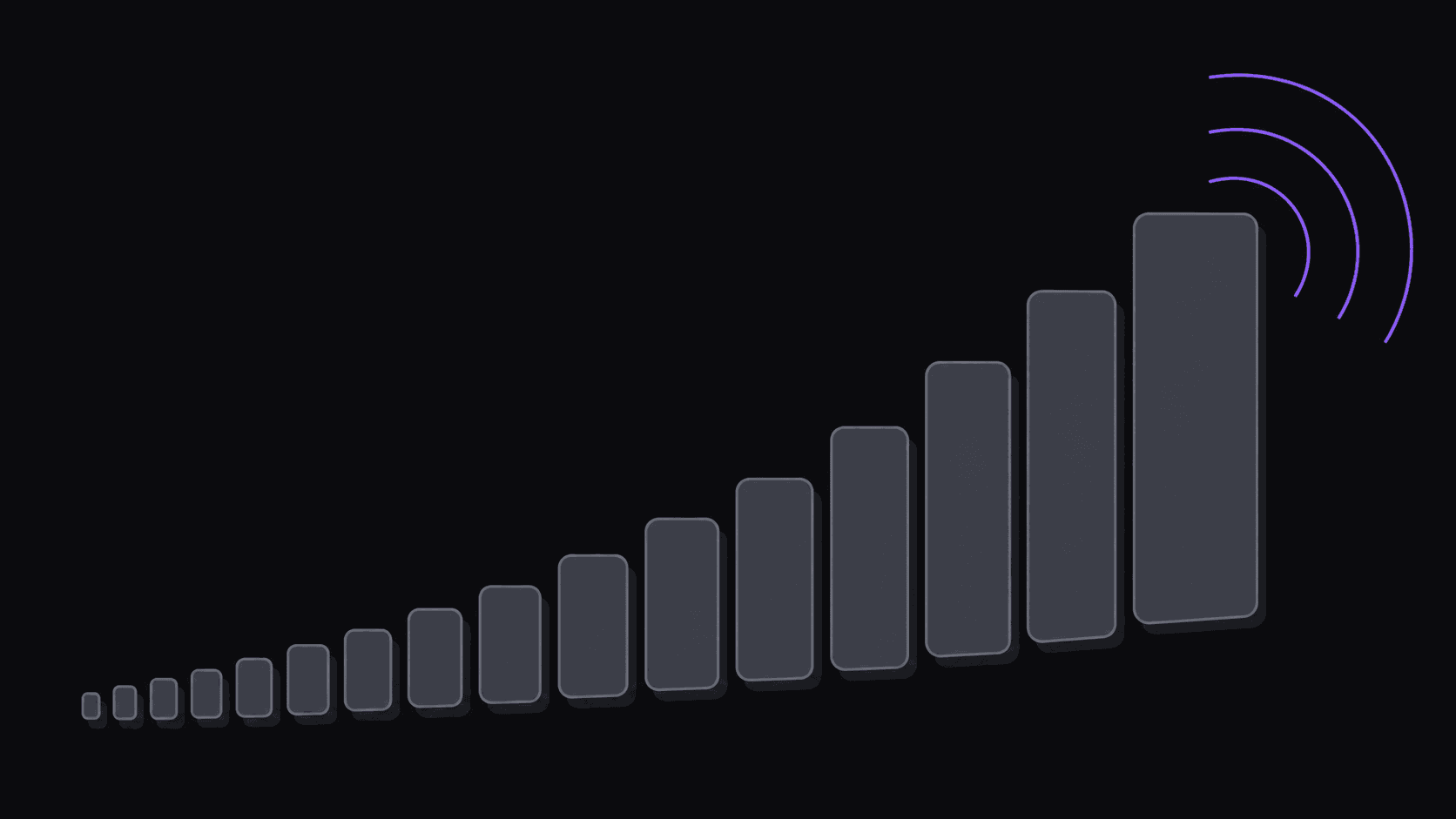
What the drop-off curve looks like
Pull the retention graph on any short-form clip and it has the same shape. A cliff in the first two to three seconds, a gentler slide after, and a small bump at the end if the clip loops.
That cliff is where the argument about hooks comes from, and the argument is mostly right. Most of the people who will ever leave your clip leave before the third second. Whatever happens after that is a fight over a much smaller group.
But the conclusion people draw from it — put something shocking in the first second — is wrong more often than it's right. The cliff isn't a judgment about quality. It's people deciding whether this clip is for them. A viewer who scrolls at 1.5 seconds usually isn't unimpressed; they've correctly identified that this is not their kind of content. Loud openers don't convert those people, they just annoy the ones who would have stayed.
The useful reframe: the first three seconds are a filter, not a sales pitch. Your job is to make the clip legible fast so the right people know to stay. Hook rate is the metric that measures this directly.
Four hook patterns that hold up
Mid-sentence entry. Start on someone already talking, mid-thought, ideally mid-argument. It signals that something is in progress and the viewer has walked in on it. This is the single most reliable pattern for interview and podcast clips, and it's the one clippers underuse because it feels like starting in the wrong place.
Visible consequence first. Something happens, then the clip explains it. A reaction shot before the cause. This works in gaming and sports where the payoff is visual and short.
Stated tension. The first line contains a disagreement or a claim someone will want to argue with. Not rage bait — an actual position. Comment sections do the distribution work here.
Cold weirdness. An image that doesn't parse. The viewer stays for two seconds purely to resolve the confusion. Highest variance of the four: when it lands, it lands enormously, and when it misses it produces nothing.
What consistently fails: a title card, a logo, a slow zoom into someone about to start talking, and any opening line that sets up a story rather than being part of one.
What the hook is competing against
Not other clips. The scroll.
A viewer arrives at your clip having just decided to leave the last one. They are in a rejecting posture and the default action costs them nothing. That's why openers that require patience fail — you're asking for investment from someone in the process of leaving.
This is also why the same hook performs differently across platforms. Feeds with faster average scroll behavior punish slow openers harder. If a clip does well on one platform and dies on another, the hook is usually the variable, not the content.
The practical consequence: test the same clip with two different in-points. Not two different clips — the same clip, cut two seconds apart. The gap in performance is often larger than the gap between two entirely different moments, and it's the cheapest experiment in short-form.
Where automatic moment detection helps, and where it doesn't
Finding candidate moments is genuinely the part worth automating. Scrubbing a two-hour source for the eight moments worth cutting is slow, boring, and something you get worse at as you tire. Handing that off means you review nine or so candidates from a typical video instead of watching the whole thing — and you review them fresh.
What automation is less good at is the last two seconds of in-point. Whether a clip starts on the setup line or on the payoff line is a judgment about what a specific audience finds interesting, and it's where a human still adds obvious value. Nudging the start point on an otherwise-finished clip is a ten-second edit with an outsized effect.
So the honest division of labor: let the tool find and cut the candidates, then spend your attention on in-points and ordering rather than on scrubbing. That's the part of the work that actually compounds — you get better at picking, and picking is what your channel is.
Caption pacing in the first second
Captions in the opening second do two things: they let sound-off viewers understand the clip immediately, and they give the eye something to track while the audio establishes itself.
Word-synced captions — where words appear as they're spoken rather than as full sentences — outperform block captions in that window for a simple reason: a full sentence appearing at once is read in half a second and then ignored, while words arriving in sync keep pulling attention forward.
Don't overdo it. Heavy effects, aggressive emoji, and oversized text in the first second compete with the actual content instead of supporting it. Keep the styling consistent enough that a returning viewer recognizes your clips at a glance, which is what a saved brand style is for.
One genuine tradeoff: captions cover the frame. In clips where the visual is the payoff — a knockout, a game-winning play — captions in the opening second can hide the thing you're selling. Push them down or drop them for those. More on captions versus manual subtitling.
Frequently Asked Questions
They matter enormously, but as a filter rather than a hype window. Most viewers who leave are leaving because the topic isn't for them, and no opener fixes that. The gain from a better hook comes from not losing the people who would have stayed.
Mid-sentence entry, for anything conversational. It's low variance and it works across podcasts, interviews and commentary. Cold weirdness has the higher ceiling but misses far more often.
It produces good candidate moments, which is most of the work. The exact in-point — whether you start on the setup or the payoff — is still worth a human adjusting, and it's often the difference between a clip that performs and one that doesn't.
Nearly every talking clip, yes — a large share of short-form is watched with sound off. Visual-payoff clips are the exception, where captions can obscure the moment. Position matters more than presence.
Related Articles
See also
Spend Your Attention on In-Points, Not Scrubbing
AutoClip returns around nine candidate clips from a typical video with word-synced captions already on. You decide where each one starts.
Get started for free