Quso.ai, Descript, Kapwing, and AutoClip: Straight Answers for Clippers
Updated
Does Quso.ai watch a channel, or do I submit every video?
One naming note before the answer: Vidyo.ai was renamed Quso.ai at the end of 2024, accounts and subscriptions carried over, and the product has broadened from a pure clipper into an all-in-one content platform with editing, scheduling, and analytics alongside the clipping.
You submit. Quso.ai's loop begins with a file or a link you provide, and there is no standing instruction that says watch this creator and process whatever they publish.
For a creator with one podcast, that is invisible. For a clipper, it is the whole job. The work of running a clip channel is not editing, it is noticing, fetching, queueing, and publishing, sixteen or thirty or fifty times a month, forever.
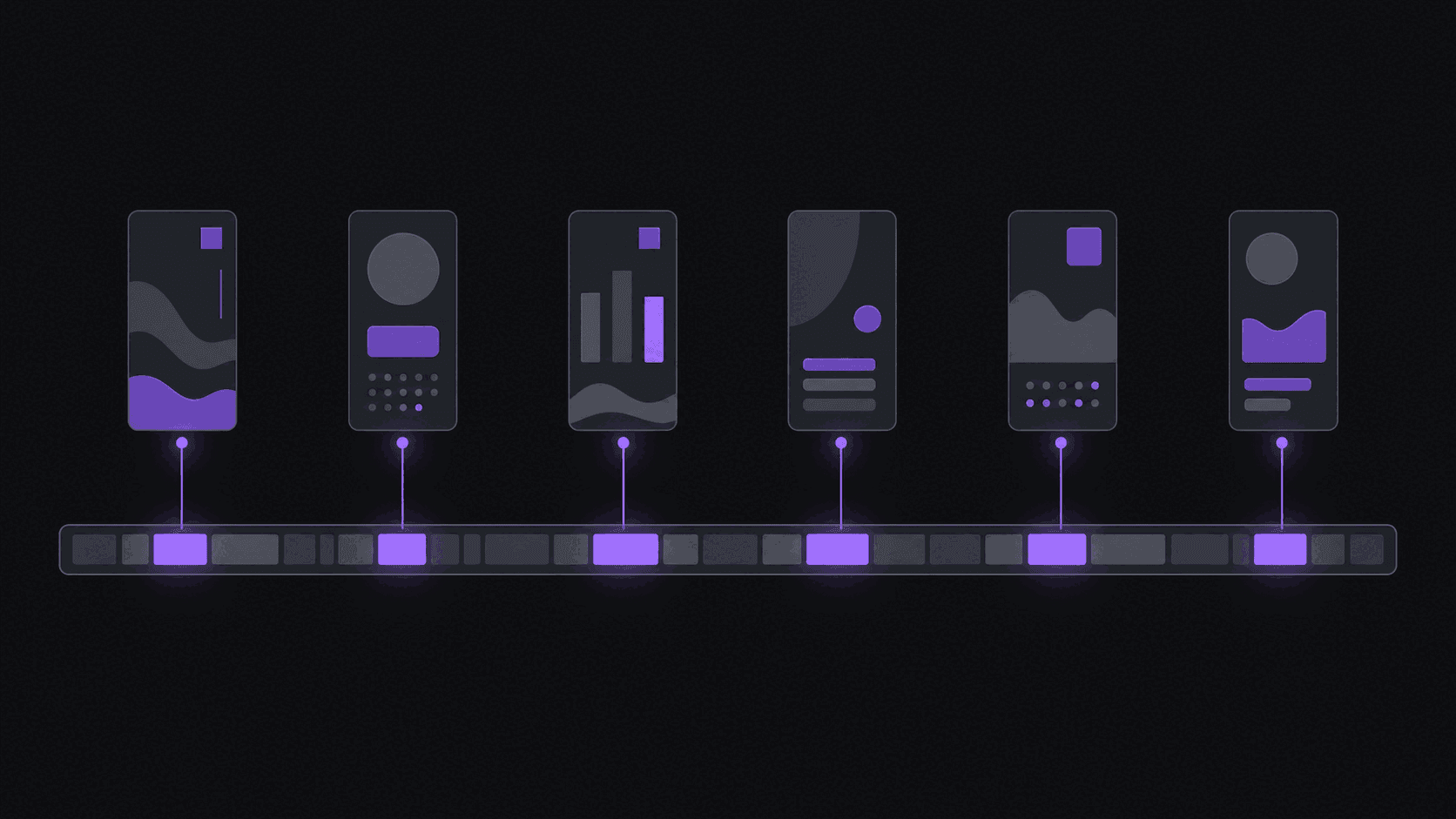
AutoClip inverts the trigger. You register a public YouTube, Twitch, or Kick channel once, and new uploads and stream VODs get processed without you doing anything. One monitored channel on Starter, three on Pro, ten on Scale. A typical video comes back in about 5 minutes with around nine clips, vertical, captioned, and scored. Longer sources take proportionally longer.
If you only clip one creator and you are already watching them obsessively, monitoring buys you less. Past two sources it is the difference between a hobby and a system.
Can Kapwing or Descript clip channels I do not own?
Both will process a public video you bring them. Neither is designed around the idea that you do not own it.
Kapwing is a browser editor. The timeline is the product, the AI features assist, and you drive every step. It is a good editor and it will do what you tell it, which is precisely the problem when the thing you need is not to be told anything.
Descript treats video as a document. Edit the transcript, the video follows. For dialogue-heavy work that is genuinely faster than scrubbing a timeline, and for anyone producing polished long-form it is hard to beat. It is a craft tool.
Neither has channel monitoring, and neither publishes to your accounts unattended. That is not a flaw, it is a category. Read why editor tools stall on clip channels for the longer version. The practical test: if the tool cannot do anything while you are asleep, it cannot run a clip channel.
Do these work for gaming and sports, or only interviews?
Interviews are easy mode for automated selection because the best moment is usually a sentence. Score speech and you find it.
Gaming and sports are the opposite. The moment that makes the clip is a play, a reaction, a crowd noise, a face. Anything scoring only from a transcript reads flat over gameplay and returns competent, forgettable picks.
The second problem is framing. A stream is a face cam in one corner and action everywhere else. Crop that to 9:16 naively and you either lose the player's reaction or lose the play. Facecam split layouts keep both readable, which is why gaming clips from generic tools often look wrong even when the moment is right.
AutoClip handles both sides: a moment nobody talked over can still be the pick, layouts split face cam and action, and the framing tracks the subject when the shot moves. Sources can run up to two hours on Starter, five on Pro, and ten on Scale, which matters because stream archives are long. See gaming clippers for the full workflow.
Which one actually publishes without me?
Draw a hard line between scheduling and publishing.
A scheduler is a queue you fill. You still open it, still choose, still confirm. Several tools in this category offer that and describe it as automation.
Publishing means the clip goes live on your accounts with nobody present. That is only useful if the step before it, generating the clip, also happened without you, which is why monitoring and auto-posting are really one feature wearing two names.
AutoClip does both ends: monitored channels produce clips, and finished clips post to 13 or more short-form destinations on a spaced schedule. Three connected accounts on Starter, eight on Pro, 25 on Scale. Reddit, Snapchat, and Twitch are not supported destinations, so build your distribution plan around what is.
The spacing matters more than people expect. Dumping six clips at once into one account performs worse than spreading them, and the scheduler defaults to spacing for that reason.
What breaks first when I scale to five channels?
Different things, and the order is predictable.
With an editor, your calendar breaks first. Five sources at four uploads a week is twenty manual cycles, and the day you get sick, the queue does not pause.
With a metered tool, the budget breaks first, especially if any source is long. Duration billing scales linearly with hours of input while your revenue scales with clips that land, and those two lines diverge.
With a tool that has no multi-account handling, distribution breaks first. You end up logged into five browser profiles trying to remember which clip went where.
AutoClip's ceiling on five sources is the plan tier: Pro monitors three, Scale monitors ten with 25 connected accounts and priority processing. Team workspaces with approval steps exist if more than one person is touching the queue. It is an honest ceiling and it is on the pricing page rather than discovered halfway through a month.
How close to hands-off can this actually get?
Closer than an editor, not as close as the marketing in this category implies. Set expectations properly and you will be happier.
Week one is not hands-off. You are picking caption style, deciding clip length, connecting accounts, setting posting cadence, and rejecting clips that miss. Build a brand kit so output stays consistent, and expect to disagree with a fair number of picks while you learn what the virality breakdown is reacting to.
By week three most people are checking twice a week: skim the queue, kill the two clips that do not work, adjust the schedule, done. That is the realistic steady state, and it is what makes five source channels survivable for one person.
What never becomes automatic is judgement about what to clip in the first place. Which creators, which niche, which destinations. No tool decides that, and it is the part that actually determines whether the channel grows.
Frequently Asked Questions
For editing a video you already have in hand, it is a capable tool and the interface is friendly. For running a clip channel off creators you do not own, it lacks the two features that decide the job: watching a channel and publishing without you. Pick on workflow, not on feature count.
No, and the reverse is also true. Descript is a finishing tool for dialogue-heavy work and it is excellent at that. AutoClip is a throughput tool. Some people use both: automate the volume, then pull one clip a week into a finishing tool when it is worth the extra hour.
Each clip arrives with a virality breakdown across five criteria, so you can see what it responded to rather than trusting a single opaque number. Silence does not disqualify a moment, which is why it holds up on gameplay and sports where a transcript-only approach goes flat. When you disagree, the timeline editor lets you move the in and out points.
Yes. Captions are generated in the source language, and Pro and Scale add caption translation in 31 languages and AI dubbing in 25 of them, which is how a lot of people run the same source into multiple language accounts. Selection quality on a new source improves once you have rejected a few clips and settled your preferences.
Related Articles
See also
Monitoring on one end, publishing on the other
One end registers a channel, the other end publishes to 9 destinations on a spaced schedule. Everything in between, cutting, vertical framing, word-synced captions, happens without you. From $19.99 a month.
Get started for free