Twitch to YouTube Shorts Clipping Workflow in 2026
Updated
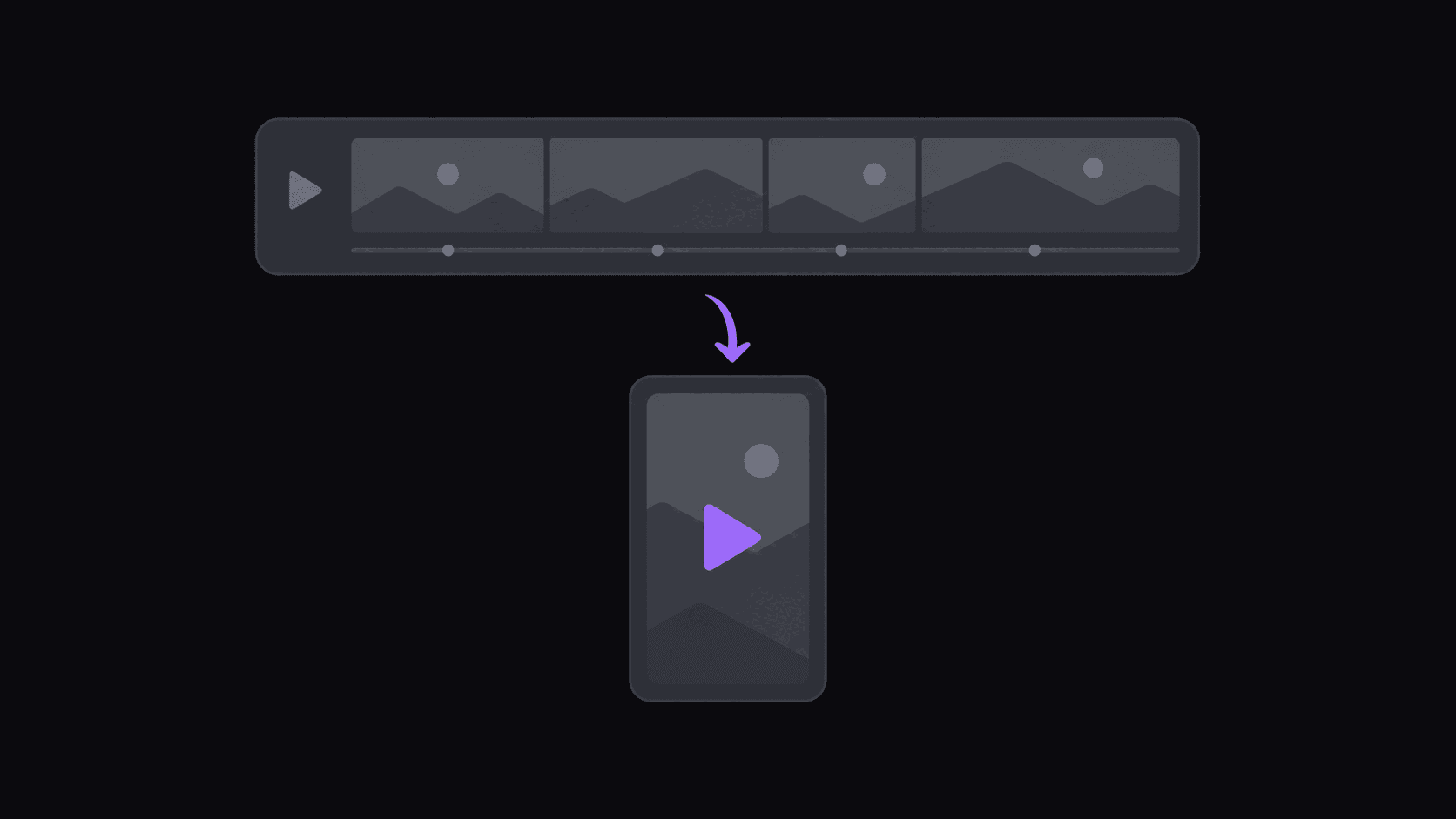
Short answer: getting Twitch VODs onto Shorts
Pull the VOD in, cut on the reaction rather than the sentence, keep the facecam and the gameplay both visible, and post to YouTube Shorts — which rewards a different pacing than TikTok does.
The volume problem is the reason to automate: a multi-hour stream is far more source material than a podcast episode. AutoClip accepts sources up to 2 hours on Starter, 5 hours on Pro and 10 hours on Scale, charges 1 credit per source minute, and posts to Shorts as one of nine destinations.
Key takeaways
The workflow, step by step
Do this after the stream ends rather than during it — VOD processing is where the leverage is.
- Step 1. Check your stream length against your plan's source ceiling (2, 5 or 10 hours) and split the VOD if it runs over.
- Step 2. Submit the VOD, or connect the channel so uploads are collected automatically.
- Step 3. Let generation run; a typical source produces around nine candidate clips.
- Step 4. Review framing first — confirm the facecam and the action are both readable at phone size before judging the cut.
- Step 5. Trim so the clip opens on the moment before the reaction, not on the setup dialogue.
- Step 6. Publish to YouTube Shorts, and cross-post the strong ones to the other destinations with platform-specific copy.
Shorts is not TikTok with a different logo
If you already clip Twitch to TikTok, the instinct is to mirror the same files to Shorts. It works, sort of, and it leaves a lot on the table.
Three differences drive everything else. First, Shorts viewers arrive with more patience — 40 to 60 second clips hold there in a way they often do not on TikTok, which means you can include the setup instead of jumping straight to the moment. Second, Shorts sits inside YouTube, so a viewer who likes your clip is one tap from the streamer's actual channel and from your other uploads; the follow-through is real. Third, Shorts has a longer tail. A TikTok clip largely lives or dies in 48 hours. A Shorts clip can keep accumulating views for weeks, which changes how you think about clip shelf life and how often you should be reposting older material.
The practical upshot: cut slightly longer for Shorts, include more context, and stop judging performance after two days.
Getting VODs in without babysitting
The single biggest time sink in stream clipping is the part before any editing happens — noticing the stream ended, waiting for the VOD, pulling it down, and getting it into your tool.
Put the Twitch channel on monitoring instead. New stream VODs get picked up and clipped without you submitting anything, which matters most for the streamers who go live at hours you are asleep. Starter watches 1 channel, Pro 3, Scale 10 — and for stream clipping the channel count is usually the binding constraint, not the credits.
Speed matters here more than in podcast clipping. A funny moment from a big stream has maybe a day before every other clipper has posted it. Being three hours late is the difference between the clip that gets recommended and the fourth copy nobody sees.
One thing to check before you commit to a source: whether the streamer disables VODs. Some do, and there is nothing any tool can do about that.
Cutting gaming content well
Stream moments come in four shapes, and they are not equally easy to clip.
The reaction. Something happens, the streamer reacts, chat explodes. Easiest to cut, most reliably viral, and the format everyone else is also posting — so your edge is speed, not selection.
The mechanical play. A clutch, a trick shot, an improbable win. The clip must include the two or three seconds before the play so the viewer understands the stakes. Cuts that start on the play itself are the most common automated failure on gaming sources.
The story. The streamer talks for 90 seconds about something unrelated to the game. These are gold on Shorts specifically, because the extra patience gives the story room. They are also the ones intensity-based selection tends to skip.
The fail. Self-explanatory, short, and travels well everywhere.
Expect around nine clips from a typical source, and expect to reject a fair number on stream content — VODs have long dead stretches, and not every spike is a moment.
Layout: the facecam problem
Gaming footage is the hardest reframing case in short-form, because there are two things worth watching and a vertical frame only comfortably fits one.
A straight 9:16 crop of gameplay throws away most of the screen, and a straight crop centered on the facecam throws away the game. The layout that actually works is a split: facecam on top, cropped gameplay below, sized so the important part of the game screen — crosshair, health bar, whatever the moment hinges on — survives the crop. That is the default worth using for almost all gaming content.
When a split is the wrong choice: pure story moments where the game does not matter (go full facecam), and cinematic moments where the streamer's face adds nothing (go full gameplay). Those are judgment calls, which is another reason the approval pass exists.
Captions on gaming clips should be smaller and positioned off the action — the mistake is centering large text over the gameplay in exactly the moment the viewer needs to see it. Bottom-of-facecam or upper third generally works. Keep game audio present; muting it for caption clarity kills the energy that made the clip worth posting.
Pacing and the Shorts-specific rules
Two to four clips a day is a sustainable Shorts cadence for a stream channel. More than that and you are competing with yourself in the same recommendation slots.
A few things specific to Shorts:
- Titles carry weight. Unlike TikTok, the title text is a real ranking and click input. Write it like a headline, not a caption.
- Don't judge for a week. A clip flat for three days can pick up on day nine. Resist deleting underperformers early.
- Loops matter less than on TikTok but a clean ending still beats a hard cutoff mid-sentence.
- Vertical-native only. Letterboxed 16:9 gameplay in a 9:16 frame gets ignored. If you cannot make a layout work, do not post that clip here.
On cost, stream sources are unusually cheap. Only the top highlight segments of a stream get processed, so a multi-hour VOD typically runs 35-90 credits rather than one credit per minute. That means Pro's 500 credits covers a genuinely heavy stream-clipping schedule — several VODs a week across multiple channels — where the same budget would only cover a few long podcasts. If you are choosing a niche partly on unit economics, that gap is worth knowing.
Rights, in plain terms
Clipping a stream you do not own is common practice and it is still someone else's content. The workable version: check whether the streamer has an official clipping policy or a clip channel program — many of the larger ones do and actively want the reach. Credit the streamer in the title or description. Add something of your own where you can, whether that is selection, framing, or commentary.
What gets channels in trouble: reposting whole segments with no transformation, using copyrighted music from the stream, and clipping streamers who have publicly asked people not to. None of that is a tooling question — no clip generator grants you rights, and treating automation as permission is how accounts get taken down.
Frequently Asked Questions
Once the channel is monitored, the VOD gets picked up and processed automatically. A typical video is back in around 5 minutes; a multi-hour stream takes proportionally longer. The practical goal is having clips ready before the rest of the clipping crowd has finished watching.
Gaming sources use a split layout — facecam on top, cropped gameplay below — which is the only arrangement that keeps both readable in a 9:16 frame. For pure story moments you can go full facecam instead; that is a per-clip judgment call during approval.
Typically 35-90, not 360. Only the top highlight segments of a stream get processed, so stream clipping is far cheaper per posted clip than podcast clipping, where 1 credit equals 1 source minute across the whole file.
Mostly yes, with adjustments. Cut the Shorts version slightly longer to include setup, write a real headline-style title, and give it more than 48 hours before judging performance — Shorts clips keep accumulating views long after a TikTok has gone flat.
Related Articles
See also
Run Twitch VODs straight into Shorts
Monitor any public Twitch channel, get split-layout captioned clips back automatically, and schedule them to YouTube Shorts and TikTok. A multi-hour VOD costs 35-90 credits.
Get started for free