Kick Clipping Guide: How to Clip Kick Streams in 2026
Updated
Kick's advantage is that fewer people are here
Search a big Twitch streamer's name on TikTok and you'll find fifteen accounts posting the same moments within hours. Search a comparable Kick streamer and you'll often find three.
That gap is the whole opportunity. Kick's viewership is a fraction of Twitch's, but the clip-channel supply is a much smaller fraction still — the clipper population has not caught up with the streamer population. When a moment goes big on Kick, there's frequently nobody positioned to clip it fast.
The honest counterweight: smaller audience means a smaller ceiling per clip, and Kick's content skews toward gambling, IRL, and unfiltered talk, which some platforms and advertisers treat harshly. You're trading total addressable views for competition density. Whether that trade is good depends on whether you'd rather be one of three accounts on a mid-sized streamer or one of forty on a huge one. Kick clip channel monetization has the revenue side.
The VOD situation, and why speed matters more here
Kick keeps VODs, but retention varies by streamer and channel settings, and plenty of Kick streamers are less disciplined about archives than Twitch partners. Some VODs disappear fast.
Practically, that means your window is short and unpredictable, which makes automatic monitoring more valuable on Kick than anywhere else. Add public Kick channels as sources and new stream VODs get clipped without you submitting anything — you're not depending on noticing that a stream ended.
Monitored channel limits are 1 on Starter, 3 on Pro, 10 on Scale. If you're covering the Kick ecosystem broadly, that limit is the thing to size your plan against, not credits. Kick vs Twitch VOD availability has the platform-by-platform detail.
What a multi-hour Kick stream costs you
This is where stream clipping usually breaks on per-minute pricing. A five-hour Kick stream is 300 source minutes. Billed minute-for-minute at 1 credit per minute, that's 300 credits — more than Starter's entire monthly allocation for one stream.
Streams don't bill that way here. Only the top highlight segments count, so a multi-hour stream typically runs 35-90 credits. On Pro's 500 credits that's roughly six to twelve full streams a month; on Scale's 1200, considerably more.
Check this before you subscribe to anything, on any tool. Per-minute pricing applied naively to long-form live content is the most common way people burn a month's budget in three days.
Expect a typical video to return around 9 clips in roughly 5 minutes. A five-hour stream is not typical — it takes proportionally longer, and the clip count is capped by plan: 6 per video on Starter, 12 on Pro, 15 on Scale. Source length limits also apply: 2 hours on Starter, 5 on Pro, 10 on Scale, which for Kick streams is often the binding constraint.
Reframing IRL and gambling content
Kick's mix is different from Twitch's, and it changes the layout call.
IRL and just-chatting content is mostly one person talking to a camera. Plain 9:16 reframing that keeps the speaker centered is correct here, and it's the easy case.
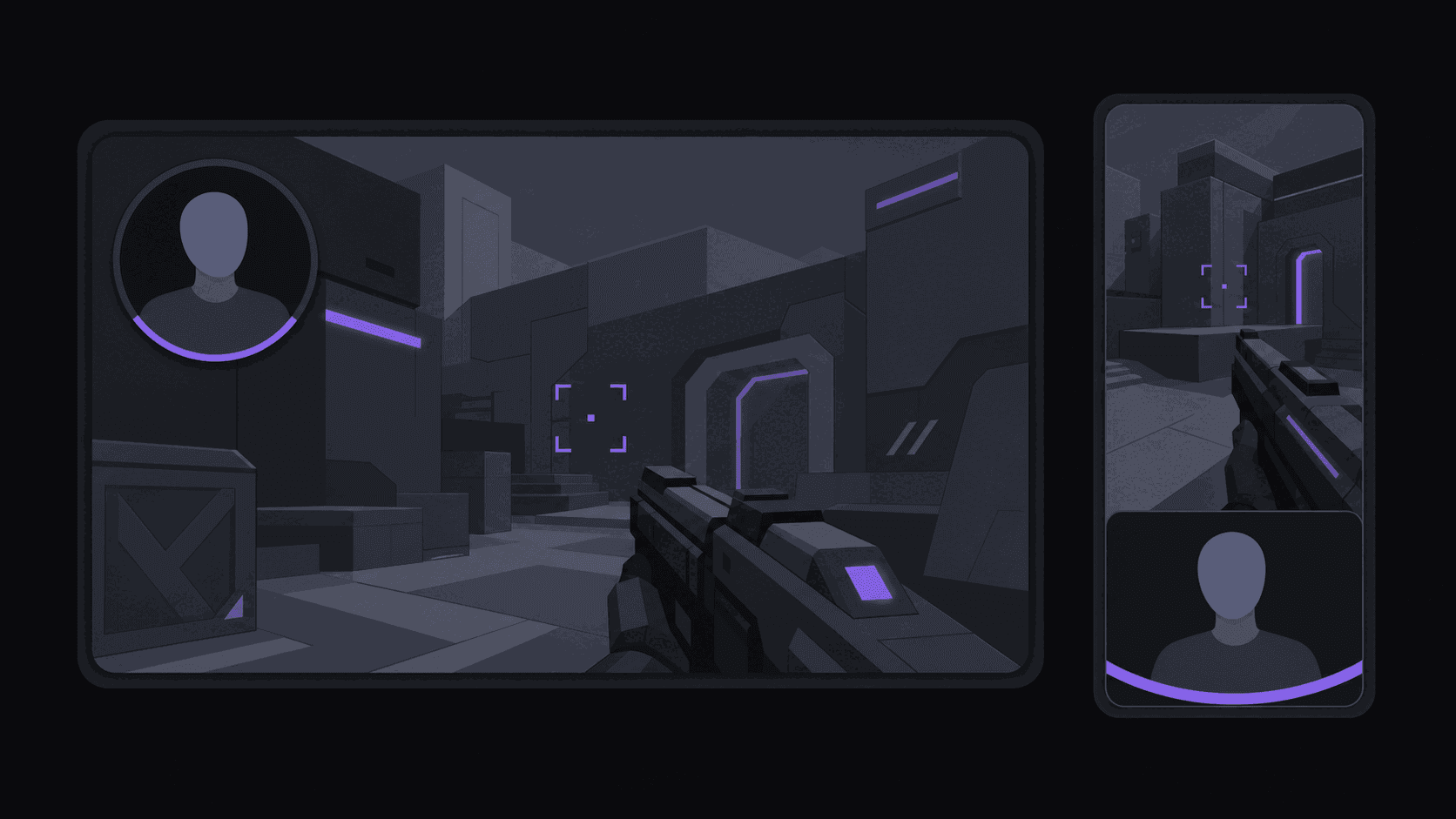
Gameplay with a facecam wants the split layout — reaction stacked over gameplay — so you don't have to choose between the punchline and the setup.
Gambling content is the awkward one. The interesting information is often small on-screen numbers, and cropping to vertical can destroy it. Multi-region layouts on Scale help; otherwise expect to check framing per clip on this content rather than trusting a batch.
A Kick clip maker handles the mechanics; the layout call is still yours. Captions matter more on Kick than average because the audio is frequently chaotic — crowds, multiple speakers, background noise. Word-synced captions are what make an IRL clip readable at all. Save your style as a brand kit so every clip matches without deciding each time.
Frequently Asked Questions
It depends which problem you have. Twitch has more total viewers and far more clipper competition. Kick has fewer viewers and much thinner competition, so your clip has a better chance of being the one that circulates. Many clippers run both — Twitch for ceiling, Kick for odds.
No. Kick works as a source you clip from, not a posting destination. Clips go to TikTok, YouTube Shorts, Instagram Reels and the other supported short-form destinations — 13+ in total. Twitch, Reddit, and Snapchat aren't destinations either.
Typically 35-90 credits for a multi-hour stream, because streams bill on top highlight segments rather than minute-for-minute. Starter includes 200 credits a month, Pro 500, Scale 1200. Also check the source length cap for your plan: 2 hours on Starter, 5 on Pro, 10 on Scale.
Some Kick content — gambling in particular — runs into advertiser and platform restrictions on other platforms. Read the destination platform's rules for the category you're clipping before building a channel around it. This is a real risk on Kick specifically, and it's worth knowing about before you're 200 clips deep.
Mid-sized is usually the sweet spot: big enough that people search for them, small enough that three accounts aren't already covering every stream. Clipping the very biggest Kick names puts you in the same crowded fight as Twitch, without Twitch's ceiling.
Related Articles
Clip Kick streams before anyone else finds them
Add your Kick channels once — new stream VODs get clipped, reframed, and captioned automatically. Multi-hour streams typically cost 35-90 credits, not one per minute.
Get started for free