How to Uniquify Clips Without Kidding Yourself About Copyright
Updated
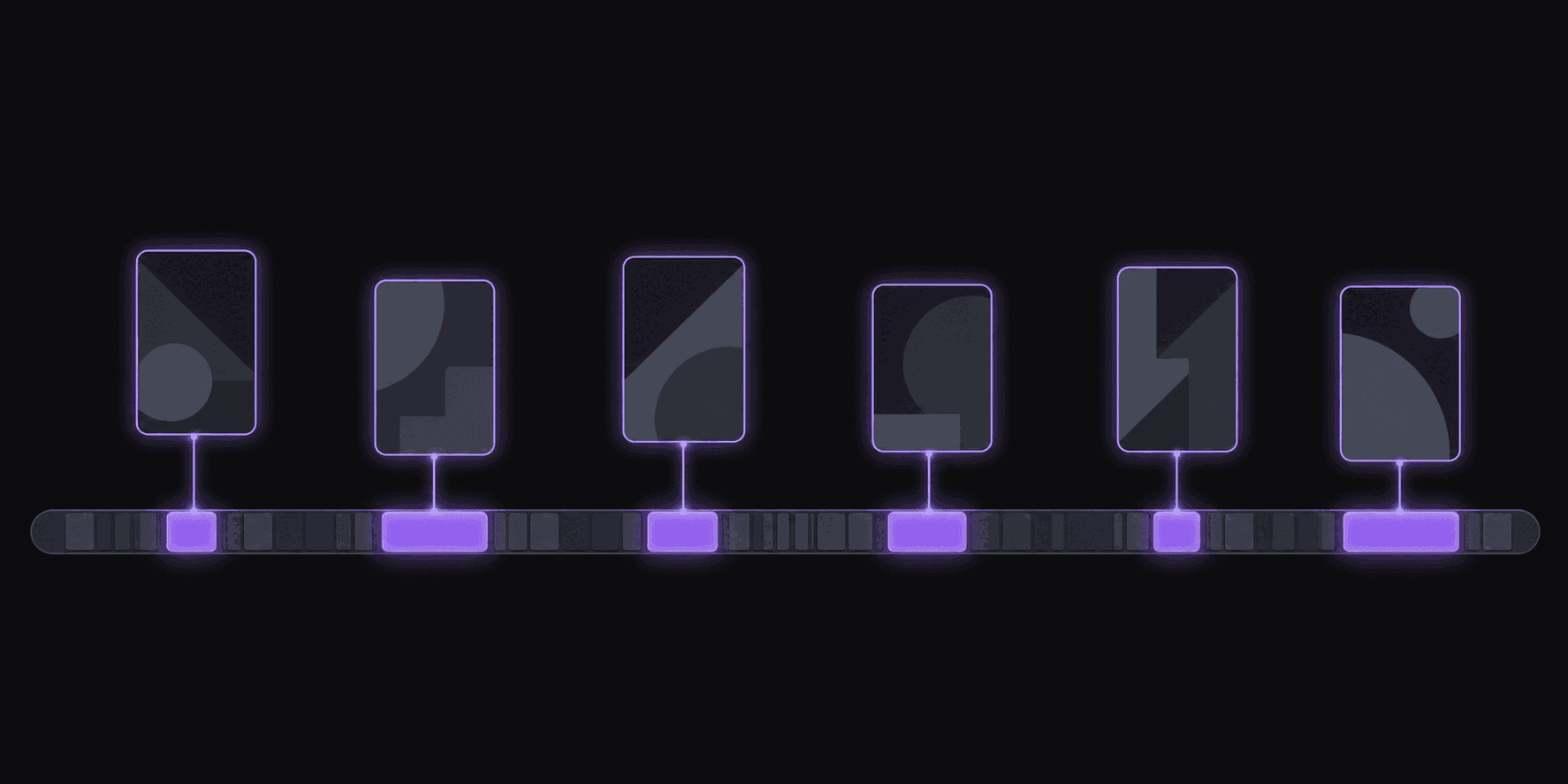
Two clippers, same clip, one claim
Two clippers post the same 40-second stream moment. One gets a Content ID claim within the hour. The other never hears anything. The difference is usually not luck, and it is also not the trick most people assume it is.
Changing a clip enough that automated matching stops reading it as a straight copy does work, partially. What it does not do is give you the right to footage you never had the right to use. Those are separate questions, and conflating them is how people end up with three strikes and a dead channel. A clip that evades detection is still infringing if it was infringing; you have changed the odds of being caught, not the legality.
So the honest framing: uniquification is for reducing false and over-broad claims on content you have a defensible reason to be using — footage you have permission for, footage covered by a creator's clipping policy, or transformative commentary. It is not a laundering technique, and treating it as one is a channel-ending bet.
If you clip a specific creator, check whether they have published a clipping policy first. Most large streamers do, and many actively want clips. That one check eliminates more risk than every technique below combined.
What moves the needle
Ordered by how much they actually change outcomes.
1. Reframing to vertical. Converting 16:9 to 9:16 is the biggest single change, because you are discarding most of the frame and re-composing what remains. Speaker tracking that moves the crop over time changes it further than a fixed crop would. This happens automatically as part of making the clip usable, which is why properly made vertical clips see fewer visual matches than straight rips.
2. Burned-in captions. Word-synced captions cover a meaningful portion of the frame and change it continuously. They are also the single highest-value addition for retention, so this is the rare case where the thing you should do anyway is also the thing that helps here.
3. Your own commentary or voiceover. Adding a genuine spoken layer changes the audio fingerprint substantially and strengthens any transformative-use argument you might need. This is the strongest option and the most work.
4. Punch-in zoom and B-roll overlays. Scale changes and inserted footage alter the visual sequence over time. Both improve the clip on their own merits.
5. Audio changes. Background music under speech alters the audio profile. Note that this can create a new music claim if you use something licensed — copyright-safe music for clips covers what is actually safe to use.
6. Trimming and cut selection. Clipping a 22-second excerpt rather than a clean two-minute block changes what a matcher has to work with. Cutting on speaker changes rather than round timestamps helps here and reads better anyway.
Notice the pattern: everything on this list is something a good editor does regardless. That is not a coincidence. A well-made clip is inherently more transformed than a rip. Uniquification techniques that survive Content ID has the deeper version.
What is superstition
Techniques that circulate in clipping communities and mostly do not work:
Mirroring the video. Widely repeated, long since handled by matching systems, and it makes any on-screen text read backwards. Skip it.
Tiny speed changes. 1.02x playback is detectable and does nothing except make voices sound slightly wrong.
Adding a thin border or a pixel of noise. Cosmetic. Changes nothing about how content gets matched.
Slight color grading. Fine as an aesthetic choice, irrelevant as a uniquification technique.
Re-encoding at a different bitrate. Matching does not work on file hashes. This accomplishes nothing but a quality loss.
The general rule: if a change is invisible to a human viewer, it is not meaningful to a matching system either. Anything that actually changes what a viewer sees and hears is doing real work; anything that does not, is not.
And a strategic point people underweight — heavy uniquification applied to content you had no right to use is worse than useless, because it demonstrates intent if the claim ever escalates beyond an automated flag.
The setup that keeps channels alive
What working clip channels actually do, in order:
- Source selection first. Clip creators who permit it. Many streamers and podcasters explicitly encourage clips because it is free distribution. This is not a workaround — it is the actual solution.
- Always transform. Vertical reframe, burned-in captions, deliberate cut points. Every clip, every time. Not as evasion, as craft.
- Credit the source. In the caption, in the description, on screen. It costs nothing, it satisfies many creators' conditions, and it makes a permission argument easy to have.
- Keep clips short. A 30-second excerpt is a much easier conversation than a four-minute block.
- Watch your claim rate. If more than a small fraction of uploads get flagged, your source selection is wrong, not your editing. Change sources.
- Respond, do not ignore. Disputes exist. Ignoring a claim is how a claim becomes a strike.
The channels that die are almost never the ones with weak uniquification. They are the ones clipping a source that never wanted to be clipped, at volume, hoping nobody looks. Fair use for clip channels and Content ID explained for clippers are worth reading in full before you scale — and the Content ID safe clipping use case covers source selection specifically.
Frequently Asked Questions
No. It changes how likely automated matching is to flag a clip; it has nothing to do with whether you had the right to use the footage. Permission, a creator's clipping policy, or a genuine transformative-use case is what makes a clip defensible. Evading detection is not a legal position.
They are the two changes that alter the most about the clip a viewer actually sees — most of the original frame is discarded and a continuously changing caption layer covers part of what remains. They are also the two things that most improve performance, so there is no tradeoff in doing them.
No. It has been handled for years, and it flips any on-screen text. It survives in clipping forums as folklore rather than as a technique that works.
Read what it covers. Music claims are often resolvable by muting or replacing the track. Content claims can be disputed if you have permission or a genuine fair-use basis. Ignoring claims is what turns them into strikes, and strikes are what end channels.
Check their channel description, their Discord rules, or their pinned community post — most large streamers publish a policy, and a lot of them actively want clips. When there is nothing published, ask. A short message is cheaper than a strike.
Related Articles
See also
Make clips that are transformed because they are well made
Vertical reframing, word-synced captions, punch-ins and B-roll applied automatically — the work that improves clips and reduces false matches at the same time.
Get started for free