How to Start a Clip Channel With No Audience (2026)
Updated
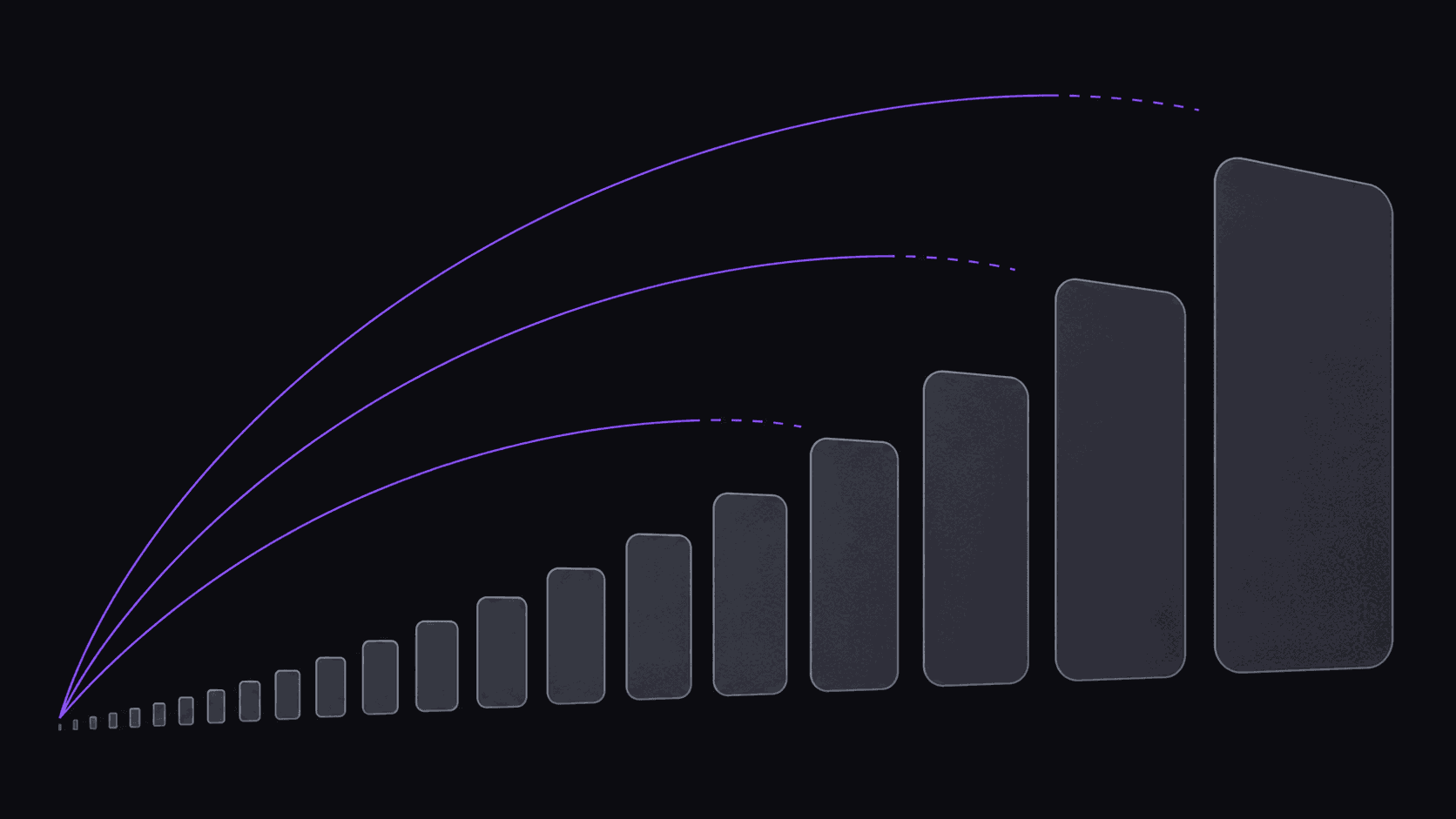
Zero followers is not the disadvantage you think it is
Short-form feeds don't rank your clip by your follower count. They test it against a small cold audience, watch what those people do in the first two seconds, and decide from there. A channel with 12 followers and a channel with 120,000 followers get roughly the same first shot.
This is why clip channels are one of the few content businesses where you can be competitive in week one. You are not asking anyone to care about you. You're borrowing an audience that already cares about the creator you're clipping, and the only thing standing between you and their attention is whether your first two seconds are better than the other clip in the feed.
Alex, a beginner with no prior editing experience, made $400. Results like these aren't typical — earnings depend on your niche, the campaigns you post to, and how consistently you publish. But the reason it's possible at all is that nobody checks your follower count before deciding whether to watch.
Pick one source creator, not a category
The most common week-one mistake is deciding to make a "gaming clips" channel. That's a category, not a source. Categories have infinite competition and no repeat viewers.
Pick one creator, or at most three, and clip them consistently. A viewer who liked your clip of a specific podcast host wants another clip of that host — you can actually deliver that, and the feed learns to show your stuff to their fans. "Gaming" teaches the feed nothing.
Run this filter over your candidates: Do they publish at least twice a week (you need supply)? Do their clips already circulate on TikTok with real view counts (demand is proven)? Are there fewer than roughly five accounts already doing it well (there's room)? Have they said anything hostile about clip channels (avoid)? If a creator passes all four, you have a channel. If your favorite creator fails on supply, they're a hobby, not a business. How to pick a clipper niche in 2026 goes deeper on the selection math.
The 30-day plan, written as a schedule
Days 1-2: set up the channel, pick your source creator, connect your posting accounts. Don't design a logo for four hours. A readable name and a legible profile picture is enough for month one.
Days 3-30: post three clips a day, every day. That's 84 clips. This number matters more than any other decision on this page. You cannot tell whether a hook style works from four clips; you can from forty.
By hand that's roughly 60-90 minutes per clip once you count finding the moment, cutting, reframing, captioning, and uploading — call it 100 hours over the month, which is why most manual clip channels die around day nine. Automated, a source video comes back as around 9 clips in about five minutes, so your daily job is reviewing and queueing rather than editing. Ten minutes a day is a habit you'll actually keep; three hours a day is not.
What you're doing during those 30 days is not "growing." It's collecting data on which hooks, which moments, and which posting times get past the first two seconds.
Read the first two seconds, not the view count
After two weeks you'll have clips at 200 views and clips at 40,000, and the temptation is to conclude the 40,000 one was "lucky." Sort them by retention instead.
If most viewers leave in the first second or two, your problem is the opening frame — the clip starts with setup instead of payoff, or the first visible text doesn't tell anyone what they're about to get. That's a fixable packaging problem and it's the most common one.
If people stay four or five seconds and then leave, the moment itself wasn't interesting. That's a source-selection problem, and no amount of caption styling fixes it.
If people watch to the end but nobody follows, the clip worked and your channel identity didn't — the viewer has no idea what they'd be signing up for. That's a bio and consistency problem. Three different symptoms, three different fixes, and guessing which one you have is how people spend a month optimizing the wrong thing. The hook rate and completion rate definitions are worth five minutes if these terms are new.
What to spend money on, and when
Month one: as little as possible. The 3-day Pro trial gives you 100 credits — roughly 100 minutes of source video, exported clean — which is enough to find out whether you enjoy this before you pay for it.
When the trial ends, Starter at $19.99/mo ($149.99 annually, about $12.49/mo effective) is the sensible landing spot: 200 credits, 1 monitored channel, 3 social accounts, and scheduling. For a three-clips-a-day channel with one source creator, that's the right shape.
Pro at $39.99/mo is the upgrade when you're running multiple source creators or when packaging becomes your bottleneck: 500 credits, 3 monitored channels, 8 social accounts, plus B-roll, background music, spoken hooks, brand kits, and caption translation in 31 languages and dubbing in 25 of them. Don't buy it in week one. Buy it when you can name the specific thing on Starter that's slowing you down.
A credit is one source minute, so 200 credits is roughly ten 20-minute videos — do that math against your actual source before picking a tier.
The failure modes, in the order they usually kill people
Posting inconsistently. Nine clips on Sunday and nothing until Thursday performs worse than three a day, every day, on the same total output. Spaced scheduling exists for exactly this reason.
Switching source creators every week. You're resetting the audience signal each time, and after a month you have four half-channels instead of one.
Quitting at day 12. Almost every clip channel that works looks identical to a failing one for the first two weeks. The distribution is lumpy — one clip carries a month.
Optimizing style before substance. Nobody has ever failed at clipping because their caption font was wrong. They failed because the moments weren't interesting.
Being precious about the output. If a clip is mediocre, don't spend an hour rescuing it. Kill it and post the next one. Volume plus honest triage beats perfectionism at this stage, every time.
Frequently Asked Questions
Plan on 60-90 days of consistent posting before the pattern is clear. Individual clips can pop in week one and that's noise, not signal. The thing you're waiting for is a run of clips that consistently clear a few thousand views — that means your source and packaging are working, and it's the point where scaling up actually pays.
No. Alex, a beginner with no prior editing experience, made $400. Results like these aren't typical — earnings depend on your niche, the campaigns you post to, and how consistently you publish. The skill that actually matters isn't editing, it's taste: knowing which 30 seconds of an hour-long video a stranger would stop scrolling for.
Yes. Cross-posting the same clip is standard, and the audiences barely overlap. Auto-posting to 9 destinations on a spaced schedule handles the mechanics; just avoid publishing all three at the exact same second, which looks automated in the way you don't want.
Yes — the 3-day Pro trial includes 100 credits, roughly 100 minutes of source video, and the exports are unwatermarked. It's a genuine test of whether the clips your source produces are any good. Move to Starter at $19.99/mo when you want the ongoing 200 credits and a monitored channel.
Related Articles
Your first 84 clips, without 100 hours of editing
Point AutoClip at one source creator and get around 9 clips from a typical video in roughly 5 minutes. Start with the 3-day Pro trial and its 100 credits, then move to Starter at $19.99/mo when you're posting regularly.
Get started for free