How to Clip Twitch VODs for YouTube Shorts
Updated
Short answer
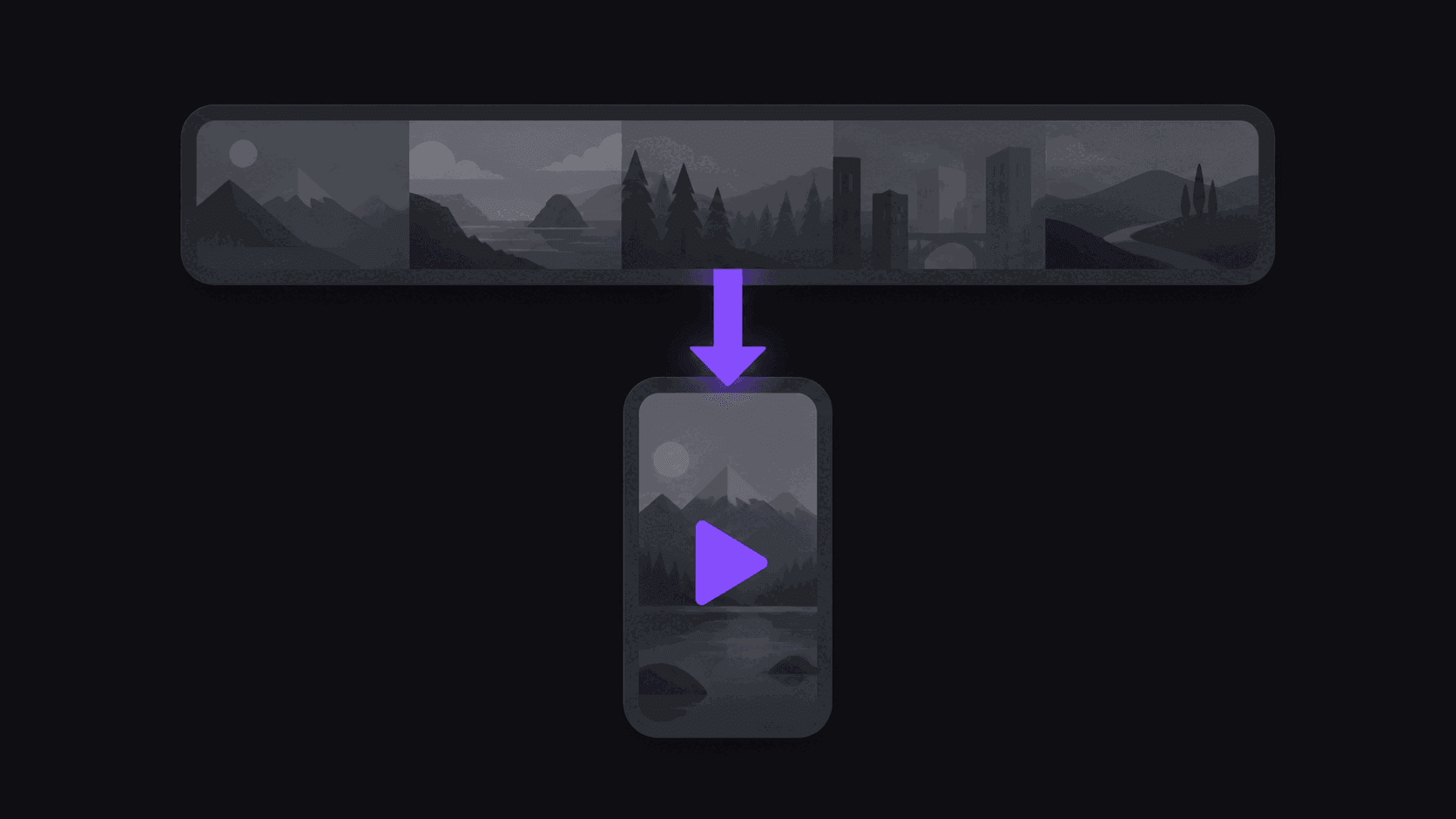
To clip Twitch VODs for YouTube Shorts: work through recent VODs before they expire, pull the few genuinely self-contained moments from each broadcast, reframe gameplay plus facecam into a 9:16 split layout, caption them, and post with the streamer's permission.
The expiry window is the constraint people miss. Raw Twitch VODs are removed after a period that depends on the streamer's account status, so unclipped VODs are a deadline rather than a backlog. AutoClip can monitor a public Twitch channel — 1 on Starter, 3 on Pro, 10 on Scale — so new broadcasts get processed without you remembering.
Key takeaways
Clipping a VOD for Shorts, step by step
- Step 1. Check which recent VODs are still available, oldest first, because those expire soonest.
- Step 2. Confirm you have the streamer's permission to repost before you spend time cutting.
- Step 3. Pull only moments that read without chat context or a running bit.
- Step 4. Use a facecam split layout so the reaction and the gameplay are both in the 9:16 frame.
- Step 5. Burn in captions and keep the text clear of the Shorts UI at the bottom of the frame.
- Step 6. Schedule the batch across several days rather than uploading it in one session.
Step 1 is the one people skip and later regret. A month of unclipped VODs can disappear while you are deciding which to start with.
The constraint nobody tells you about first: VODs expire
Twitch VODs don't live forever. Depending on the streamer's account status they sit around for roughly two weeks to two months, and then they're gone. Highlights and exported archives persist; raw VODs do not.
That changes the shape of the job. Clipping YouTube is archaeology — the back catalogue is there whenever you want it. Clipping Twitch is closer to a harvest with a clock on it. If a streamer you cover has three weeks of unclipped VODs sitting there, that's a deadline, not a backlog.
The practical response is monitoring rather than manual submission. Point VOD monitoring at the channel and each new stream gets processed as it archives, so nothing rots. On Starter that's one monitored channel; Pro covers three, Scale ten.
Eight hours of stream, and where the ten good minutes are
A long stream is mostly not clippable. Queue times, chat reading, technical problems, the stretch where nothing happens. The actual clip-yield of a six-hour gaming stream is often under two minutes of finished content.
The reliable markers, if you're skimming manually: sudden volume changes in the streamer's voice, chat spikes, and the moment right after something goes wrong. Reactions clip better than achievements — a clutch play is fun, a genuine "what just happened" is shareable.
Automated selection is a much better fit here than on a podcast, precisely because the signal-to-noise is so bad. AutoClip surfaces around nine scored candidates from a source and the score breakdown tells you which criterion each one won on, so you can skim nine candidates instead of six hours of stream. On stream sources, only the top highlight segments get billed rather than the full runtime — a multi-hour stream typically costs 35-90 credits rather than one credit per minute of the whole thing.
Framing gameplay plus facecam
This is where most Twitch-to-Shorts clips fall apart. A stream layout is gameplay filling a 16:9 frame with a small facecam in a corner. Crop the center and you lose the facecam entirely — and the facecam is where the reaction is, which is the entire reason the clip works.
The layout that performs is a vertical split: facecam on top, gameplay below, both readable on a phone. AutoClip produces this automatically for gaming sources. For talking segments with no meaningful gameplay, speaker-centered framing on the facecam alone is better than a split with dead space.
One thing to check by hand: on-screen UI. Health bars, kill feeds, and scoreboards sit at the edges of a 16:9 frame and get cropped out first. If a clip only makes sense with the kill feed visible, you need the wider gameplay pane, not the tighter crop.
Shorts-specific packaging
YouTube Shorts carries more search weight than TikTok does, so your title should contain the nouns people search: streamer name, game name, what happened. "Streamer loses it after a 1v5" beats "INSANE MOMENT."
Captions still matter even on gameplay clips — a lot of stream audio is compressed, shouted, or buried under game sound, and word-synced captions rescue clips that would otherwise be unintelligible on a phone speaker.
Avoid stacking loud trending music over a reaction clip. It fights the audio that makes the clip work and it invites claims. If a clip needs music to be interesting, it wasn't a good clip.
Rights, and the part that gets clip channels removed
Two separate rights layers stack on a stream clip: the streamer's content and the game publisher's content. Most streamers tolerate or actively encourage clip channels that credit them; some explicitly don't, and a few enforce. Check the channel's stated policy before you build a channel around one person.
Music is the usual killer — streams frequently play copyrighted tracks in the background, and a clip carrying thirty seconds of a licensed song is a claim waiting to happen regardless of how transformative your edit is. Skip those segments or lose them.
Also: don't clip harassment, doxxing, or someone's worst moment for engagement. Beyond the ethics, drama clip channels get reported into oblivion and you'll have rebuilt from scratch twice before you notice the pattern. Content-ID-safe clipping covers the mechanics.
Realistic throughput
Turnaround for a typical video is about 5 minutes; a multi-hour VOD takes proportionally longer, so queue it and go do something else rather than watching a progress bar.
On volume: two to five Shorts a day per account is the sustainable range, and gaming clip audiences tolerate a higher cadence than podcast audiences do. Spread clips from one stream across days rather than posting six from the same VOD in an hour.
If you cover multiple streamers, Pro ($39.99/mo, three monitored channels, 500 credits) is the entry point and Scale ($79.99/mo, ten monitored channels, 1200 credits, priority processing) is where multi-channel operations end up. Kick works the same way if you're diversifying beyond Twitch.
Frequently Asked Questions
Roughly two weeks to two months depending on the streamer's account status. Highlights persist longer. If you're clipping a channel regularly, monitoring beats manual submission because nothing expires unclipped.
Stream sources bill only the top highlight segments rather than the full runtime, so a multi-hour stream typically runs 35-90 credits — far less than minute-for-minute.
Use a split layout: facecam on top, gameplay below. AutoClip generates this automatically for gaming sources. A center crop of a standard stream layout loses the facecam entirely.
Most streamers welcome credited clip channels, but policies vary and some enforce. Check the channel's stated rules, always credit, and don't build a whole channel on one streamer without knowing where they stand.
It's the most common claim trigger on stream clips. Avoid segments where a licensed track is audible under the moment, however good the moment is.
Yes. Kick VODs work the same way in the workflow, with the same reduced credit cost for stream sources, and the niche is currently less saturated.
Related Articles
See also
Stop losing VODs to the expiry window
Monitor a Twitch or Kick channel and each new VOD gets clipped automatically — facecam split layout, word-synced captions, scored candidates waiting for your approval.
Get started for free