How to Clip League of Legends Highlights That Actually Perform
Updated
The clip has to explain itself in four seconds
A pentakill on its own is not a clip. A pentakill where the viewer can see the health bar at 40, the three enemies already committed, and the flash that should not have worked — that is a clip.
League is dense. Every frame carries cooldowns, item builds, wave state, and a minimap that half your audience cannot read. If you post a raw 25-second segment, the people who already play League will get it and everyone else will swipe. Since the people who already play League are a small slice of any short-form feed, you are optimizing for the wrong half.
The fix is not more editing. It is picking moments that carry their own stakes. "Lowest HP in the game steals Baron" reads instantly. "Good wave management into a tempo lead" does not, no matter how correct the play was.
Five LoL moment types worth clipping, ranked by how well they travel
1. The theft. Baron and Dragon smite steals. Visible number, visible reaction, visible loss on the other team's faces. Travels to non-players better than anything else in the game.
2. The 1vX survival. Not the kill — the escape. Low health, three chasers, one wall hop. The tension carries without game knowledge.
3. The pentakill, but only with context. Show the scoreboard state or the moment the fifth kill lands with a reaction. A silent penta with no build-up underperforms a good steal every time.
4. The streamer meltdown. Tilt, disbelief, the mute-then-unmute. This is the category that actually farms comments, and it needs zero League knowledge.
5. The teaching moment. "Here is why that flash was free" clips have lower ceilings but much better retention with players, and they get saved. Good for a channel that wants a real audience rather than a view spike.
What does not travel: laning phase micro, correct-but-invisible macro plays, and anything that requires you to read three item icons to understand.
Getting highlights out of a 40-minute VOD without watching it
Manual clipping of League VODs is brutal because the interesting parts are 15 seconds inside 40 minutes of nothing. Most clippers scrub the fight timers, or scrape chat spikes if the VOD is from a stream.
The automated route: point AutoClip at a public YouTube, Twitch, or Kick channel and it pulls the moments that spike — caster escalation, crowd noise, the streamer's voice going up an octave — and returns a ranked list. A typical video takes about 5 minutes to come back with around 9 clips. A full stream VOD takes proportionally longer, since there is simply more source to work through.
You still choose. The ranked list is a shortlist, not a publish queue. Expect to throw away three or four of the nine — usually the ones where the audio spiked for a reason that does not read on screen. That is the honest tradeoff: automation removes the scrubbing, not the judgment.
If you want the mechanics of how moment scoring works at the outcome level, how AI finds viral gaming highlights covers it.
Vertical is the hard part for a top-down game
League renders wide. Cropping to 9:16 throws away the minimap, both HP bars, and usually part of the fight. Three approaches, each with a real cost:
Centered gameplay crop. Keeps the action, loses the HUD. Works for steals and outplays where the visual is self-contained. Cheapest to produce.
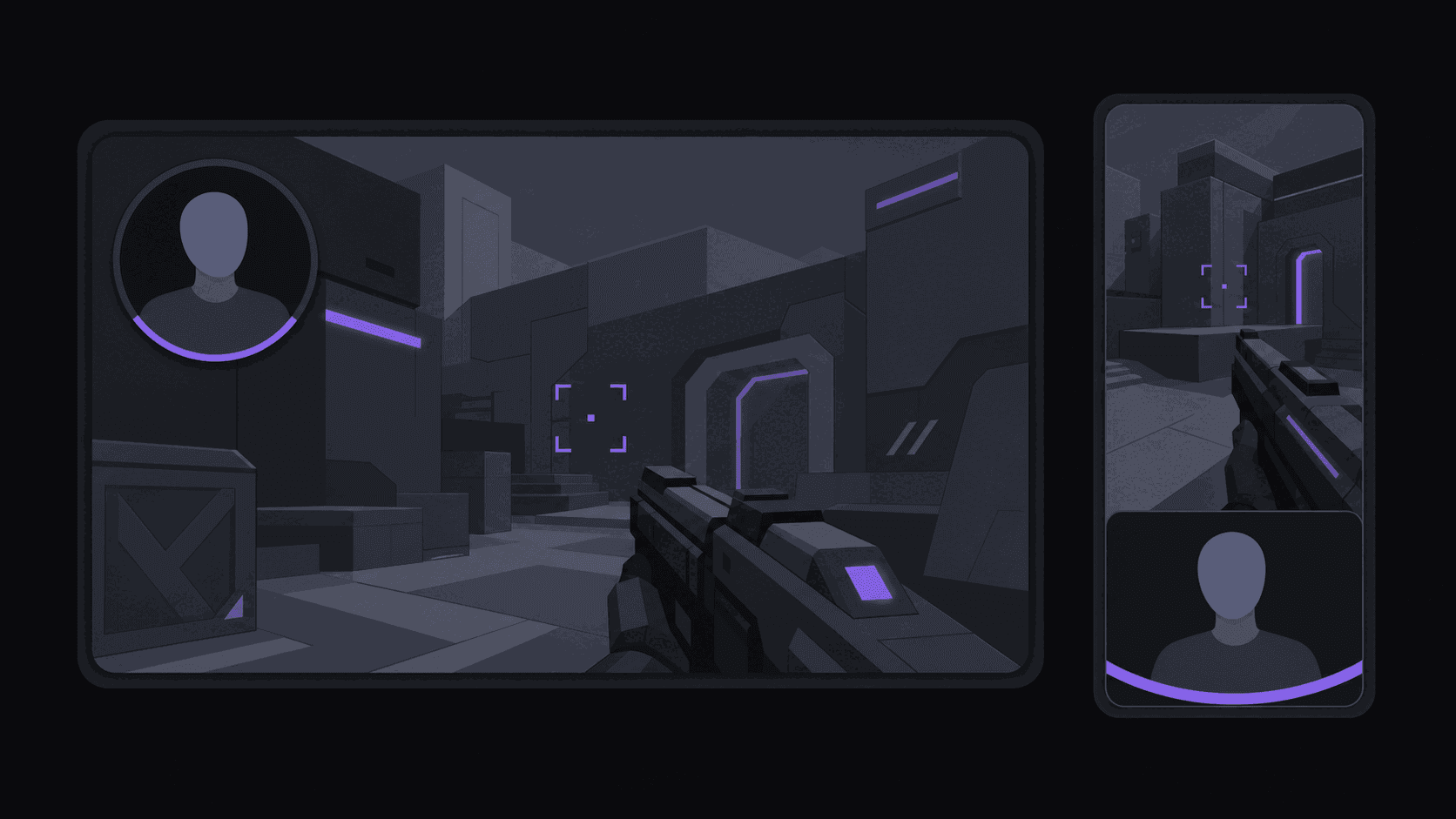
Facecam over gameplay split. Reaction on top, action below. Best for meltdowns and hype moments — the face does the emotional work the HUD used to do. This is the layout most gaming clip channels default to, and AutoClip builds it automatically when a facecam is present.
Zoomed 16:9 with padding. Keeps everything, wastes vertical space, reads small on a phone. Only worth it for teaching clips where the HUD is the content.
Whatever you pick, add a text line that gives away the stakes: "1 HP Baron steal", "Challenger vs Iron 1", "he was AFK for this". Word-synced captions do the rest. If reframing choices are new to you, reframe is the short version.
A realistic first week
Pick two source channels, not ten. One high-elo gameplay channel, one personality-heavy streamer — the second is where your comment section comes from.
Set both up as monitored channels so new uploads get clipped without you resubmitting anything. Publish three clips a day for seven days, alternating types, and note which ones held past the four-second mark rather than which ones got the most views. Views on day one are noise. Hook rate is signal.
At the end of the week you will usually find one moment type is carrying the channel. Lean into it for the next two weeks before you diversify. Most LoL clip channels that stall do it by posting five unrelated formats and never learning which one worked.
Frequently Asked Questions
Riot has historically been permissive about fan clipping of official broadcasts, but the policy is theirs to change and it treats monetized commercial use differently from fan channels. Read Riot's current content and legal policy before you build a channel on pro VODs, and keep an eye on the monetization terms specifically.
Around 9 from a typical video, though a 40-minute solo-queue VOD with two real fights in it will yield fewer good ones than a highlight compilation. Plan on publishing three to five of them.
They work, but the bar has moved. A pentakill with no context or reaction competes against thousands of identical uploads. A pentakill with a visible near-death moment, a reaction, or a stake on the line still performs.
Most land between 15 and 35 seconds. Steals and escapes can be shorter; teaching clips need 40–60 to breathe. See [best clip length for each platform](/blog/best-clip-length-for-each-platform) for the per-platform breakdown.
Related Articles
See also
Turn League VODs into a posting queue
Connect a YouTube, Twitch, or Kick channel and get a ranked shortlist of clips — vertical, captioned, ready to schedule — in about five minutes for a typical video.
Get started for free