Clip Channel Cross-Posting FAQ
Updated
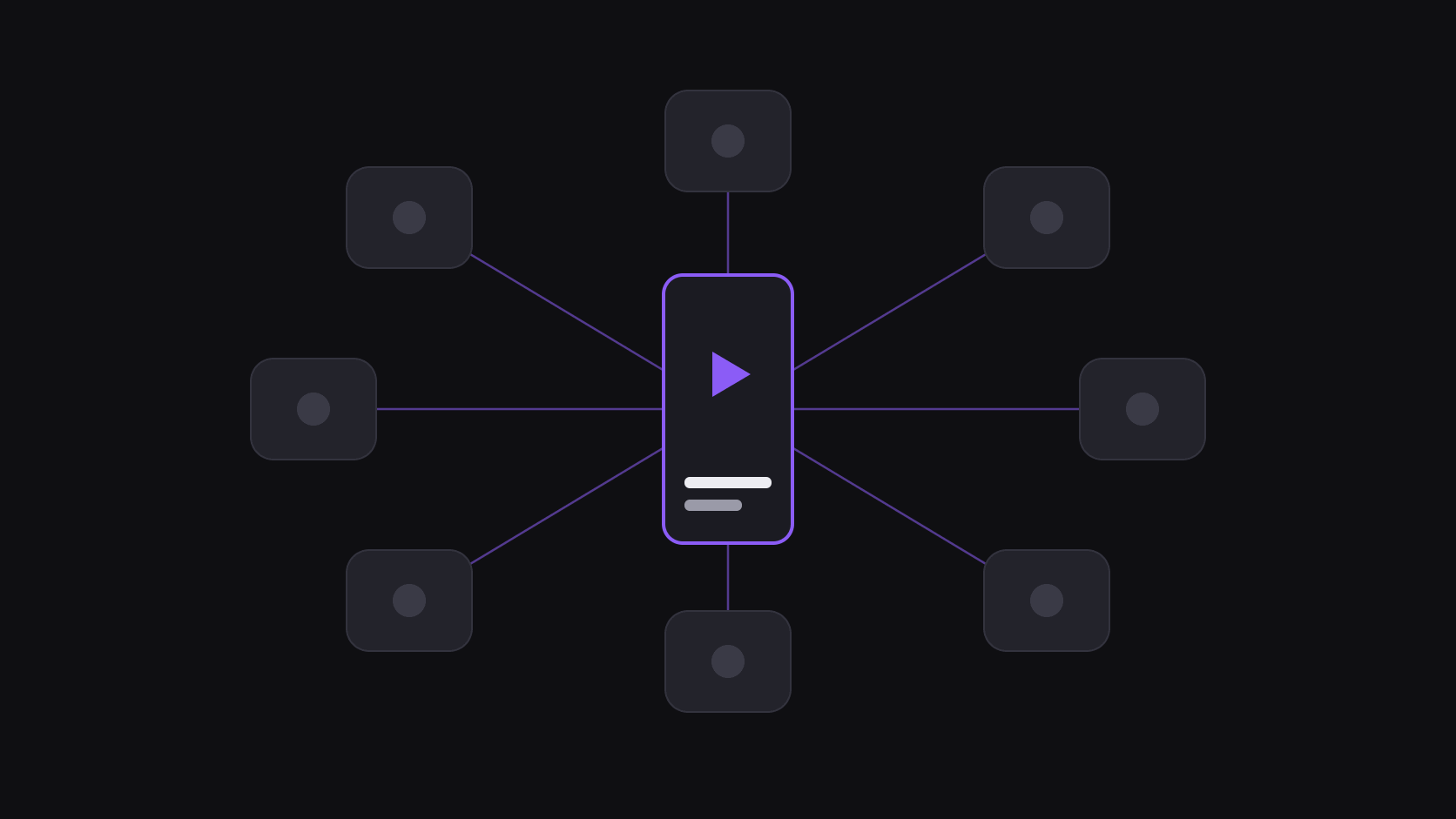
Cross-posting is the highest-return habit in clipping
You already did the expensive part. Finding the moment, cutting it, framing it vertically, captioning it — that is the work. Posting the finished file to a third destination costs you a caption rewrite and a few minutes.
The returns are not symmetrical, which is what confuses people. The same clip might do 90,000 views on one platform and 3,000 on another. That is not a reason to skip the second platform; 3,000 additional views for four minutes of effort is a rate you cannot match anywhere else in the workflow. And the ranking is not stable — clips that flop on your strongest platform sometimes take off on your weakest, because the audiences are genuinely different.
The one thing worth planning is spacing. Posting the identical file with the identical caption to three destinations inside the same minute is the pattern that reads as automated duplication, and the later posts absorb the cost. Why cross-posting is the only strategy that scales makes the volume case in full.
Order, spacing, and what to change
Order. Lead with the platform where the clip has the best shot, because that is where the early engagement compounds most. For most clip niches that means starting on whichever short-form feed your audience is largest on, then filling in the others.
Spacing. Half an hour is the practical minimum. Four to six hours is better, and a full day is better still for clips that are not tied to breaking news. Spacing also lets you use what you learned: if the first post's retention falls apart at eight seconds, trim the opening before it goes anywhere else.
What to change per destination. Not the video, mostly — the packaging. A different first line in the caption, hashtags tuned to that platform's conventions, a cover image where covers are visible. If you are posting to a horizontal or square surface as well, export the alternate aspect rather than uploading a vertical file with bars; Pro and above include 9:16, 1:1, 16:9, and 4:5 exports from the same clip.
AutoClip handles the mechanical half of this — scheduled posting to 9 destinations with spacing and per-account captions built in — so the part you do by hand is the part that needs judgment.
When cross-posting is the wrong answer
Three cases where blasting everywhere makes things worse.
Niche mismatch. A clip whose humor depends on knowing a specific community underperforms on a general-interest feed, and the damage compounds: those flat watch times teach that platform to categorize your account wrongly. Fewer, better-matched destinations beat maximum spread. Source fatigue has a similar shape.
Account dilution. If you are also running several accounts on one platform, cross-posting the same clip within the platform is a different and worse problem than cross-posting between platforms. Within a platform, duplication competes with itself.
Comment debt. Every destination you add is another comment section. Early comments are one of the strongest engagement signals you get, and an unattended one is a wasted asset. Three destinations you actually reply on beat six you ignore.
One thing to be clear about: not everything is a posting destination. Some platforms — Reddit and Snapchat among them — do not support automated posting from clipping tools, so if you want a presence there, it is a manual upload and you should budget for it as such.
Frequently Asked Questions
Whichever one your audience is biggest on, because that is where early engagement compounds fastest and where you learn most quickly whether the clip works. If you are starting from zero, TikTok and YouTube Shorts are the usual first pair for clip content; add others once you have a cadence you can sustain.
Thirty minutes is the floor, four to six hours is comfortable, a day is ideal for anything not tied to a news cycle. The gap does two things: it avoids the identical-simultaneous-upload pattern, and it gives you retention data from the first post that you can act on before the second.
Yes, and it is a small change with a real payoff. Different platforms reward different opening lines and different hashtag densities. Write the hook once, then adapt the first line and tags per destination. Setting a per-account caption style once means you are not rewriting it every time.
Not across platforms — each one indexes its own content and has no stake in what you posted elsewhere. What does hurt is uploading a file that still carries another platform's logo, and posting the identical file and caption everywhere within the same minute. Clip from the original source and space the posts, and you are fine.
Only the aspect ratio, and only where it matters. A vertical clip works on every vertical surface; if you are also posting to a square or horizontal placement, export that shape properly rather than letterboxing. Pro and Scale include multi-aspect export from the same clip, so it is one extra selection rather than a re-edit. See [pricing](/pricing) for which plan includes what.
The limit is not technical, it is attention. Each destination adds a comment section, an analytics tab, and a schedule to keep fed. Most clippers do best with three to four they genuinely maintain. Add the fifth when the first four are running without your daily involvement.
Related Articles
See also
One clip, every feed, spaced automatically
Schedule to 9 short-form destinations with per-account captions and staggered timing from a single queue.
Get started for free