7 Batching Techniques Fast Clip Channels Actually Use
Updated
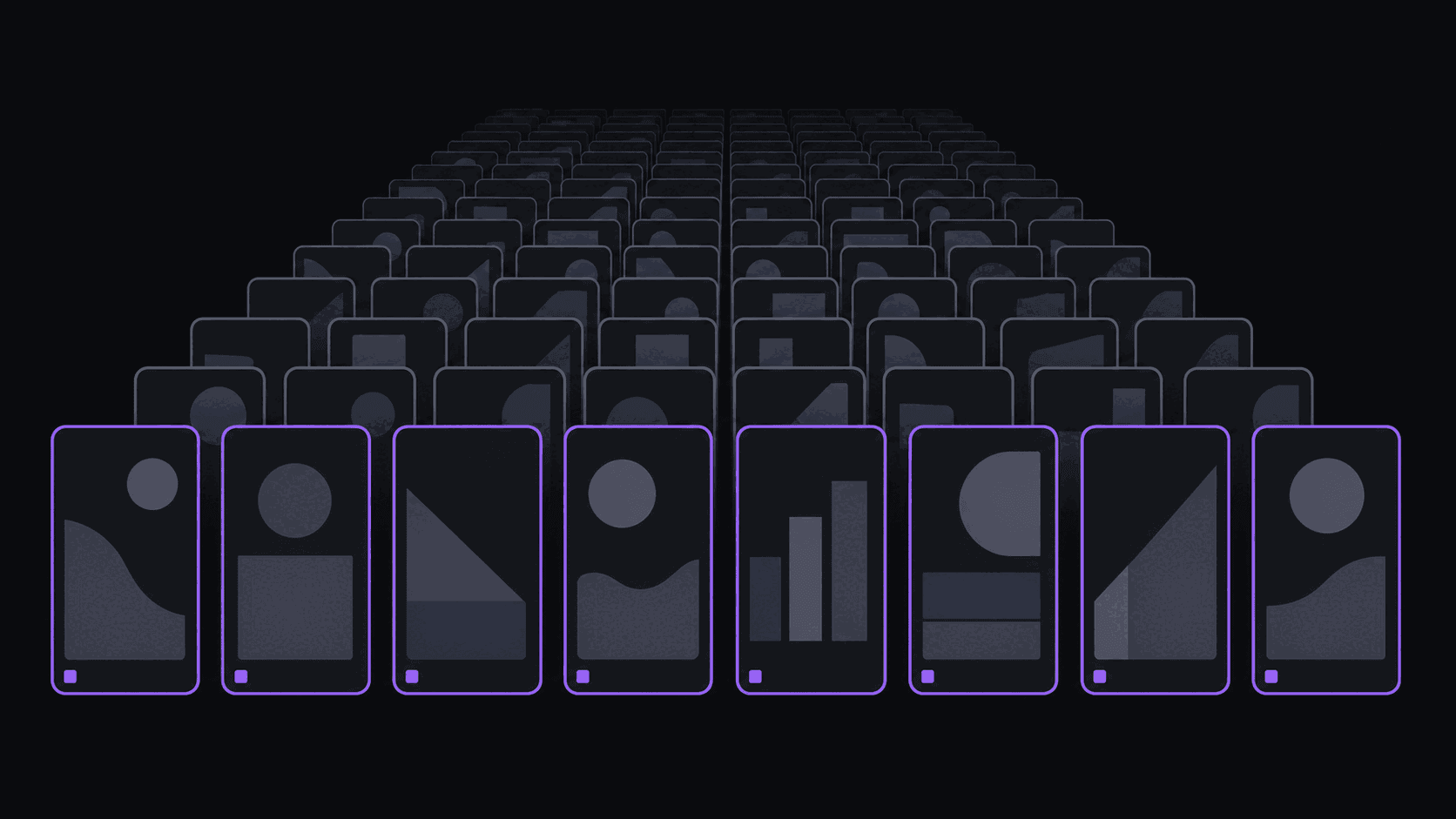
The wall everyone hits in month two
Clipping one video at a time works until you are posting daily to three platforms. Then the arithmetic turns hostile: ten clips a day, three destinations, a caption and a cover per post, and suddenly a hobby costs four hours an evening.
Batching is the fix, and it is not just doing more at once. It is separating the work into passes so you are never switching context mid-clip. Below are the seven techniques that survive contact with a real posting schedule, plus the two places batching quietly costs you.
If you want the concept first, what is batch clipping is the short definition.
Techniques 1 to 4: separate the passes
1. The source block. One session per source channel, not per clip. Process a full week of a streamer's VODs in one sitting so you are never re-learning the context. Context switching is the hidden cost in clipping, not the editing.
2. Split selection from publishing. Do all your selecting on one day and all your captioning and scheduling on another. Selection is a judgement task and publishing is a mechanical one; mixing them makes both slower.
3. Caption templates per source type. One saved style for gaming, one for podcast, one for commentary. A brand kit that holds your fonts, colors and logo means you pick a template rather than restyling every clip.
4. The two-week buffer. Never publish from an empty queue. Two weeks of scheduled clips means a bad week does not become a gap in your cadence, and the algorithm never notices you were sick.
Techniques 5 to 7: remove yourself from the loop
5. Channel monitoring instead of manual submission. Add the source channel once and new uploads and stream VODs get clipped without you doing anything. This is the single biggest change to a batching workflow, because it moves the trigger off your calendar. Setup is covered in how to set up channel monitoring for automatic clips.
6. Scheduled auto-posting on a spaced cadence. Publishing 10 clips at 9pm looks like a dump to every platform. Spacing them across the day is strictly better and is a scheduling setting, not a discipline problem. See how to schedule clip posts.
7. A weekly review pass instead of a daily one. Check analytics once a week against 30-clip rolling averages. Daily analytics checking on short-form is reading noise, and it eats the time you were supposed to spend producing.
Where batching costs you
Two honest downsides, both real.
Batching makes you slow on reactive content. If a streamer does something enormous on a Tuesday and you are on a Sunday batch cycle, you have missed the window entirely. Fast-cycle niches, live sports, drama, breaking news, need a hybrid: a scheduled base layer plus the ability to drop a same-day clip. How fast clips go viral after streamer events covers those windows.
Batching also flattens judgement. Working through 40 candidates in one sitting, you will approve things at candidate 35 that you would have rejected at candidate 5. The fix is a hard cap per session, usually around 25 selections, and stopping even if there is material left.
A realistic weekly schedule
Here is what a one-person, three-platform, daily-posting week looks like when the mechanical work is automated.
Monday, 45 minutes: review the week's monitored sources, select from the returned candidates. Wednesday, 30 minutes: second selection pass on midweek uploads. Thursday, 40 minutes: captions, covers, schedule the next two weeks. Sunday, 20 minutes: analytics against rolling averages, change one variable.
That is roughly two and a quarter hours a week for daily output. It works because a typical video comes back as around nine finished vertical clips with word-synced captions in about 5 minutes, so nothing in the schedule above is edit time. Longer sources take proportionally longer, and multi-hour Twitch or Kick streams typically cost 35 to 90 credits rather than billing minute for minute. Starter at $19.99 a month covers 200 credits; Pro at $39.99 covers 500 credits. Details on pricing.
Burnout is the actual failure mode here, not technique. Clip channel burnout and batch processing is worth reading before you set a cadence you cannot hold.
Frequently Asked Questions
With batching and automated production, 10 to 15 a day across three platforms is sustainable for one person. Fully manual, most people top out around 4 to 6 before quality or consistency slips.
By source channel for selection, by publish date for scheduling. Selecting across mixed sources in one sitting is where judgement degrades fastest.
No, and spaced scheduling usually helps, because it avoids the burst pattern that comes from publishing a full batch at once.
Two weeks. Longer than that and your clips start aging out of relevance in fast-moving niches; shorter and one bad week breaks your cadence.
Related Articles
See also
Batch the decisions, not the editing
Monitored channels clip new uploads automatically and scheduled posting spaces them across nine destinations, so your week is selection time only.
Get started for free